2.127
ENG_UD77558_1
Assistant autoroute et trafic (HJB - Renault)
Deactivating the “Lane
Centring” function
The “Lane Centring” function is deacti-
vated when:
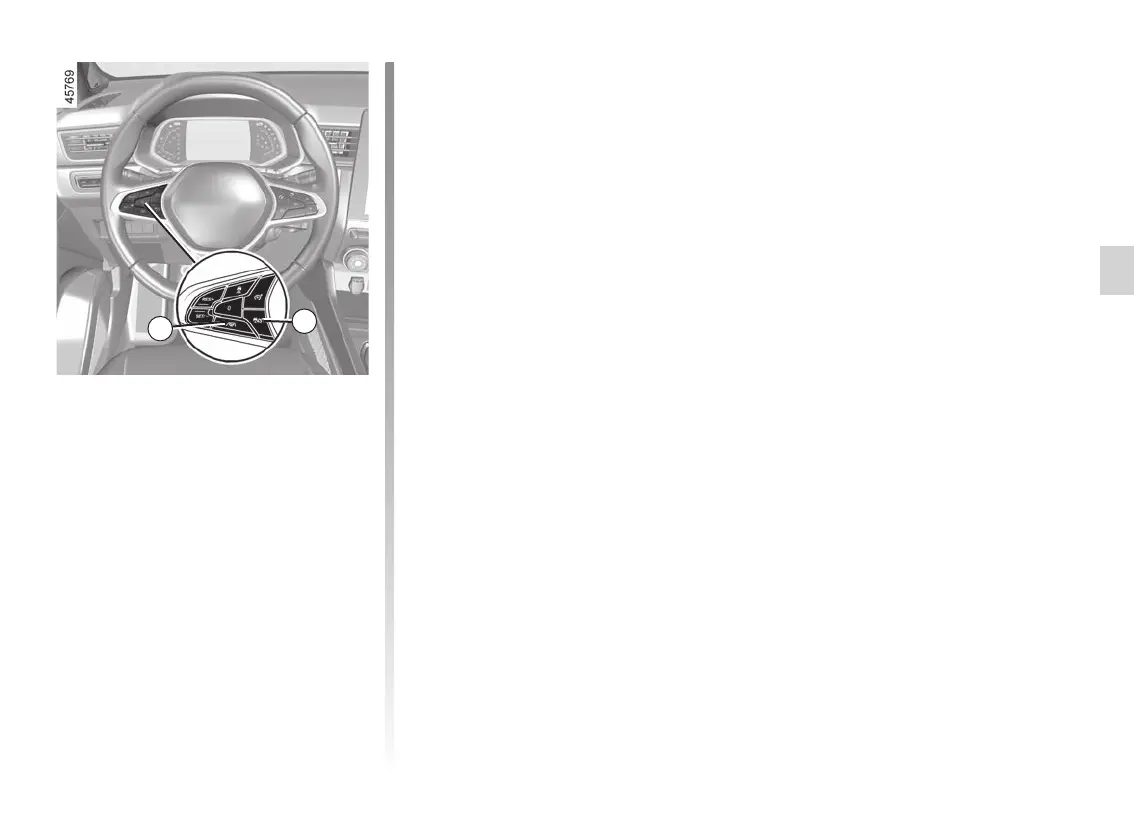
– you press the 11 switch. The func-
tion’s deactivation is confirmed by
the appearance of the “Lane center-
ing deactivated” message on the in-
strument panel;
Note: pressing the 11 switch once
deactivates the “Lane centring”
function but does not affect operation
of the Stop and Go adaptive cruise
control function.
– the Stop and Go adaptive cruise
control is deactivated ➥ 2.103;
Note: pressing the 10
button
once deactivates both the “Stop and
Go adaptive cruise control” function
and the “Lane Centring” function.
– the system will no longer detect the
driver’s hands on the steering wheel
for a period over 45 seconds approx-
imately.
The 15
warning light and the left-
hand and right-hand line indicators 17
disappear from the instrument panel.
MOTORWAY AND TRAFFIC ASSISTANT (11/16)
10
11














 To Next Page