operating faults ..........................................
(current page)
mileage before service ..............................
(current page)
additional tank capacity .............................
(current page)
fuel consumption .......................................
(current page)
maintenance:
mileage before service .........................
(current page)
clock
setting ..................................................
(current page)
tyre pressure..............................................
(current page)
1.72
ENG_UD68937_3
Ordinateur de bord : généralités (HJB - Renault)
TRIP COMPUTER: general information (2/4)
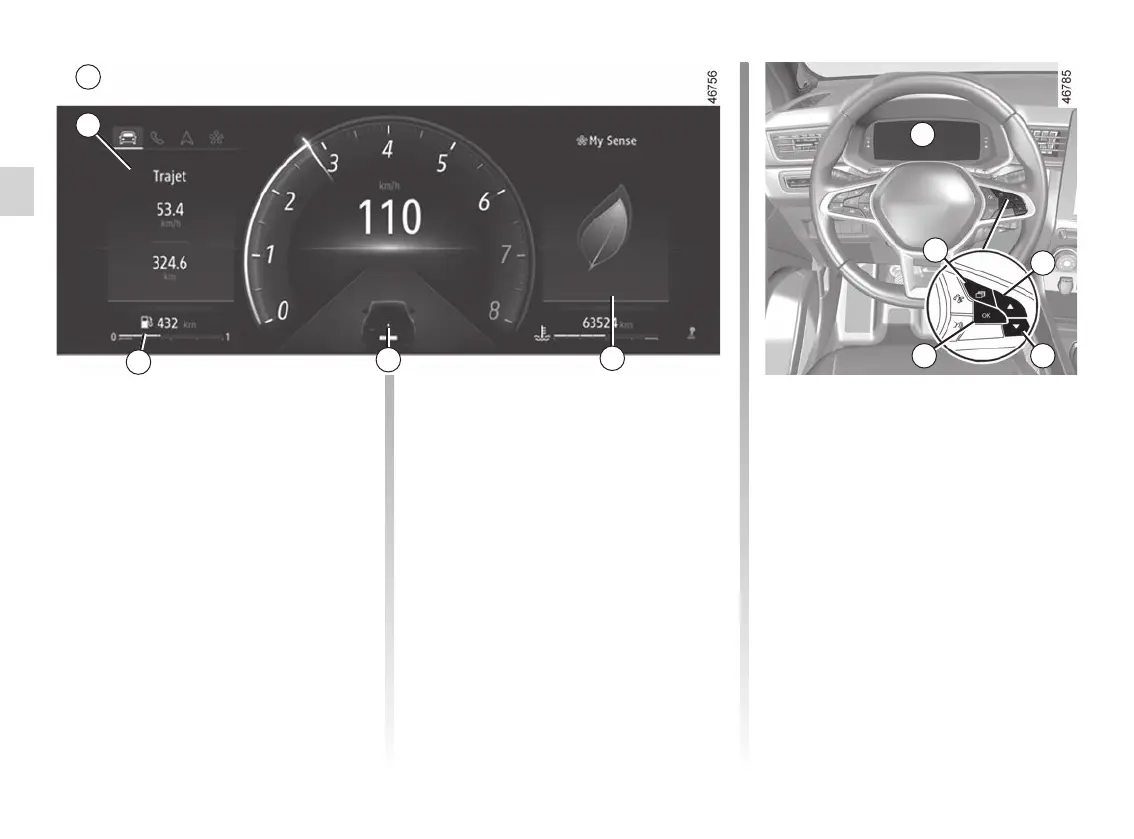
Vehicle fitted with Ainstrument
panel
The functions will be distributed in
zones 5, 6, 7, and 8. The location of the
zones differs depending on the style
selected.
Press the 1 switch to browse between
areas 5 and 6, then select the functions
by pressing the 2 or 3 switch repeat-
edly.
6
7
5
1
2
34
A
A
8














 To Next Page