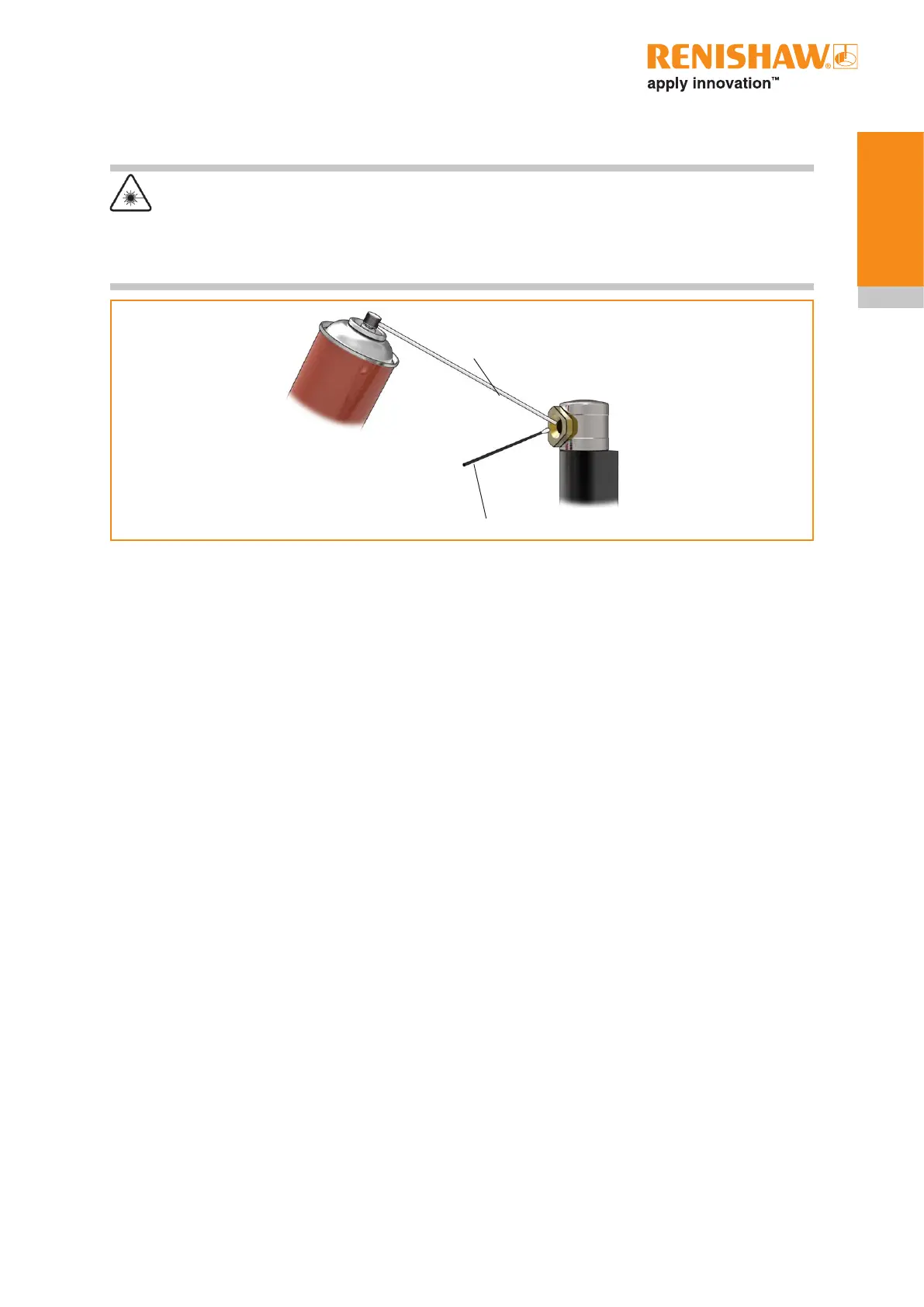
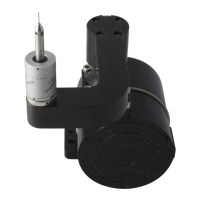
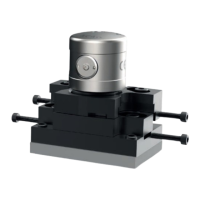
Precision cleaning solvent,
alternatively isopropyl alcohol may
be used.
Polyester cleaning swab
Nozzle tube
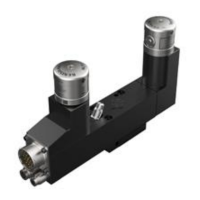
NC4+ Blue unit
1. Switch off electrical power to the interface unit. Isolate power by disconnecting from connector on
NC4+ Blue unit or from interface.
2. Remove the air supply from the NC4+ Blue by setting the pressure regulator to 0 MPa (0psi).
3. If an air pipe is damaged, replace the pipe.
4. Using the pin spanner, remove the access panel (unscrew anticlockwise) from the front of the
NC4+ Blue unit.
5. Insert the cleaning tool into the housing and rotate through 70 to 80 degrees until the PassiveSeal
is clear of the optic glass.
6. Purge the air supply for approximately one minute to clear the lines.
7. Access to the lens is through the centre of the cleaning tool. Spray the solvent cleaner, through
the nozzle tube, onto the lens.
8. Wipe the lens with the swab, using quarter-turn movements. Take care not to apply excessive
force to the lens as this may damage the optical surfaces.
9. Purge the air supply for one minute to clear the lines.
10. Soak a cleaning swab with the solvent cleaner.
11. Wipe the lens with the swab, using quarter-turn movements. Take care not to apply excessive
force to the lens as this may damage the optical surfaces.
12. Spray the clean air spray into the housing to remove all traces of solvent.
13. Visually inspect for debris around the surfaces where the access panel fits into the NC4+ Blue unit
and remove if applicable. Take care not to accidentally introduce debris into the housing.
4.5
Maintenance
To clean the optics
CAUTION – Laser safety
The access panel of an NC4+ Blue transmitter unit is removed to allow access to the optics. Before
removing the panel, switch off electrical power to the NC4+ Blue unit to avoid exposure to the laser
beam.


 To Next Page