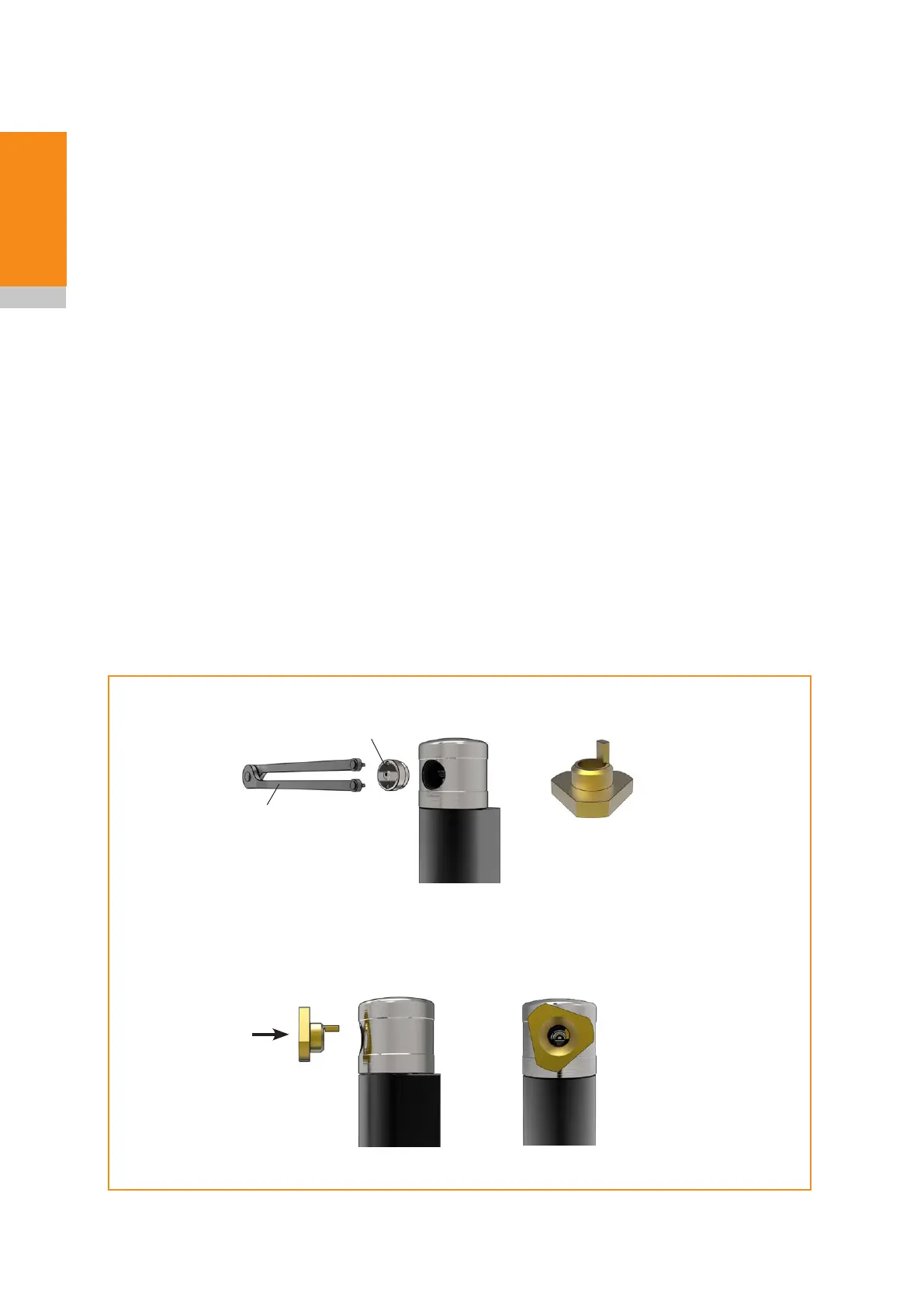
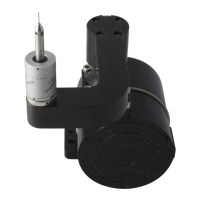
Pin spanner
Access panel
Insert cleaning
tool
Rotate cleaning tool
(approximately 70 to 80 degrees)
Cleaning tool
NC4+ Blue non-contact tool setting system installation guide
4.4
Maintenance
Cleaning the optics
Cleaning the optics should only be carried out by personnel who have received training in the use and
operation of laser products. Special tools, such as the cleaning tool and pin spanner, should only be
used by service personnel.
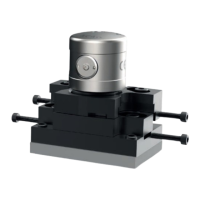
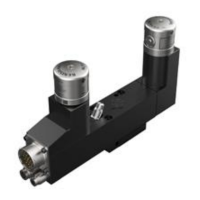
Cleaning the NC4+ Blue
If the air to the NC4+ Blue becomes contaminated, the transmitter and receiver units may require
cleaning.
Contamination will cause the system to stay in a triggered state. If contamination is suspected, identify
the cause and rectify the problem (for more information, see “Fault-finding on page 5.1), before
cleaning the NC4+ Blue system. If necessary, change the air pipe.
Clean the units one at a time to reduce the risk of mixing up the access panels.
Equipment required
• Pin spanner.
• Cleaning tool.
• Precision cleaning solvent, lens cleaner or isopropyl alcohol.
• Dust remover clean air spray.
• Polyester cleaning swabs (× 2).


 To Next Page