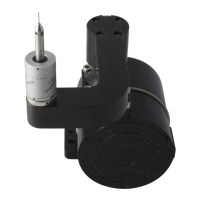
Manuallymounting/removingthestylusfromthe
stylusmodule
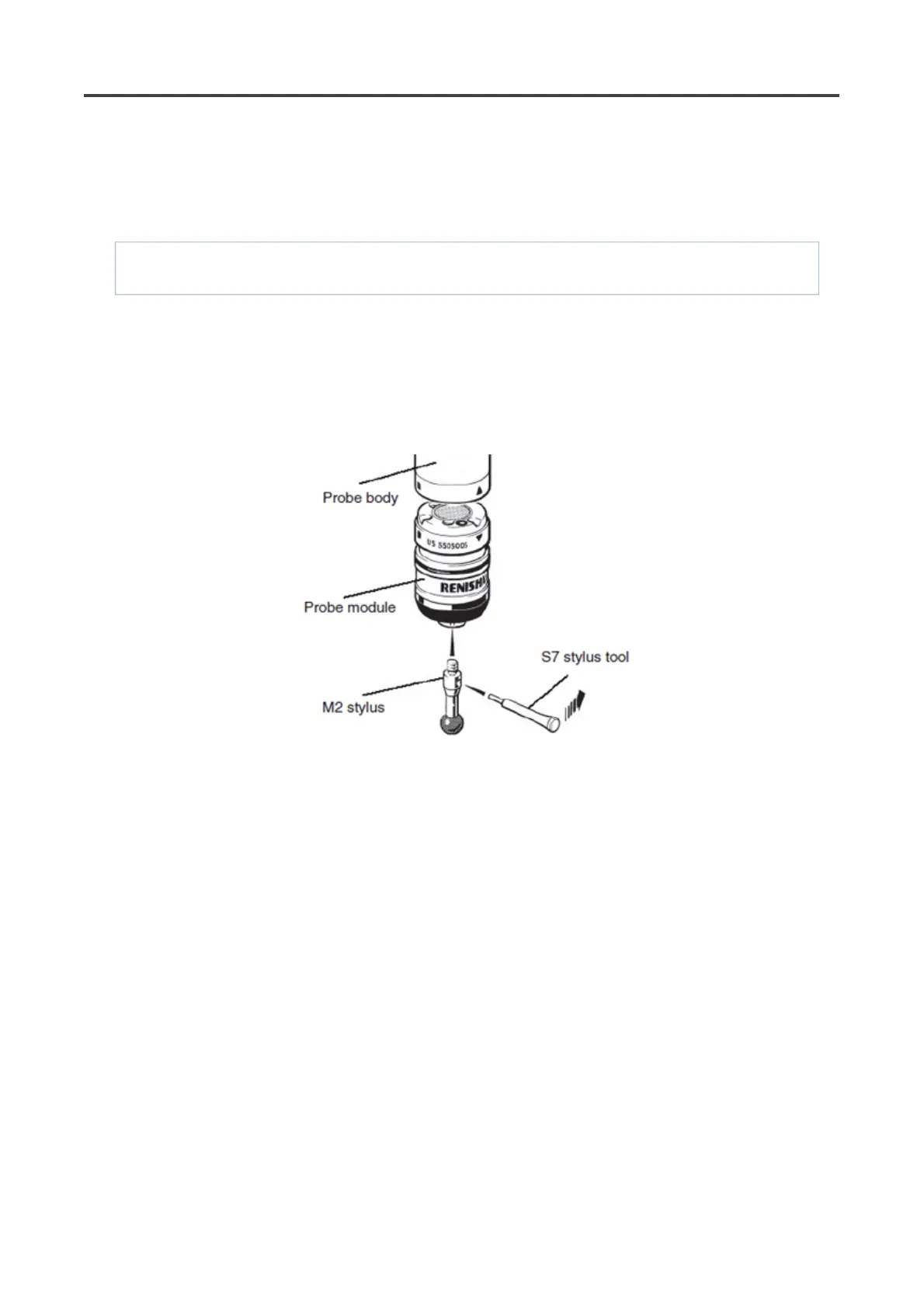
To fit a stylus onto the probe module, carry out the following procedure (see figure):
NOTE: For advice on both stylus and probe module selection, refer to the applications guide later in this
publication.
1. Ensuring that you have selected the correct probe module for your given application (see probe
module selection later in this guide), screw the threaded end of your chosen stylus into the M2 stylus
mount of the probe module and hand-tighten to secure.
2. Using the type S7 stylus tools provided, or type S20 spanner if fitting a stylus from the Renishaw GF
range, fully hand-tighten the stylus into the stylus mount to achieve the recommended tightening
torque of between 0.05 Nm and 0.15 Nm (maximum permissible torque is 0.3 Nm).
Pa
e 51 of 73PH20 user's
uide
19/12/2012file://C:\TEMP\~hh906A.htm



 To Next Page