47
f) Internet radio mode
1Searching for Internet radio stations
1. Press the button (8) and select the menu item “INTERNET RADIO” using the rotary knob (11) or arrow buttons
and (9).
The menu item “INTERNET RADIO” can also be accessed by pressing the Mode button (3).
2. Presstherotaryknob(11)toconrmtheselection.
3. Selectthemenuitem“SKYTUNE”andpresstherotaryknob(11)toconrm.
4. To select a station, open one of the following menu items. Here the stations are sorted according to various criteria,
e.g. by region and genre.
5. Check the desired station and press the rotary knob (11) to call it up.
6. Besides the above search option, you can also search for stations using the menu item “SEARCH (SKYTUNE)”.
In this case, the search is carried out using the station name or parts of the station name.
You can also access this search option directly by pressing the Skytune Search button (4).
7. Besides the above search option, you can also search for stations using the menu item “HISTORY”. The last sta-
tions you listened to are listed here.
2Calling up station information
During playback of a station, you can call up further information about this station or the track currently being played
or the time and date.
The information available depends partly on the station's broadcast content. It may take some time for all
contents to become available.
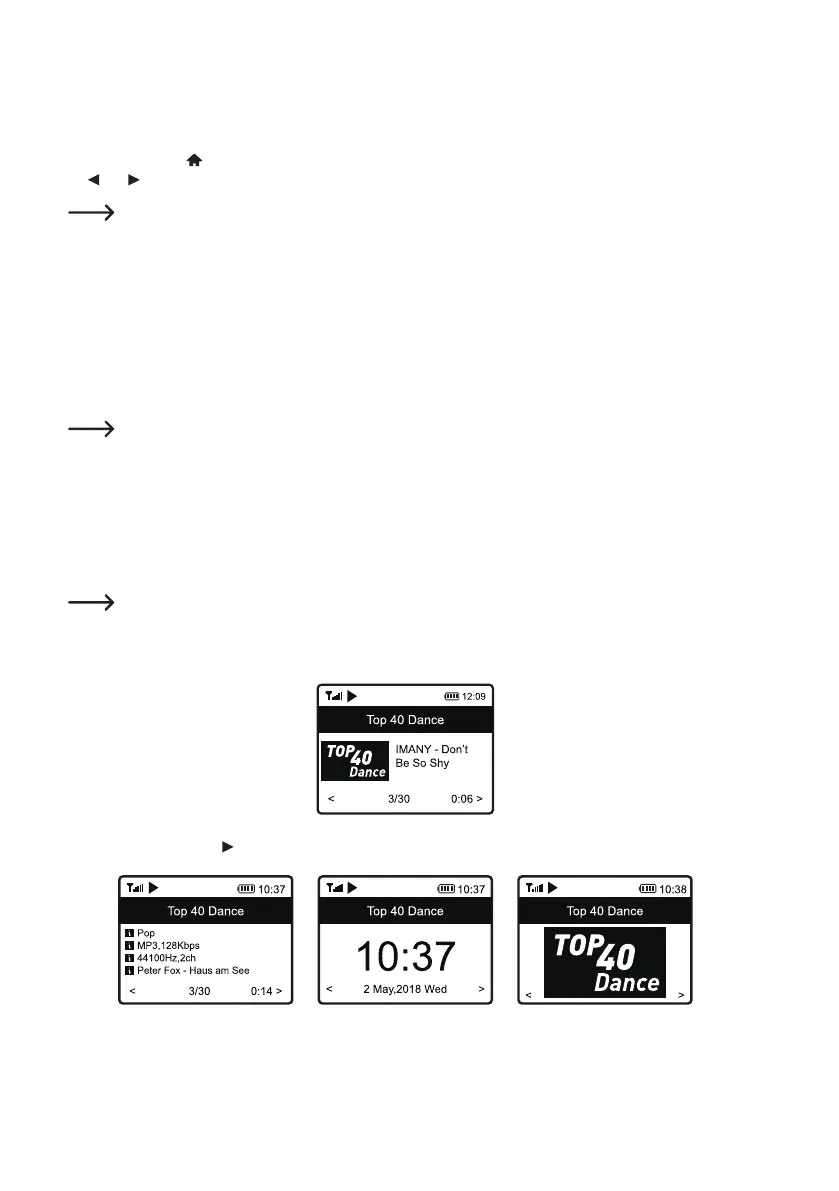
1. Basic display when receiving Internet radio stations:
2. Press the arrow button (9) to display detailed information. Each press of the button switches to the next display:


 To Next Page