52
2Calling up station information
During playback of a station, you can call up further information about this station or the track currently being played
or the time and date.
The information available depends partly on the station's broadcast content. It may take some time for all
contents to become available.
Press the arrow button
(9) to display detailed information. Each press of the button switches to the next display.
3Manage station list
1. Highlight the station to be edited in the station list.
2. Press the arrow button
(9).
3. Further options will appear in the menu with which the station can be moved or deleted.
4Manual tuning
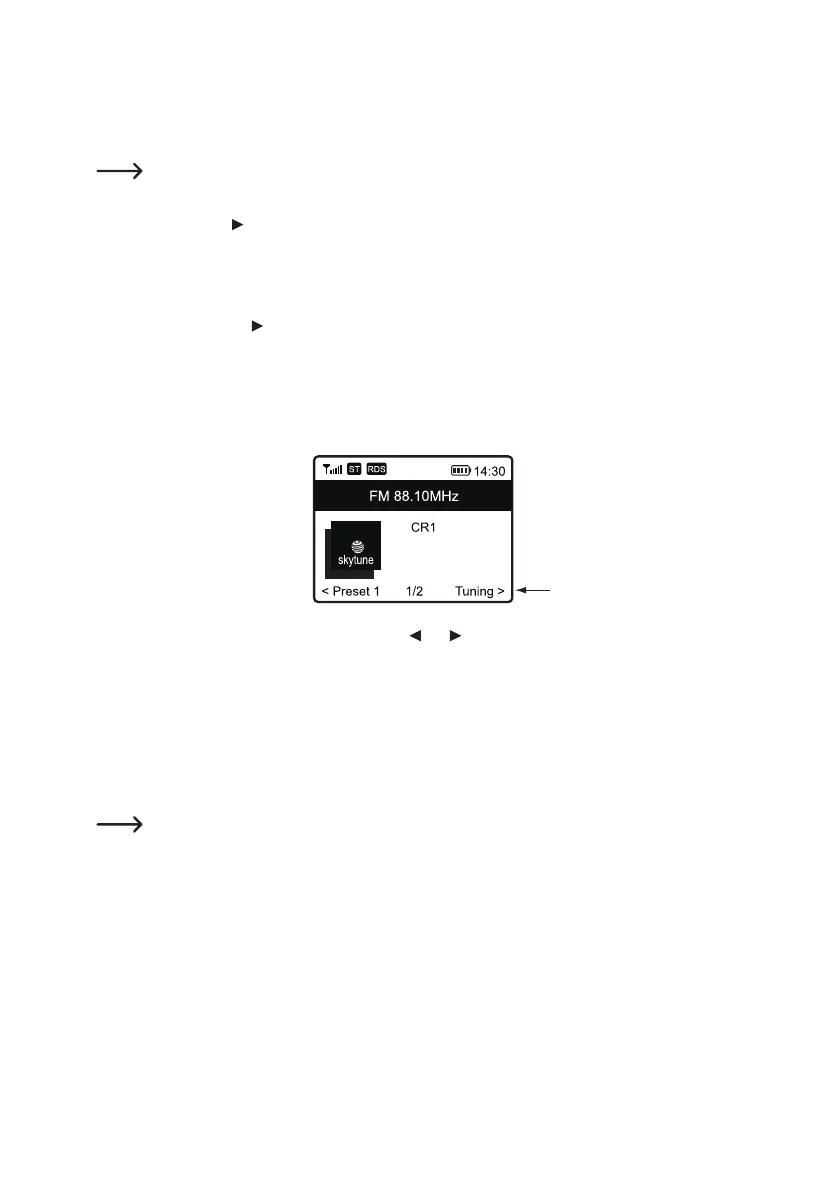
1. Press and hold the rotary knob (11) until TUNING appears at the bottom right of the display.
2. Set the desired frequency using the arrow buttons and (9).
3. After frequency setting, press and hold the rotary knob (11) to exit manual tuning. TUNING will disappear from
the display.
k) Favourites
The Favourites list stores Internet stations, DAB stations and FM stations together in one list. This gives you easy
accesstoallstoredstationswithouthavingtoselecttherelevantmoderst.
Amaximumof99favouritescanbestored.Therst5favouritesfromthelistcanbesavedandcalledup
directly via the number buttons 1-5 (10).


 To Next Page