77
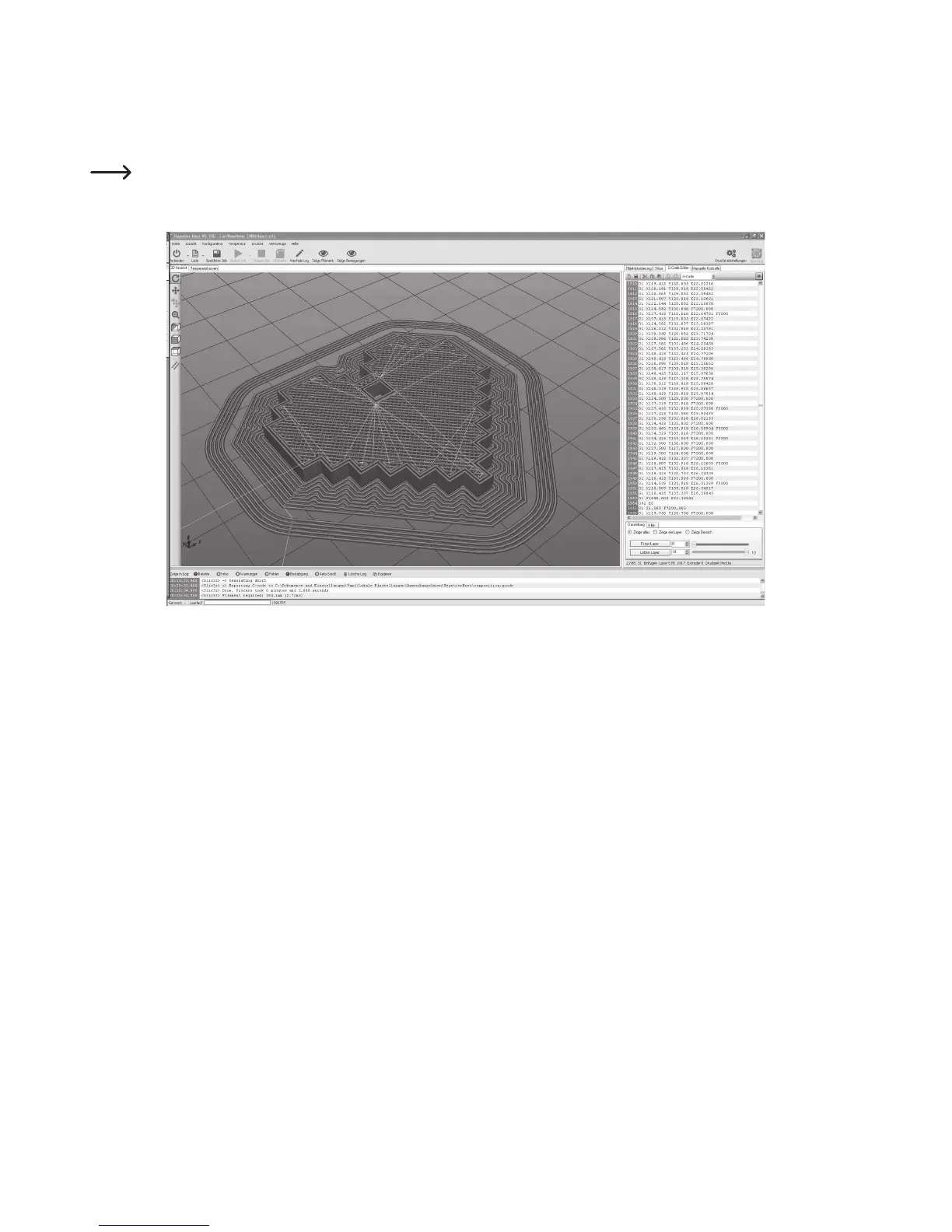
The finished printing file appears in the graphics window after calculation.
To the right of it, the G-code (layer description) appears, and below a control with which the layer view can be influenced.
This layer view serves to check for errors before printing.
In the very left of the screen, there is a tool bar that serves view control.
For more detailed descriptions of the functions, see the online help function of the software.



 To Next Page