78
g) Printing
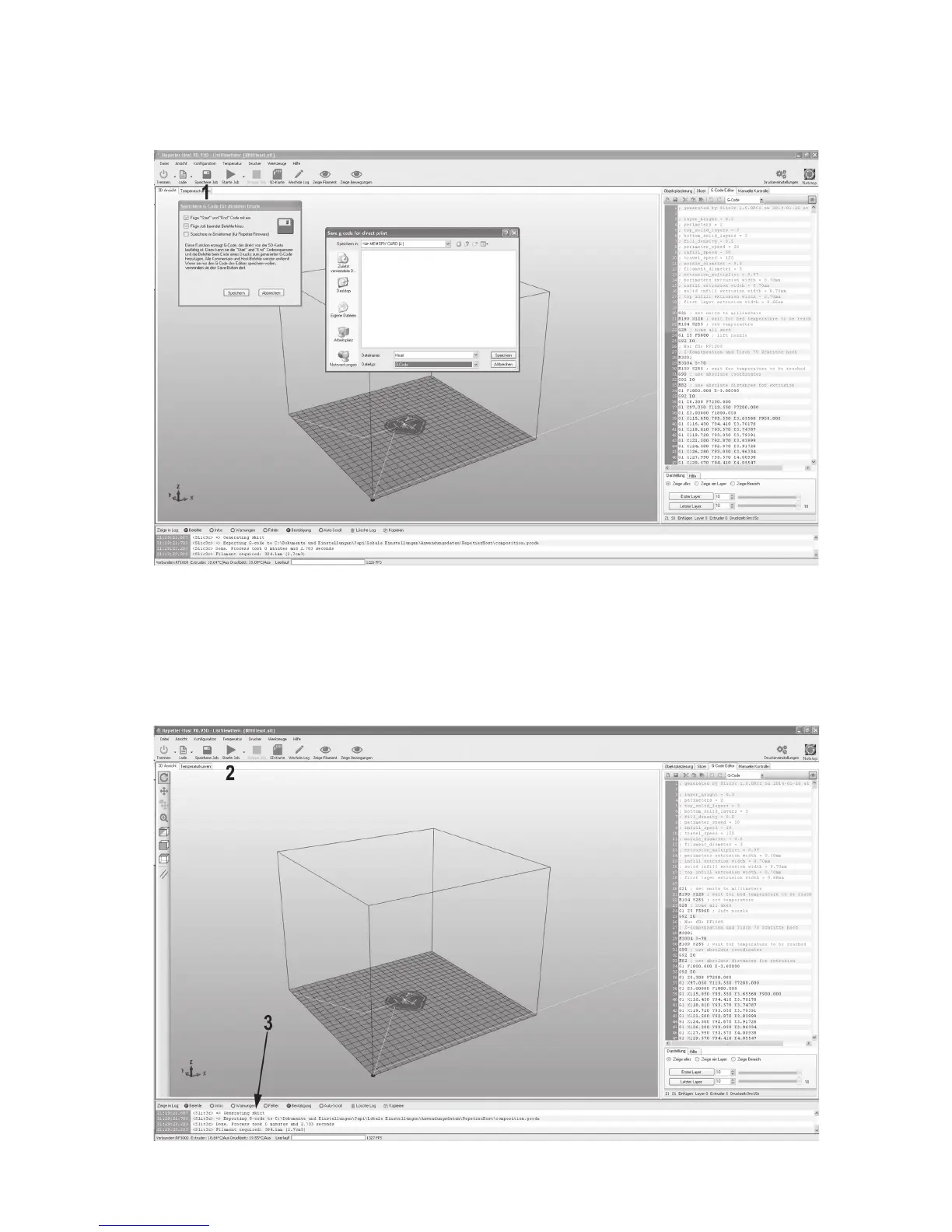
The printing file produced in this manner can be printed now. There are two options for this:
(1) Click “Save Job” to save the print file on an SD card and then print it out stand-alone.
(2) You can also click “Start job” to send the file directly to the connected 3D printer via the USB interface of the computer and
print it.
Here, the log window (3) below the image shows current information on software, slicer and printer during printing.



 To Next Page