80
h) More Detailed Description of the Slicer Functions
Below some settings of the slicer are explained that are only to be changed by experienced users. The use of wrong
settings can result in damage to the 3D printer or defective printouts.
Beginners should first work with the basic settings that are integrated in the custom version in any case.
If you make any changes to the settings, these must be saved in the configuration settings by clicking the disc icon.
Save the dierent settings as a configuration setting. Assign unique names for the dierent configuration settings so that
you can assign them uniquely to the dierent filament types, print resolutions, etc. later.
For more information, read the integrated online help function.
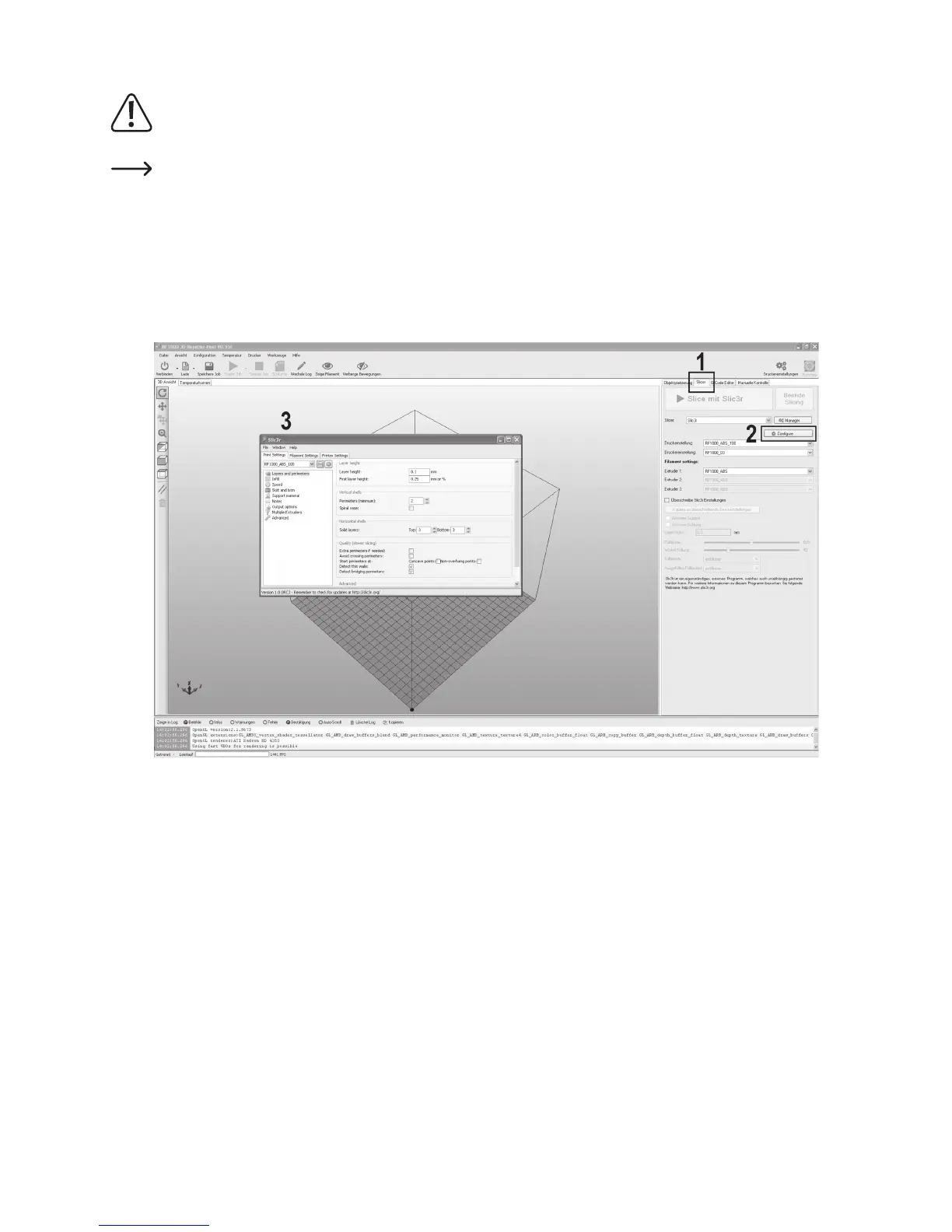
Click the software in the tab “Slicer” (1) to Configure (2) in the right window.
The window of the slicer (3) is opened.



 To Next Page