87
c) Setup of the Software
• Connect the 3D printer to a free USB interface of the computer and switch it on.
• If the printer has not been connected to the computer before, the operating system recognises new hardware and is looking for
the corresponding driver.
• Select manual driver selection and enter the directory.
The printer driver is in a subdirectory of the directory “Arduino” on the enclosed SD card (just open the folders and
subfolders in the “Arduino” directory until the directory “drivers” is displayed).
• If during installation the operating system shows a message according to which the driver has not passed the Windows logo
test, choose “Continue installation”.
• Start the software.
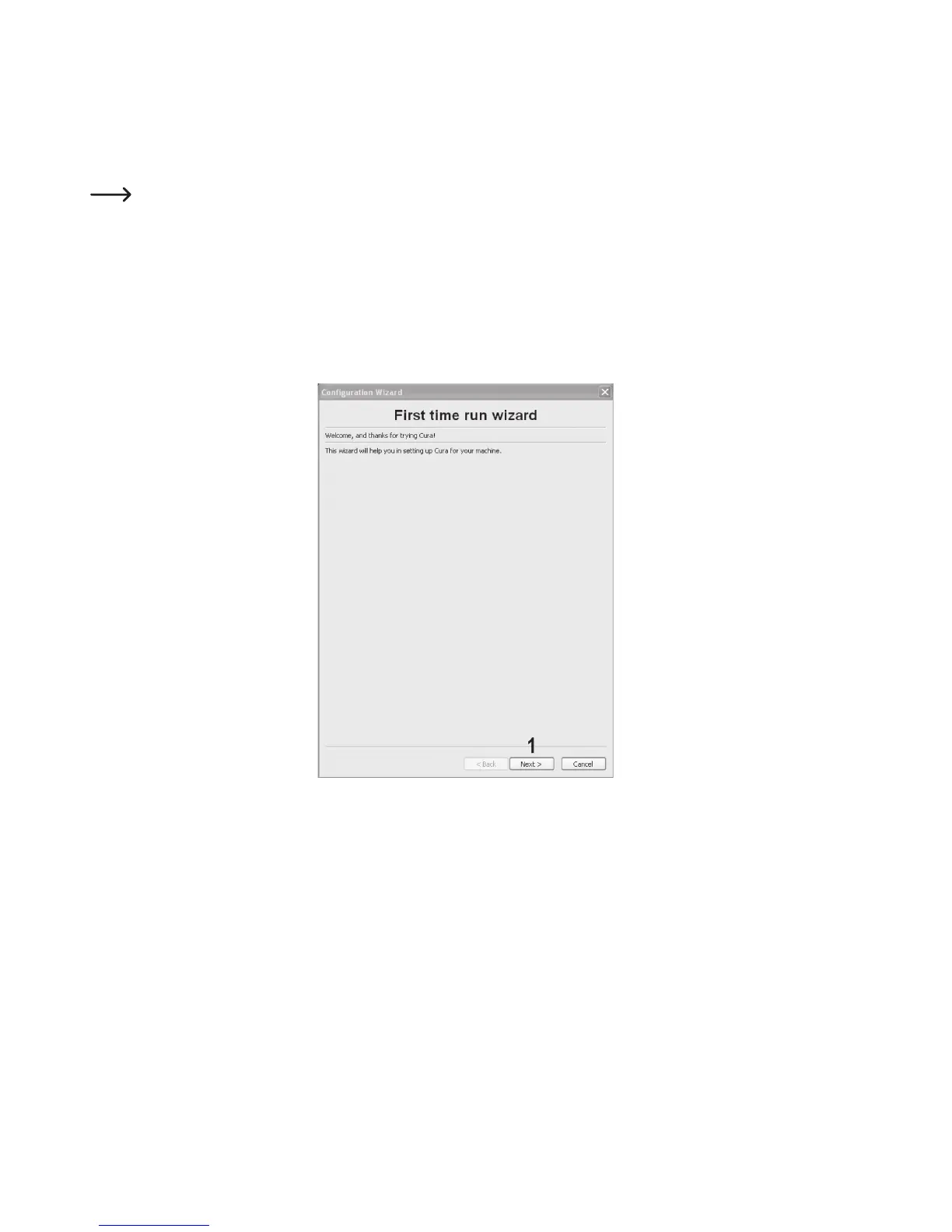
The “Configuration Wizard”, which will guide you through the setup process of the 3D printer, appears:
(1) Click “Next”.



 To Next Page