96
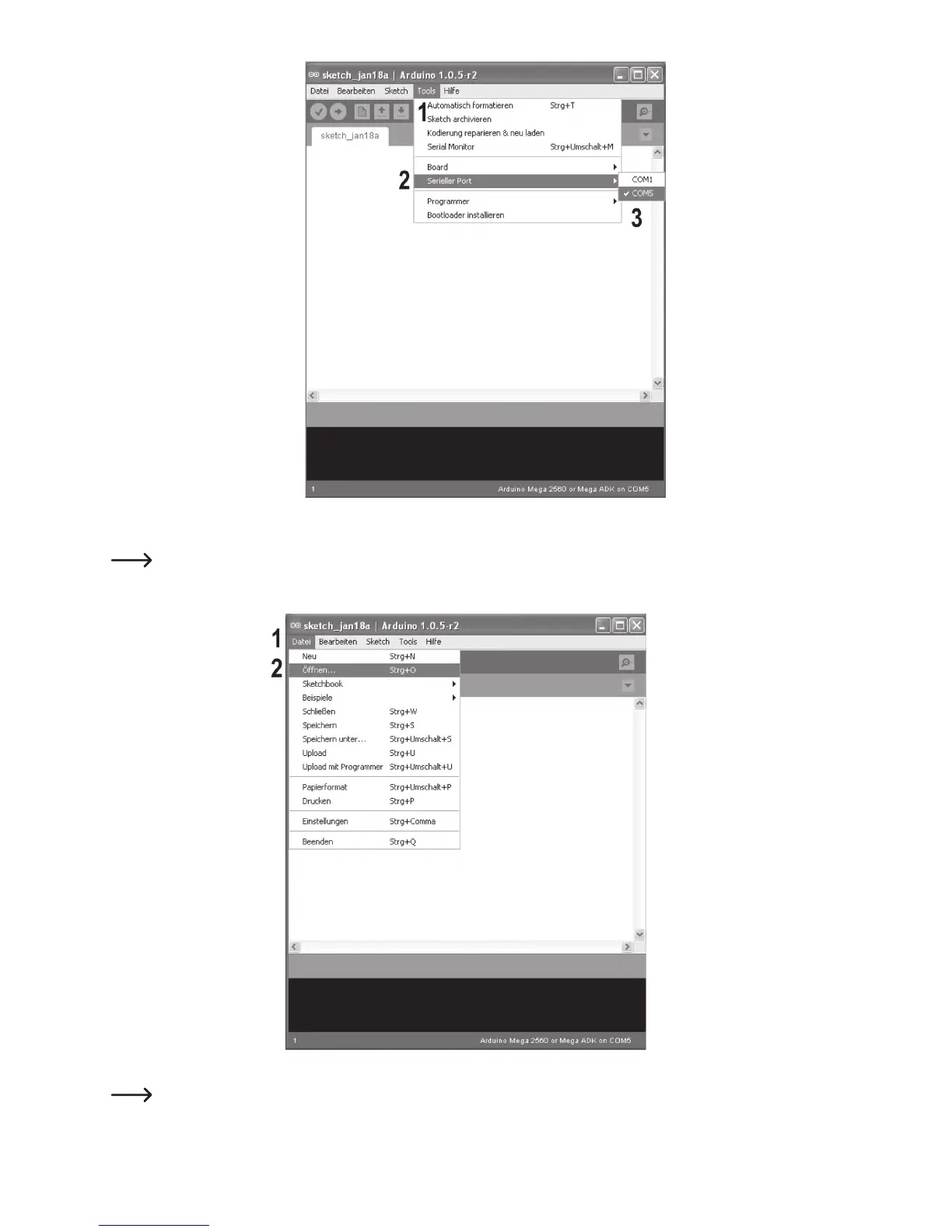
• In the menu “Tools”, select the option “Serial port” and set the correct port.
The port number is system-dependent. You can find it in the device manager of the control panel, under connections
(COM and LPT).
• In the menu “File”, choose the option “Open...” and select the file “repetier.ino” from the downloaded firmware folder.
The file “repetier.ino” can be found via the following file path: “Repetier-Firmware-master\src\ArduinoAVR\Repetier”



 To Next Page