/ 15
Disconnect Repetier Host and all power sources (power supply 12V and
USB).en invert your motor plug on the RAMPS card. Reconnect your
machine.
Repeat the operation for Y and Z axis. For Z axis the positive direction
means a vertical rise.
Activate support fan
If a fan does not work, check the polarity.
Invert motor’s direction
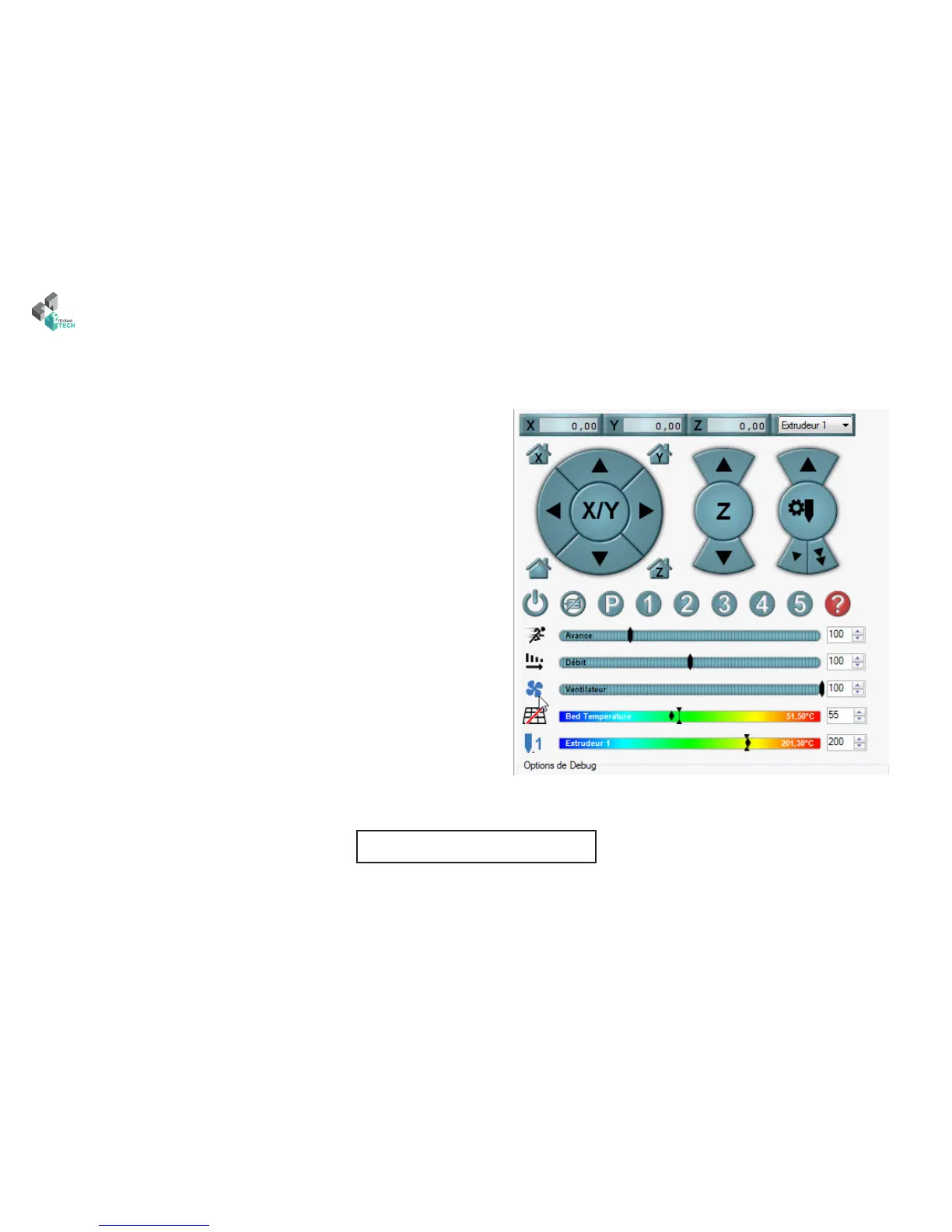
e extruder has two fans. One cool the extruder body and other one
cool the piece. e rst is above is activate when you connect the 12V
supply. e second will be activated automatically or through the manual
control interface (see below).
Fan checking



 To Next Page