/ 21
Note * : standard sheet
of paper (80 grs)
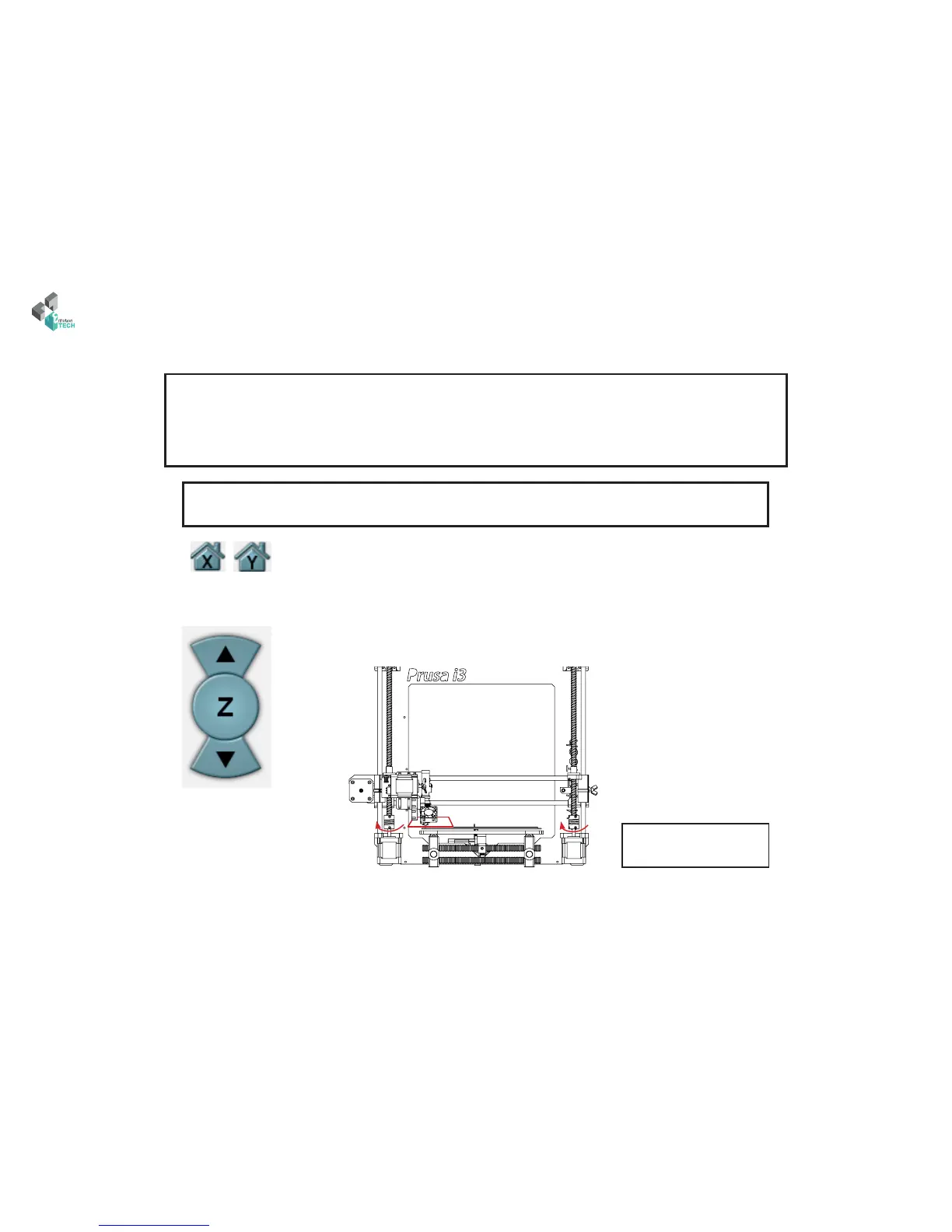
Step 4 : Z-Axis calibrating
1- Initialize X and Y axes by clicking the house icon
3 -Place a paper’s sheet under the heating head.
4 - Using the cursor dedicated to the Z axis, move it down
until the paper is slightly blocked.
What is the target ?
To properly calculate the correction of the auto-leveling we need to determine the dierence of our printhead with
the heating bed when palpated with our sensor.
Note: is dierence is therefore a negative value beacause it will lower the heating head of measurement recorded
up to get the point Z = 0.
Paper *
2 - Send the following GCODE command : G92 Z100
is sets the current Z axis point to Z = 100 so it can move down.
Note: the heat tends to inuence the sensor signals, it is best to calibrate thereof taking care beforehand
that the heating elements are already at target temperature.



 To Next Page