/ 19
Step 2 : checking sensor operation
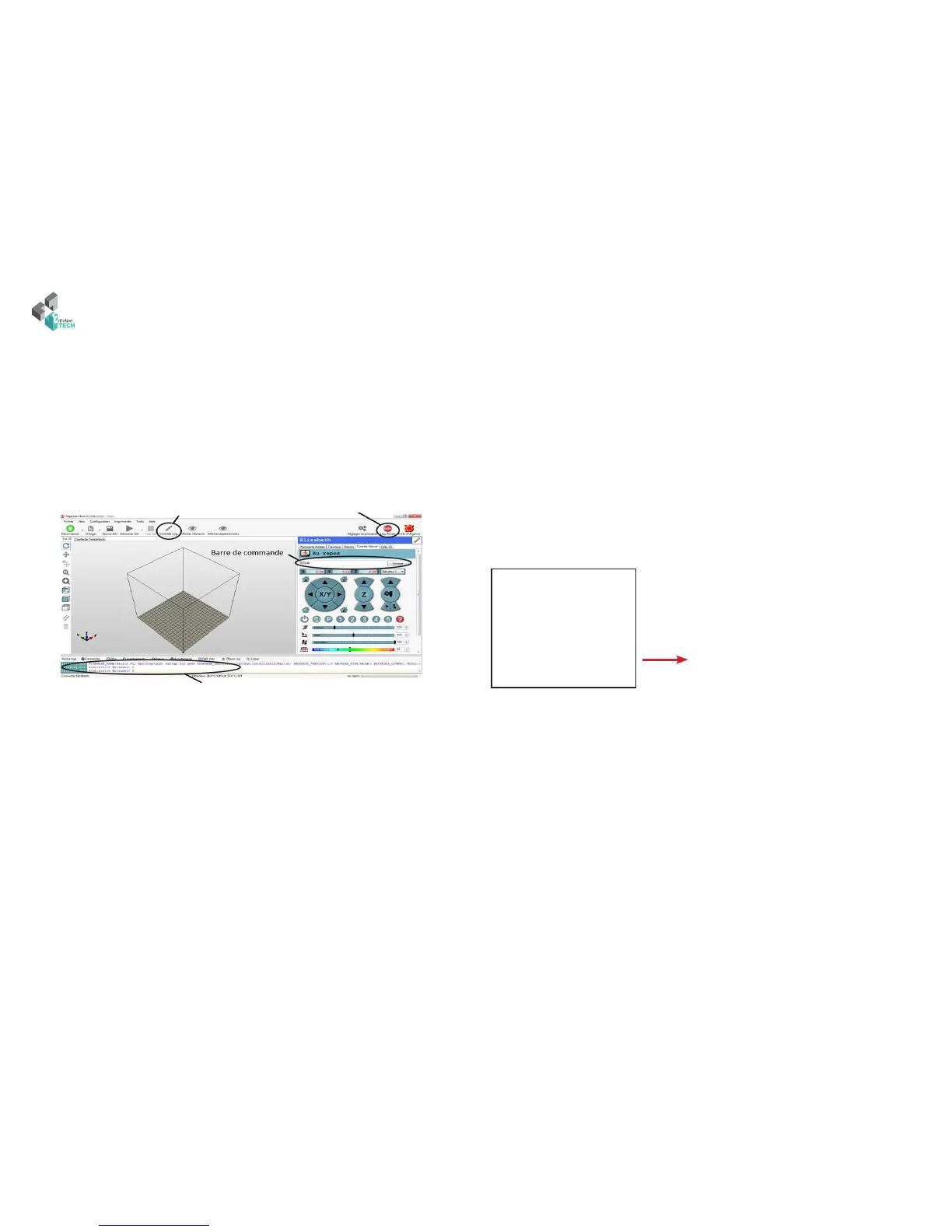
View the feedback (logs) : Position a metal object in your sensor and type «M119» in the command
prompt of «manual control» tab.
Type of response expected in the logs:
Reporting endstop status
x_min: open
x_max: open
y_min: open
y_max: open
z_min: TRIGGERED
z_max: open
is command allow you to check operation of printer’s sensors.
Note: try the M119 command when you do not have a metal part to recover
the «open» mention in z_min.
If you do not have feedback of your inductive sensor, check the orientation of
the sensor connector and a possible false contact on RAMPS card + adapter
board + inductive sensor.
Note: on some sensor model, the indicator light remains on power
supply and not sign detection.
inductive sensor
is button displays Repetier’s
logs
Press this button to make visible
the log Visibility button
Information returned by the
machine (log visibility)



 To Next Page