9 - To set the value of the specied gap type the following command :
In our previous example :
M851 Z-0.49
Note: Replacing «-0.49» with the value you received without forget to mention the «-» sign.
10 - Type the «M500» command to save permanently in the memory of your machine.
5 - Type the «G92 Z0» command to set the point Z = 0 of your printer
6 - Using the arrows, move your Z axis 30mm upward, so you will be at Z = 30
7 - Type the «G30» command to perform a probe and detect your metal bed
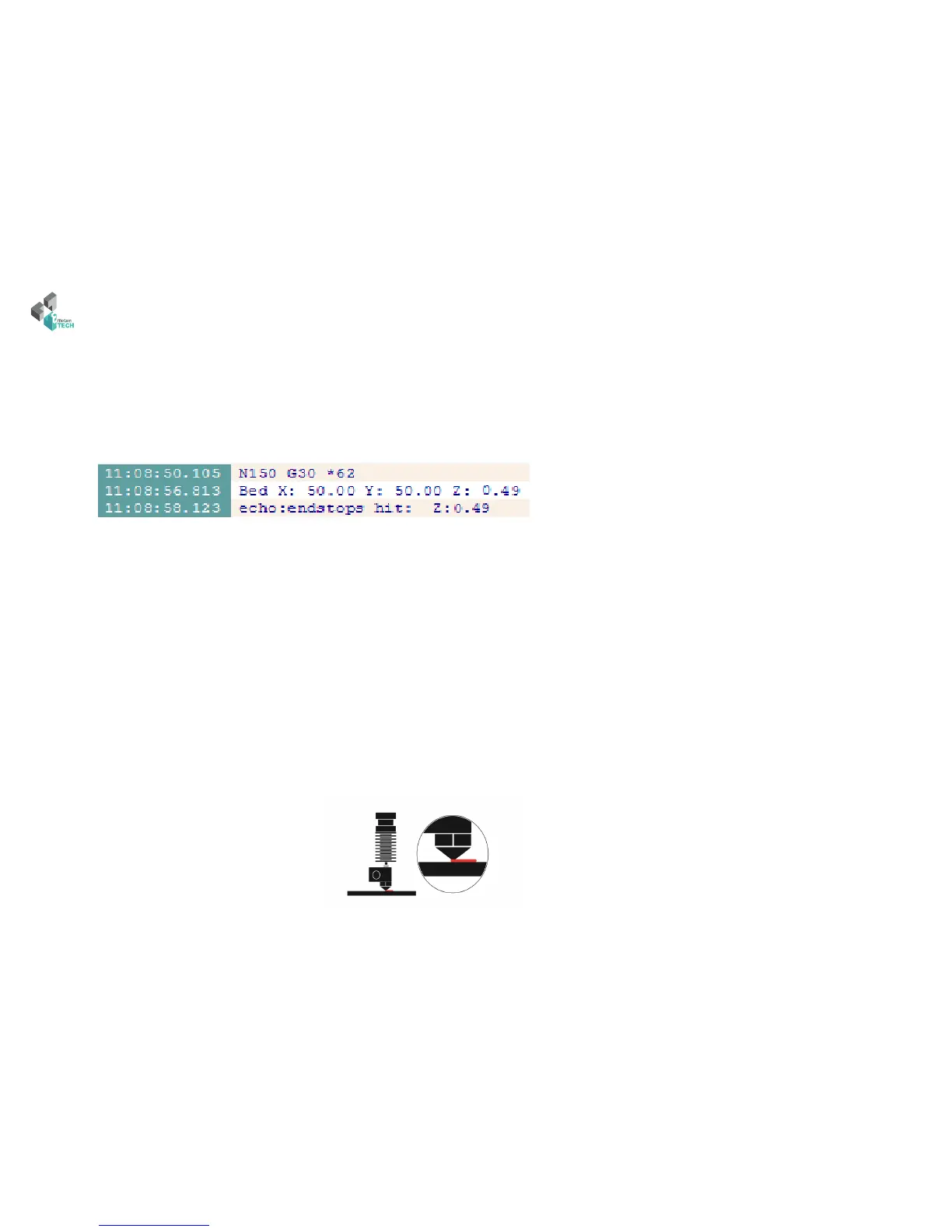
8 - Here is a typical example of a response in your logs:
Note: For this example, we just measure a dierence of 0.49mm from our printhead
Note: At any time you can use the «M851» command to retrieve the last saved value and modify it to adjust the height of the rst print layer.
e proper height of the nozzle corresponds to the fact that the top of the molten plastic strand either at the same level as the bottom of the nozzle.
is is illustrated by the following scheme:



 To Next Page