4-8
REM
s t a R M sE R i E s Us E R Ma n U a l
4.5 pa t i E n t RE M i n d E R sC R E E n
Yourhomecareprovidermaysetapatientreminderthatwillappearperiodicallytoalertyou
totakecertainactions,suchasreplacingyourmask.Amessagewillappearwheneverthedevice
transitionsfromtheActiveDisplaytotheStandbystateiftheperiodoftimespeciedbyyour
provider has expired.
Youcanacknowledgethemessagebypressinganyofthedisplaybuttons(+,–, or ). If you
donotacknowledgethemessagewithinsixminutesofitappearingonthescreen,itwilltime
outanddisappear.emessagewillcontinuetodisplayforthreeconsecutivedayswheneverthe
devicetransitionsfromActivetoStandbyuntilitisacknowledged.If,afterthreedays,youstill
havenotacknowledgedthemessage,thenthereminderperiodwillresetandnomorereminders
willdisplayuntilthenexttimethepatientremindersettingexpires.
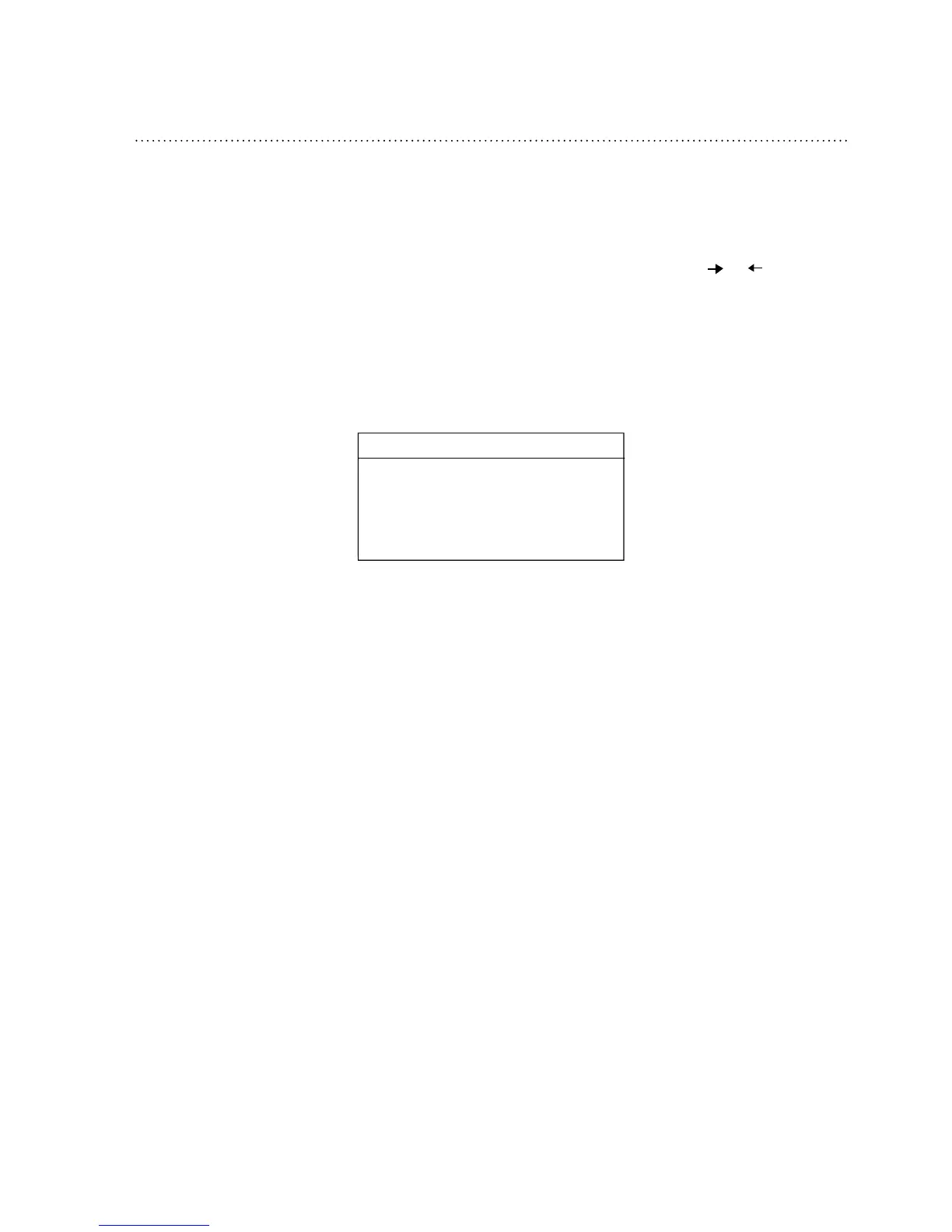
Figure4–7showsanexampleofapatientremindermessage.
Patient Reminder
Check your mask, a new one
may be available. Call your
provider.




 To Next Page