1-5
REM
s t a R M sE R i E s Us E R Ma n U a l
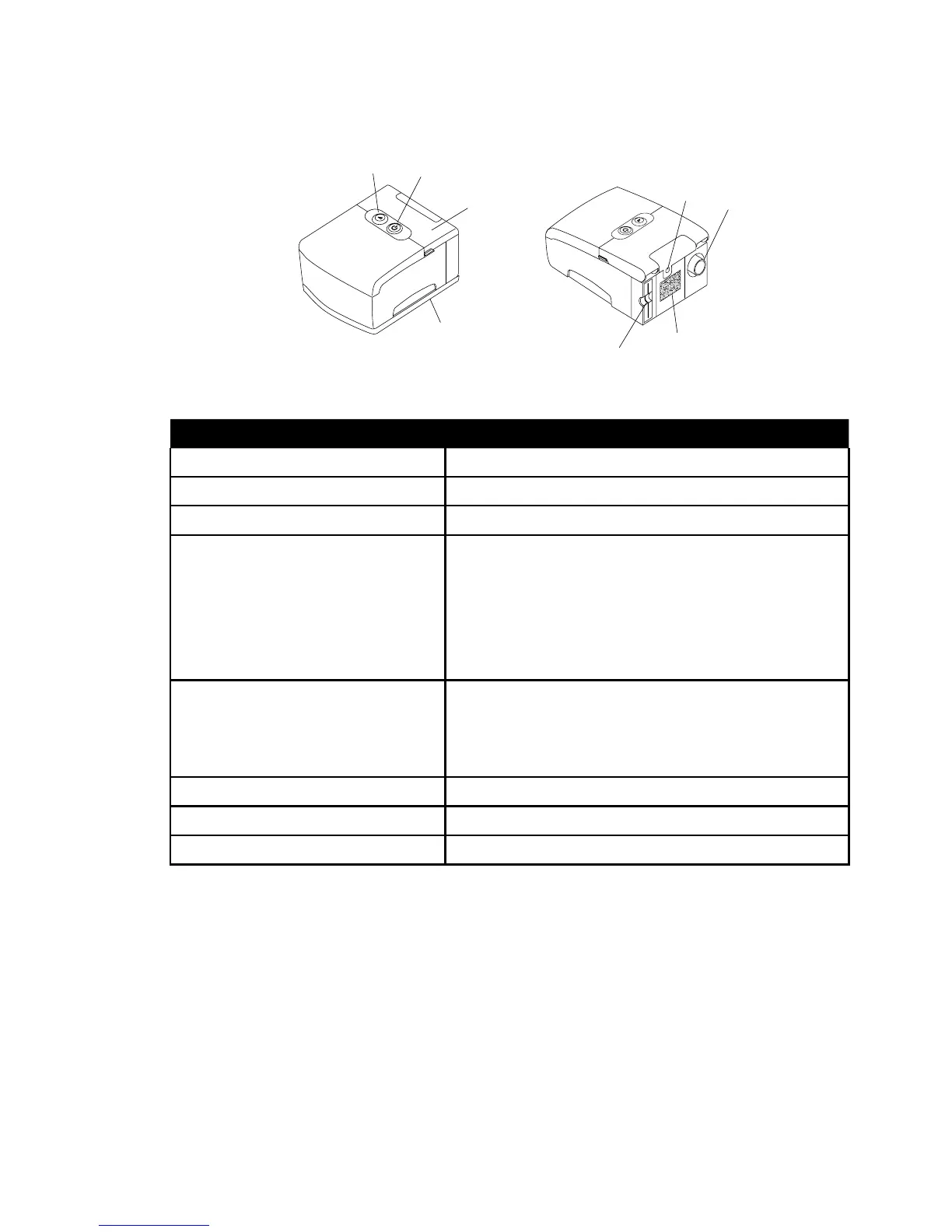
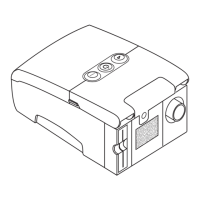
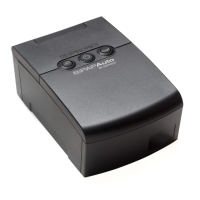
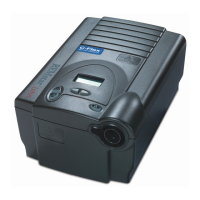
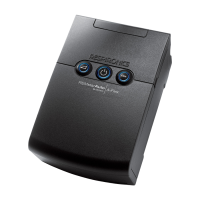
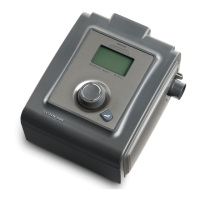
Figure1–3illustratesmanyofthedevicefeatures,describedinthetablebelow.
fi g U R E 1–3 sy s t E M ov E R v i E W
dE v i C E fE a t U R E dE s C R i p t i o n
Accessory Module If applicable, insert optional accessory module here.
Air Outlet Connect the exible tubing here.
Display Screen Shows therapy settings and patient data.
Filter Area A reusable, gray foam lter must be placed in the
lter area to screen out normal household dust and
pollens. An optional, white ultra-ne lter can also
be used for more complete ltration of very ne
particles.
Medical Equipment Note For ease at airport security stations, there is a note
on the bottom of the device stating that it is medical
equipment. It may help if you also take this manual
with you when you travel.
Power Inlet Connect the power cord here.
Ramp Button This button starts or restarts the ramp cycle.
Start/Stop Button This button starts or stops the airow.




 To Next Page