01.12.2016 Retsch GmbH 14
Operation
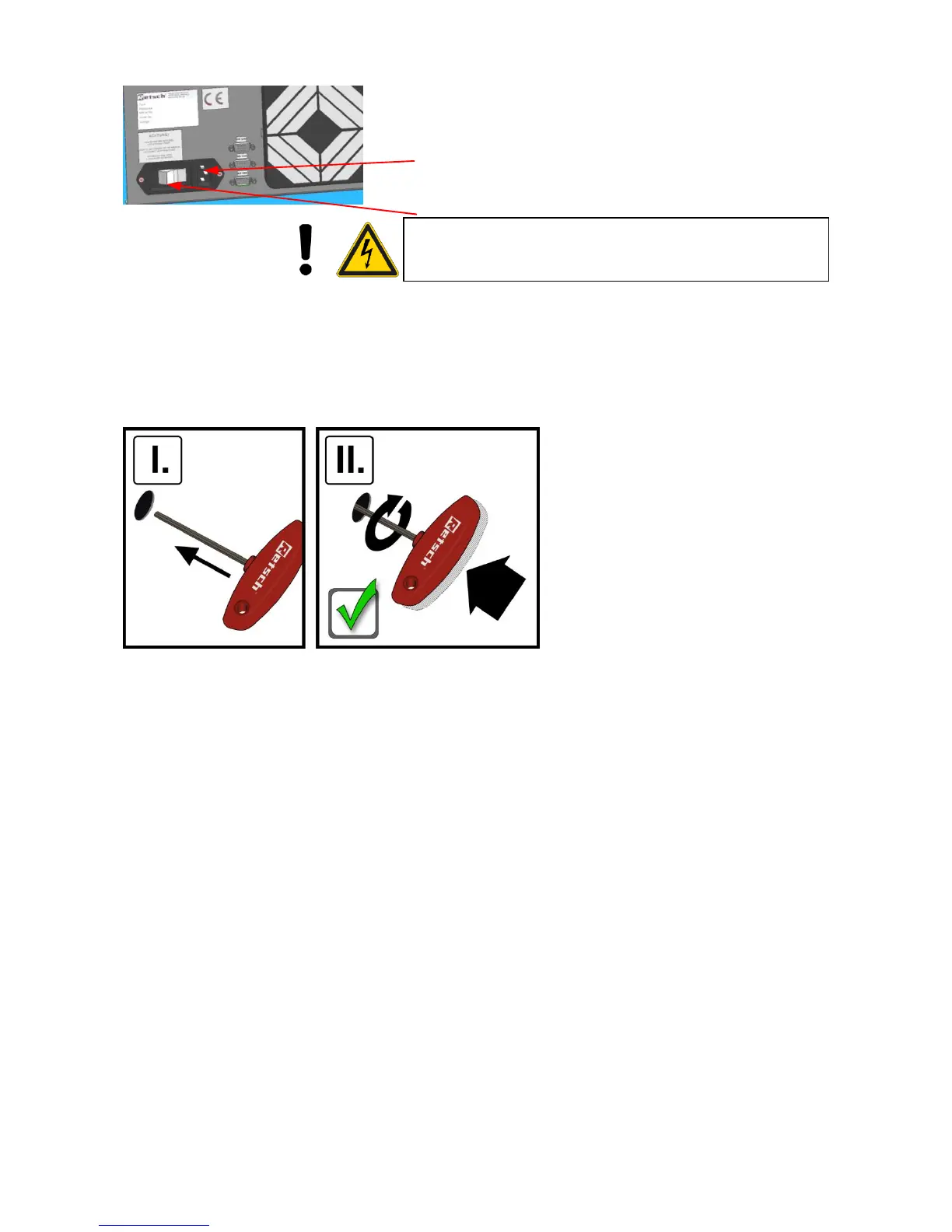
Connect the power
Ensure that the voltage and frequency of your mains power
supply agrees with the data plate on the ZM200.
Plug the power cable into the socket at the rear of the
unit
Plug the cable into the mains power socket
Turn the main switch on
Failure to observe the values on the data plate can cause damage to
electronic and mechanical components.
The language menu is displayed the first time the ZM200
is switched on.
The language required can be selected here by turning
operating button F. The selection is confirmed by pressing it
and the display shows "Open cover".
Opening / closing / emergency unlocking of
the grinding chamber


 To Next Page