POP 2 3D Scanner User Manual
15 COPYRIGHT ©2022 REVOPOINT 3D ALL RIGHTS RESERVED
Start or Pause Scanning
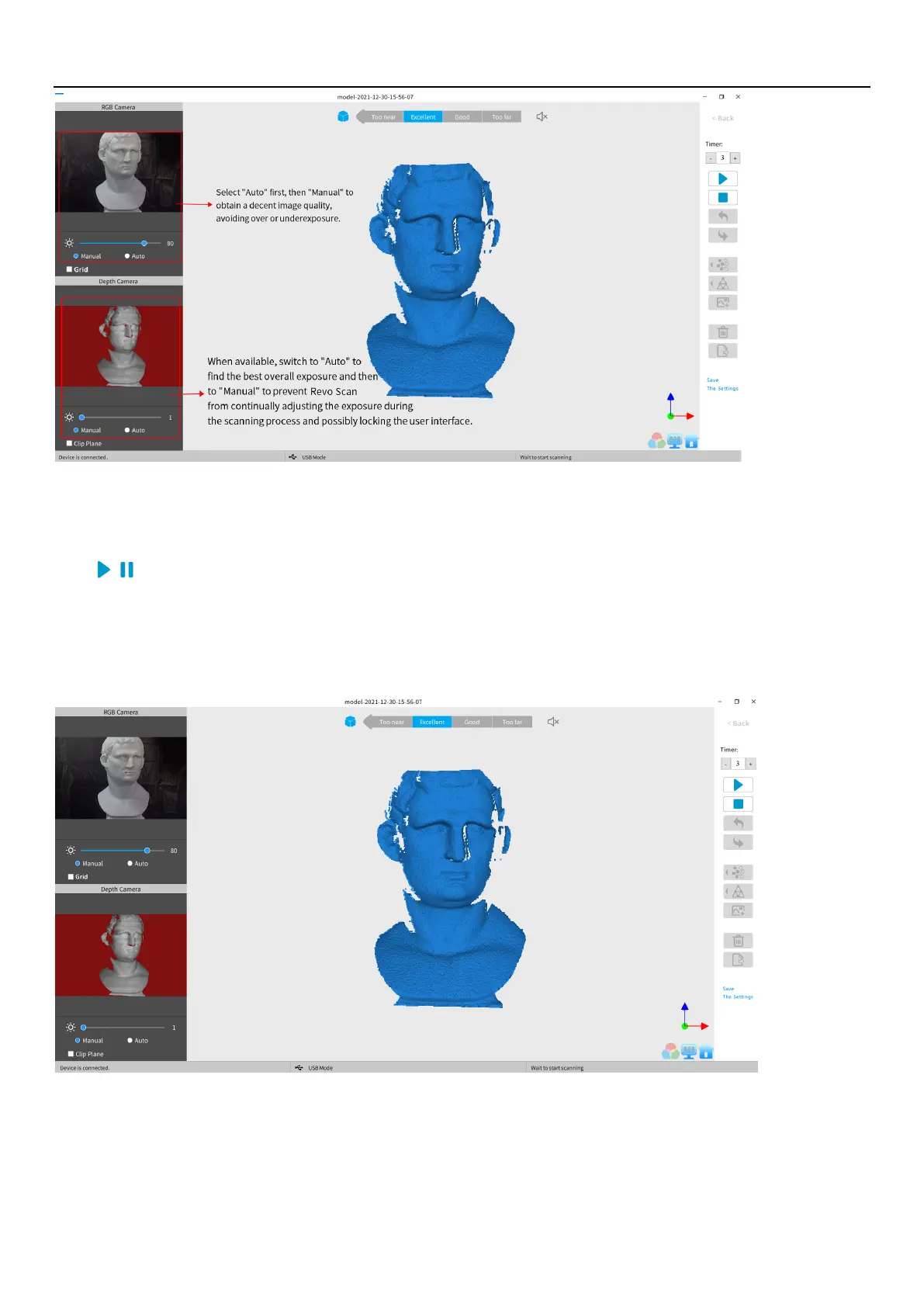
Click / to Start/Pause scan. The number above the Start button is the countdown before scanning starts.
During scanning, please make sure the point cloud in the lower-left window is adequate and the distance remains
"Excellent". Move the scanner slowly and deliberately during scanning while keeping a relatively fixed distance. Already-
scanned sections of the model are displayed in blue. Unless there are holes in the scan, there is no advantage to continuing
to scan a blue area (and it will waste memory and processing time).



 To Next Page