POP 2 3D Scanner User Manual
COPYRIGHT ©2022 REVOPOINT 3D ALL RIGHTS RESERVED 24
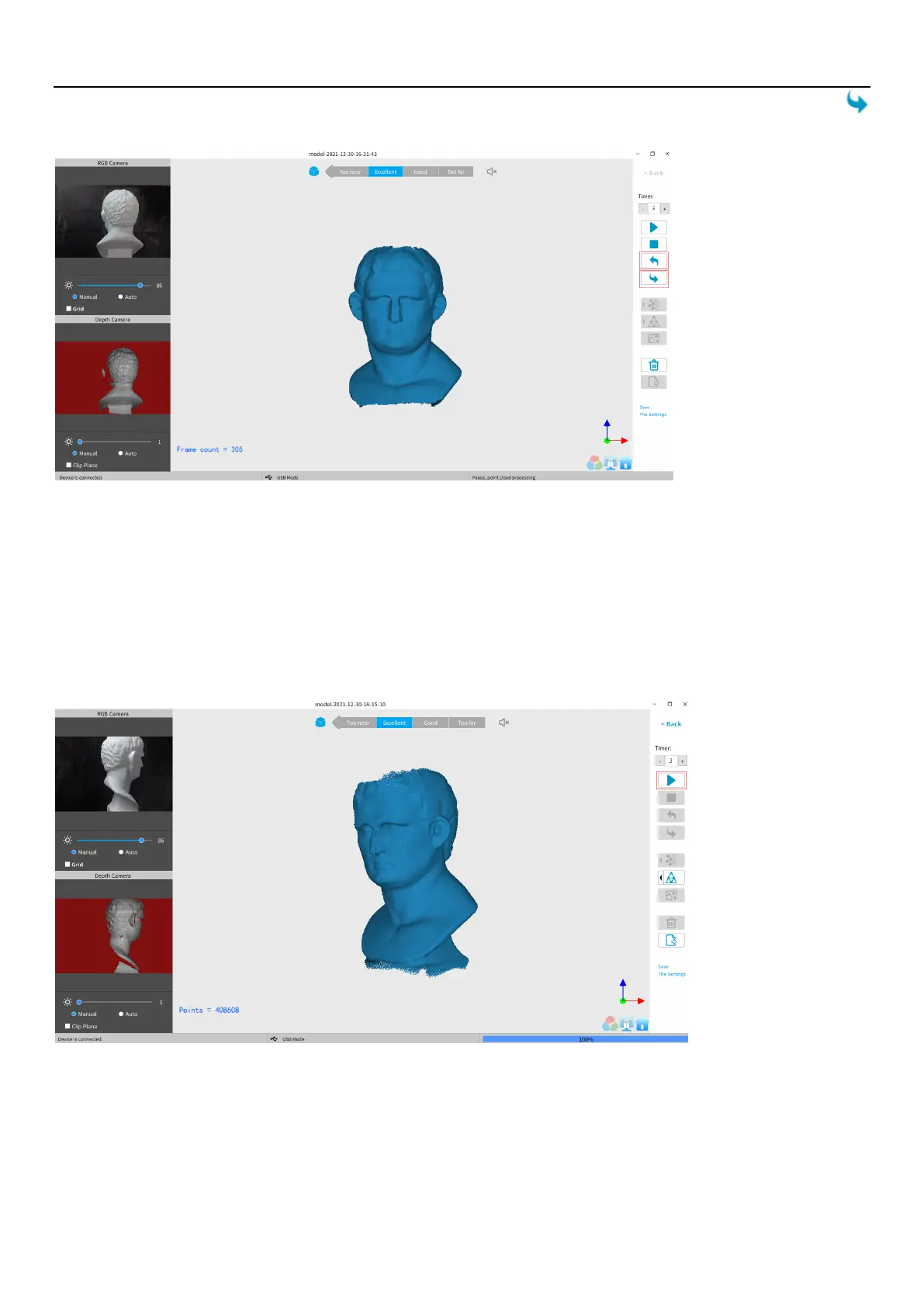
clean enough to continue or save. Otherwise, if the point cloud is deleted more frames mistakely, you can click “Redo”
to find them.
Continue Scan
·
Continue Scan After Point Cloud Fusing:
It is possible to continue scanning an object after the point cloud data has been fused. This can be necessary if the scanning
controller (a computer or smartphone) runs out of RAM to capture more frames or if holes in the scan data are discovered.
This process can be repeated as needed until the model meets your requirements.
·
Import a model file
to scan over holes:
3D model files with defects can be fixed by continuing the scanning process:
First, move the slider switch for “Import an existing 3D model file and continue scanning?” to the right.
Second, click Browse to pick the 3D model.



 To Next Page