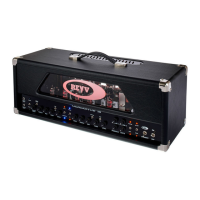
Revv Generator 100w
Amp Memory Reset (Factory Default)
If you would like to clear the amps
memory of all saved program patches
and restore all of the amps settings
to the factory default settings, which
includes MIDI channel (restored to CH1),
Omni Mode, FX Loop (Restored to off
at power up) and a full memory clear,
proceed with the procedure below.
With the power OFF, press and hold
CH2 toggle switch (up) and the CH2 fat
switch (down) together and turn the
power switch to the ON position. The
amplifier will flash the CH2 and Red Ag-
gression LEDs to confirm that the facto-
ry defaults have been restored and then
reset the amplifier, which is then ready
to play with the fresh configuration.
8.1
8.0
amp memory reset


 To Next Page