Note: After entering the screensaver, press the power button again
to turn on the screen.
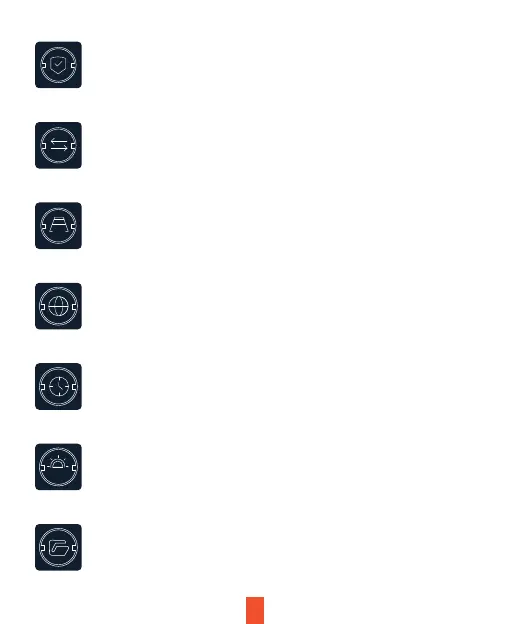
Select ‘Screen saver’ to configure 1min / 3min / 5min / Off
Select ‘Driving Position’ to configure left-hand or right-hand drive,
and the shortcut menu bar in Apple CarPlay.
Select ‘Reverse Line Calibration’ to configure reverse park assist
settings.
Select ‘Language’to configure settings: Chinese / Traditional
Chinese / English / Russian / Spanish / French / German /
Japanese / Korean / Italian / Portuguese
Select ‘Date & Time’to configure enter year / month / day / time
/ minute / second / 12H system / 24H system
Select ‘Brightness’to configure device display brightness levels
Select ‘Storage Information’to view remaining storage capacity.
27


 To Next Page