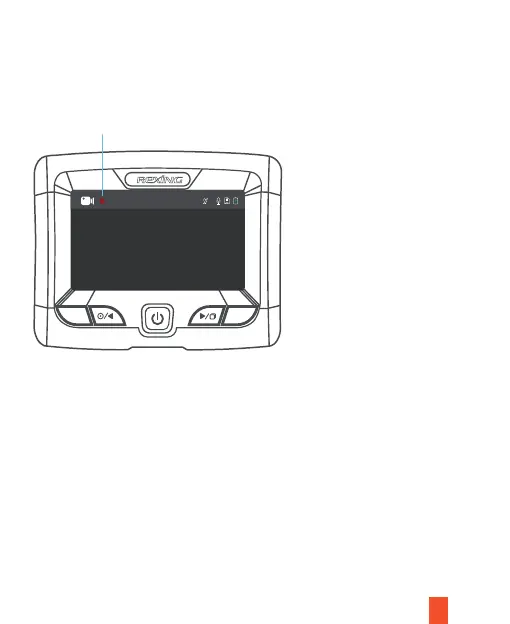
Video Recording
The camera will automatically start recording when the device receives a charge.
The LED lights and red dot will blink red device when recording. Press the Left
Navigation button to stop recording.
Video Playback
Playback of videos can be done on the device or a computer. To playback a video
on the device, hold MENU button toggle to the Playback mode. Hold MENU button
to Change the views. Use the Right and Left navigation buttons to toggle to the
desired video. Press the OK button to play.
13
M
OK
00:20 1080*3 2020-10-01 00:18:34
Red dot will blink red device when recording



 To Next Page