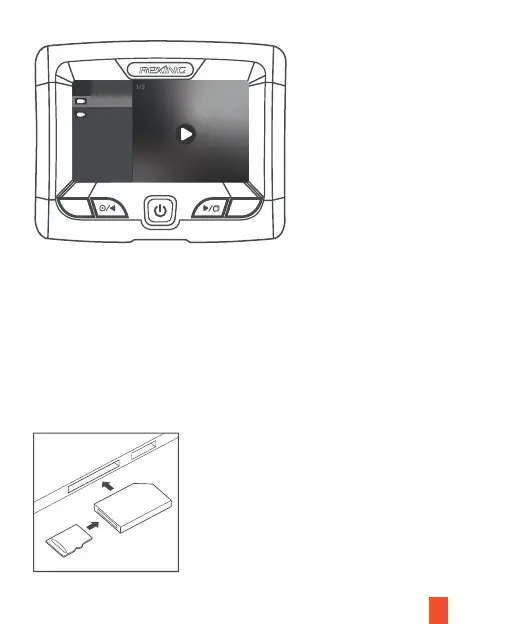
During playback, use the OK (pause), Left navigation (rewind) and Right navigation
(fast forward) buttons to control the video playback. Hold OK Button to exit the
current Mode.
To playback a video on the computer, either use an SD card adapter or connect the
device to the computer directly using the USB cable.
To playback a video using an SD card adapter, remove the memory card and insert it
into an SD card adapter. Place the adapter in the computer. Then place the adapter
into the computer.
14
M
OK
Middle Rear
20201001_000618
20201001_000517
1/2
Front



 To Next Page