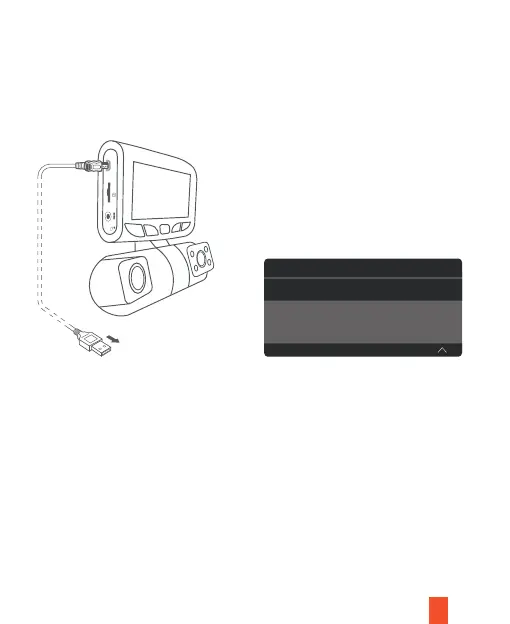
To playback a video using USB cable, connect the USB Cable to the device and the
computer. After the device is powered on, press the OK button to select MSDC.
On the computer, navigate to device drive. The videos are stored at the files. The
locked videos are stored at:\Event.
Select the video to playback.
15
POWER
R
Connect USB connector to computer
Select MSDC
Mass Storage
PC Camera



 To Next Page