Getting Started
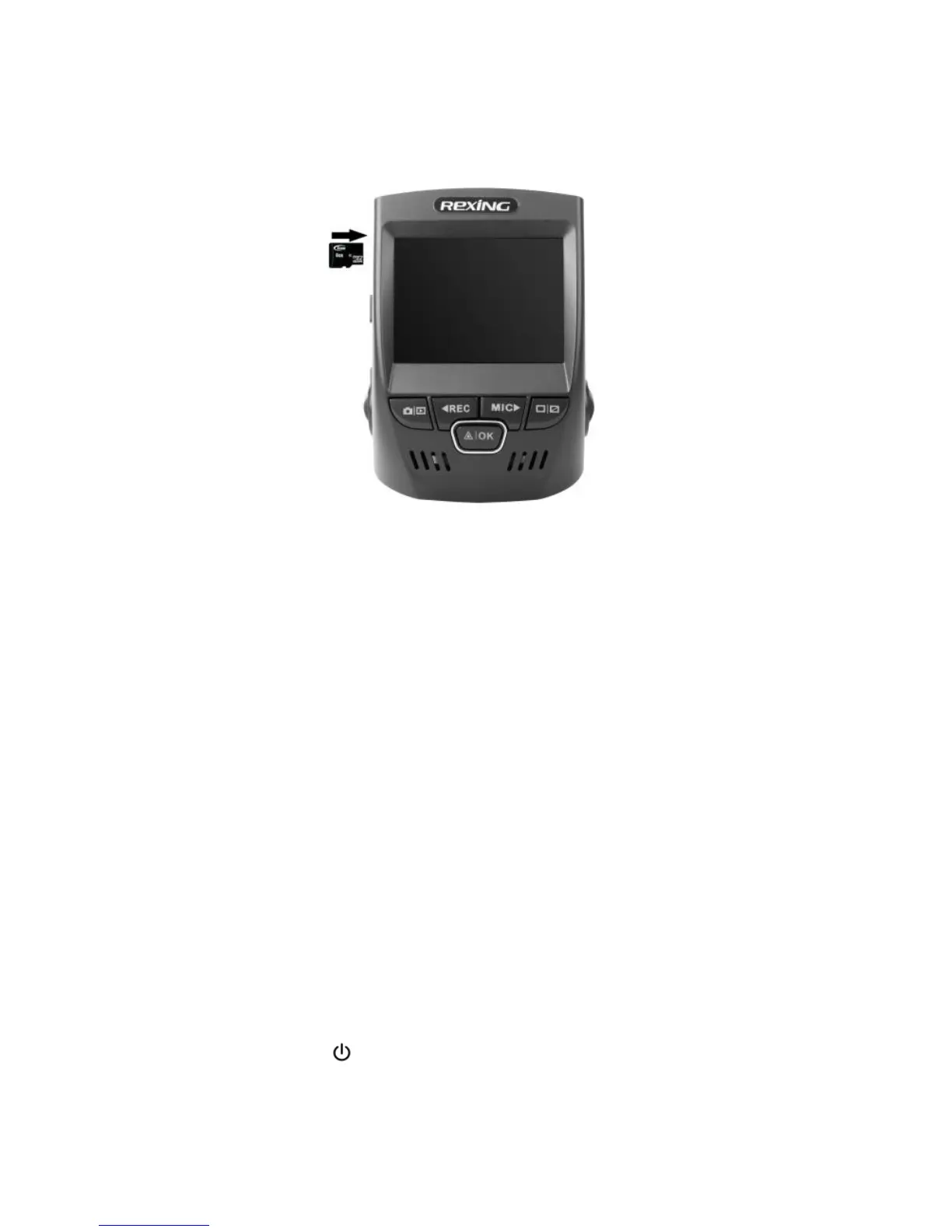
Installing your V1P Dashboard Camera
25
© 2015
REXING
A
ll Righ
ts
Re
s
er
v
ed
.
It is recommended that you reformat a memory card after every time that
images are transferred from it to a computer, or at least once a month.
Reformatting a memory card keeps important elements of data and file structure
clean, helping to prevent error messages and missing images. Reformatting
also restores the memory card, which can help prevent it from becoming
corrupted.
Removing the memory card
Before removing a memory card from your computer, you must first unmount it
for safe removal.
Before removing a memory card from your device:
1. Press the REC button to stop the device from recording
2. Press and hold the ON/OFF button to switch off the device


 To Next Page