Chapter 1 – Installation
9450 Duolink Exit Alarm Receiver Hardware Installation Guide Page 9 of 30
0510-1103-G
Chapter 1 – Installation
DuoLinks are small, unobtrusive devices, placed on or near a door frame
and they interface directly with a Exit Controller to form an Exit Alarm
Zone. They receive Radio Frequency (RF) signals from infant, patient,
and adult transmitters within a monitored zone, and send the signals to
the Exit Controller, which in turn triggers the alarm process. The DuoLink
can be configured to receive either 66 KHz or 262 KHz signals. Its
operating frequency must match the operating frequency of the
transmitters specified for the facility.
DuoLinks are designed to be mounted with just two screws. Placement of
DuoLinks can be critical depending on the width of the door or zone to be
monitored, and the levels of electronic, electrical, and electromagnetic
interference that can be present.
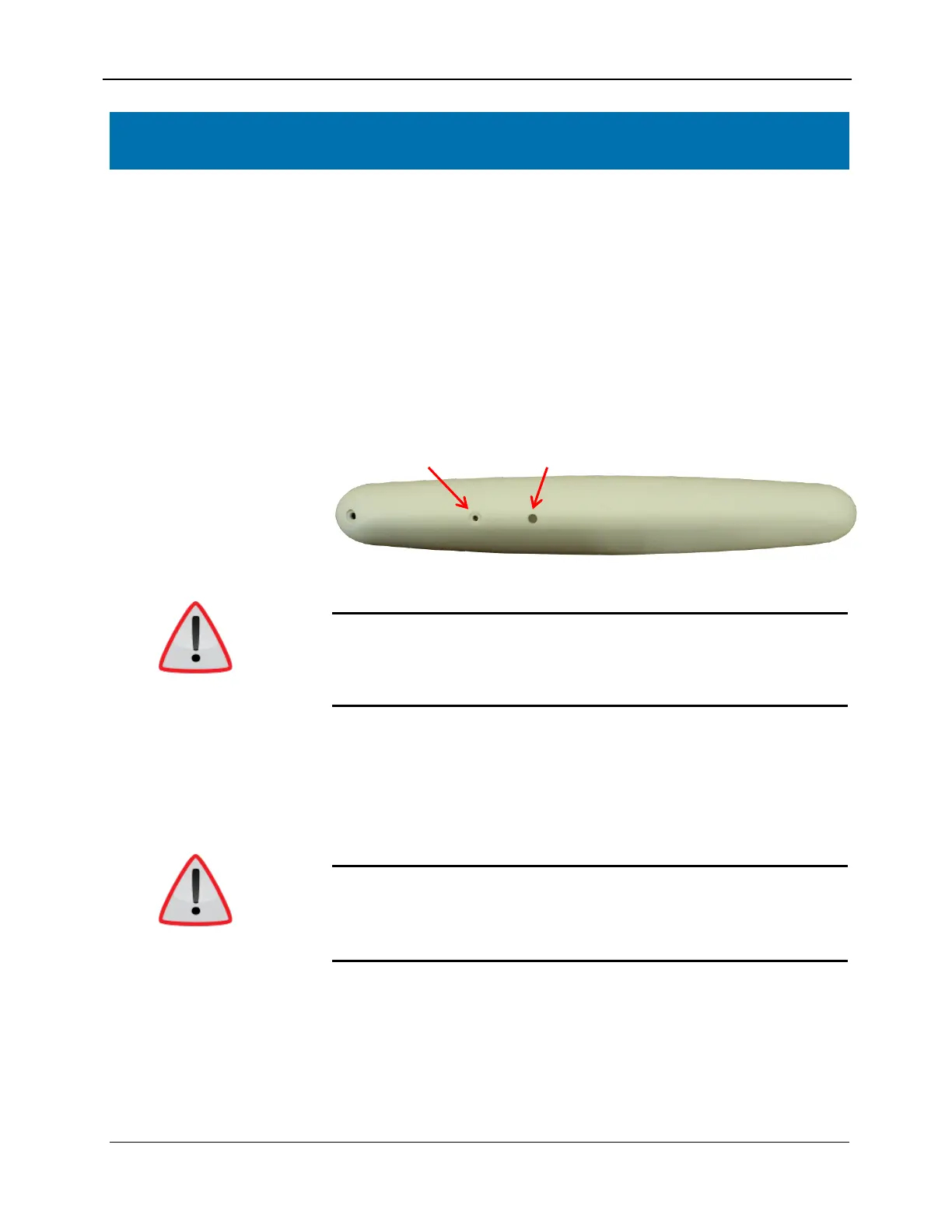
Gain Control Signal LED
When installing product, you must follow standard accepted safety
practices such as wearing safety glasses.
Before cutting openings or drilling holes through walls, you must verify
that you will not strike any wiring or plumbing.
Frequency
Use the following steps to select the correct frequency for the DuoLink.
The frequency for the DuoLink MUST match that of the transmitters that
are used with the system.
NOTE: The DuoLink can only be configured to operate at one frequency.
WARNING: The factory default setting for the DuoLink is 262 KHz. If the
system has been configured to operate at the 66 KHz frequency, the two
switches inside of the DuoLink will need to be changed to receive 66 KHz
transmitters. Failure to match the frequency will cause the system to not
operate correctly and an elopement could occur.



 To Next Page