Names and Functions of Components
9
1
Names and Functions of Components
This section explains the names and functions of various controls used to oper-
ate the scanner.
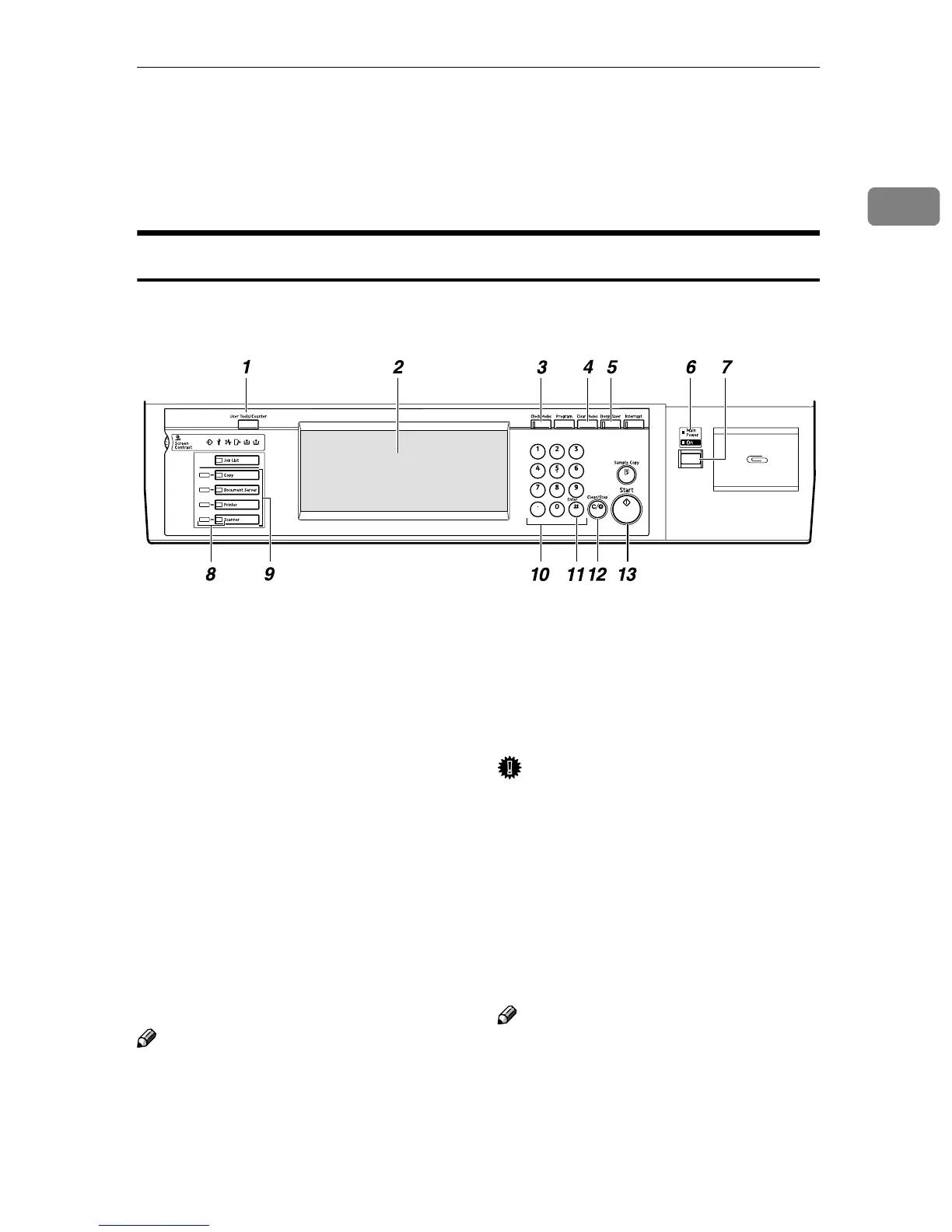
Control Panel
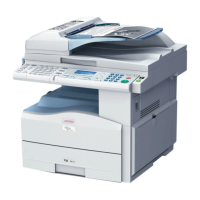
This illustration shows the product with options installed.
1. The {
{{
{User Tools/Counter}
}}
} key
Use to change default values or operation
parameters according to the operating
conditions.
2. Display
Shows operation status and various mes-
sages.
3. The {
{{
{Check Modes}
}}
} key
Press to check the current settings.
4. The {
{{
{Clear Modes}
}}
} key
Use to cancel settings.
5. The {
{{
{Energy Saver}
}}
} key
Press this key for about one second to be-
gin warm-up.
Pressing this key again while in warm-up
mode cancels warm-up.
Note
❒ This key is inactive while scanning or
setting scanner default values.
6. Main power indicator, power in-
dicator
The main power indicator lights up when
the main power switch is set to On. The
power indicator lights up when this ma-
chine is on.
Important
❒ Do not turn off the main power
while the power indicator is blink-
ing. Doing so may cause a failure
of the hard disk.
7. Operation switch
Pressing this switch turns the machine
on. The power indicator lights up. To
turn the machine off, press this switch
again.
Note
❒ This key is inactive while setting scan-
ner default values.
ZGZS300N







 To Next Page