Storing Data
81
7
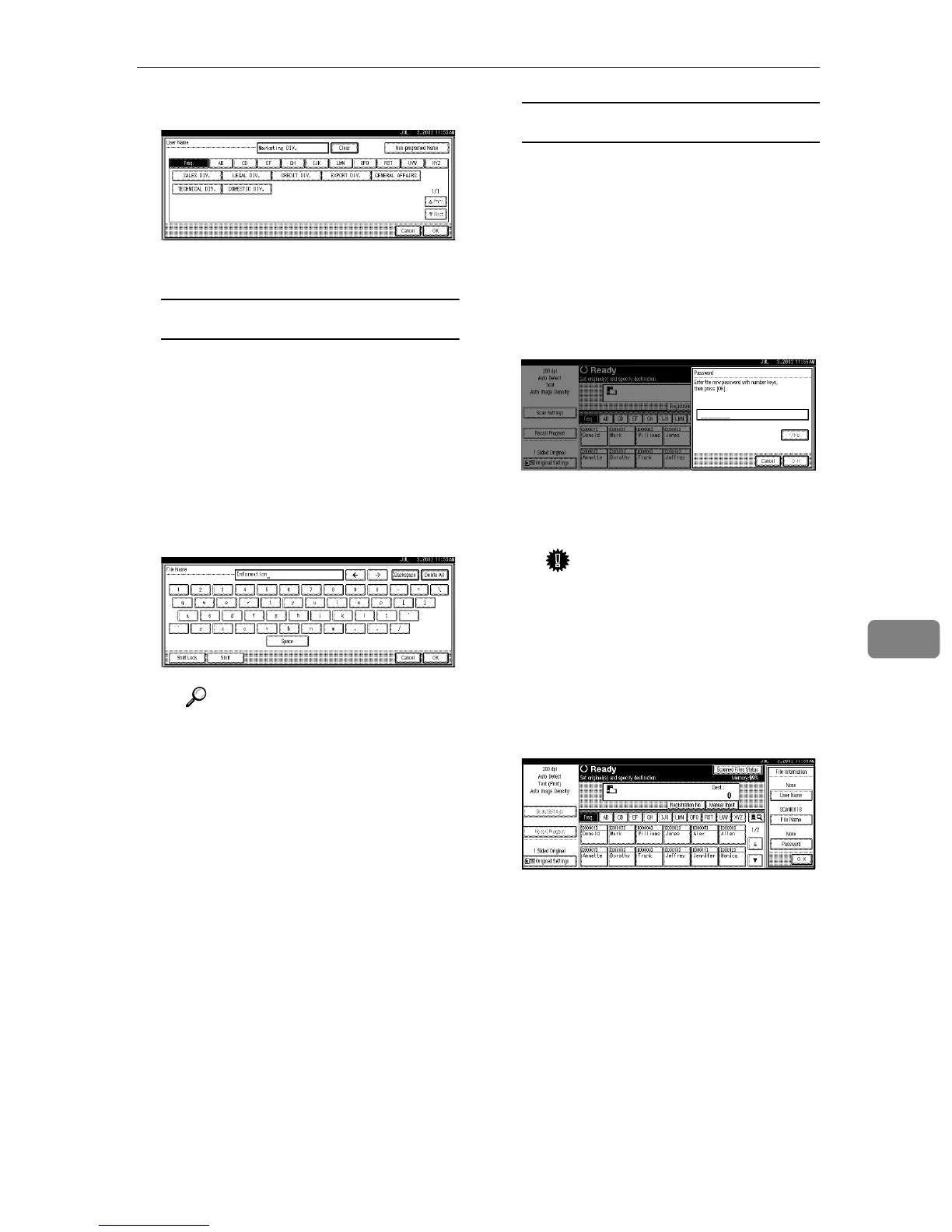
C Press [OK].
The user name is set.
Specifying a file name
Scanned data files are automatical-
ly named SCAN0001, SCAN0002,
etc. If desired, you can change the
file name.
A Press [File Name].
The File Name screen is dis-
played.
B Enter the desired file name.
Reference
For information about how
to enter characters, see the
General Settings Guide.
C Press [OK].
The new file name is applied.
Specifying a password
By specifying a password, only a
person who knows the password
can view the data.
A Press [Password].
The Password screen is dis-
played.
B Enter a password consisting of
four numbers.
C Press [OK].
The password is applied.
Important
❒ Do not forget the password.
If you forget it, contact the
key operators in charge of
this machine.
C
CC
C
When using the network delivery
scanner function, press [OK] twice
to return to the original screen.









 To Next Page