Connecting the Machine
3
1
Connecting the Machine Using Network Interface Board Type
450-E
Connect the machine to the network using Network Interface Board Type 450-E.
Follow these steps to connect the machine.
A Confirm that you have the correct cable.
B Confirm that the machine is turned off.
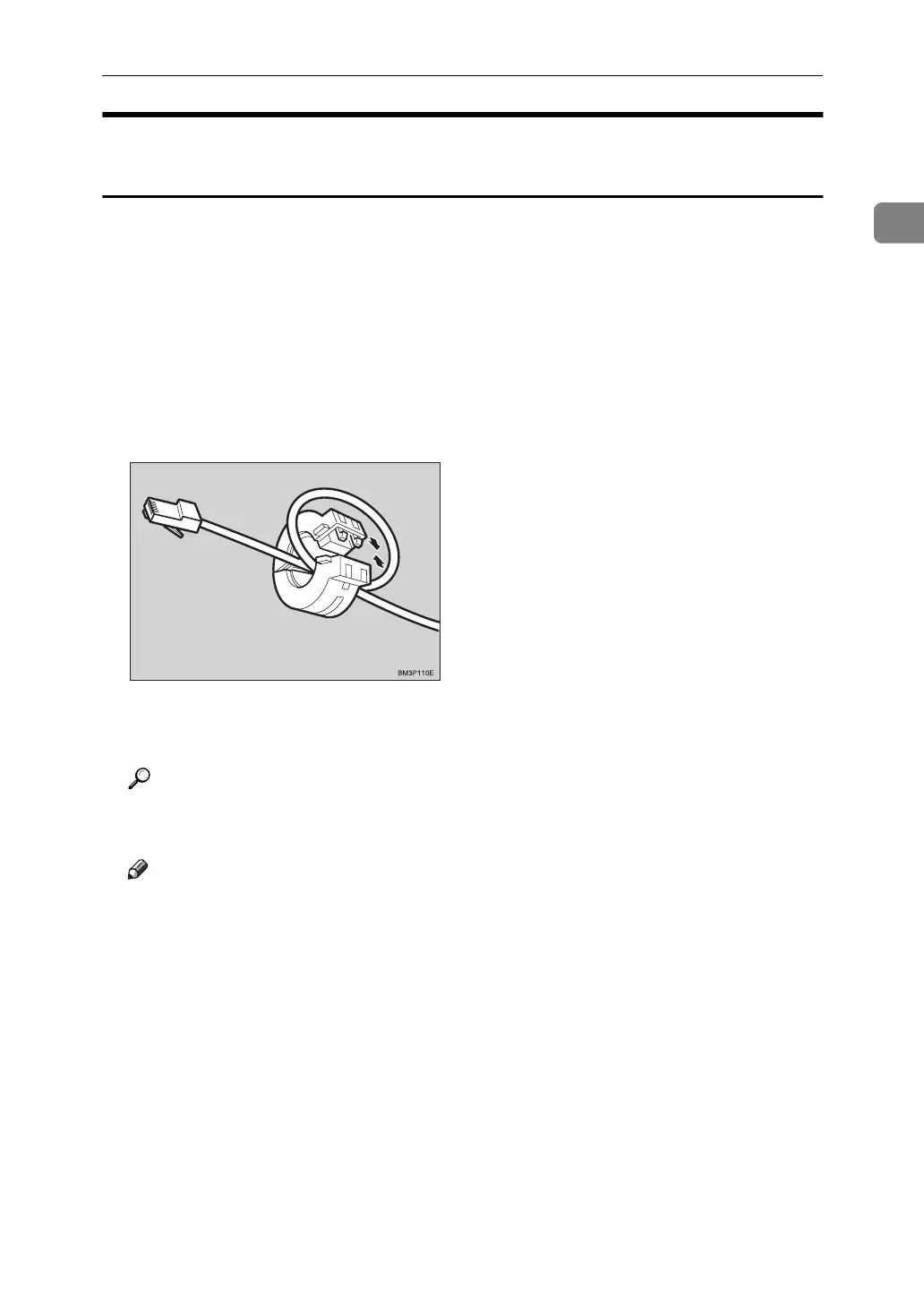
C Loop the network cable. The loop should be about 15cm (6”) from the end
of the cable on the end closest to the printer.
D Attach the ferrite core to the loop.
E Attach the network cable to the 10BASE-T/100BASE-TX port on the ma-
chine.
Reference
See P.1 “Connecting the Machine” to confirm of the position of the 10BASE-
T/100BASE-TX port.
Note
❒
Confirm that the cable is connected to the 10BASE-T/100BASE-TX port.
F Connect the other end of the cable into the network.



 To Next Page