Control Board
• When a control board is replaced, use the same DIP switch settings as those of the control board
before replacement.
1. Finisher front cover (page 12).
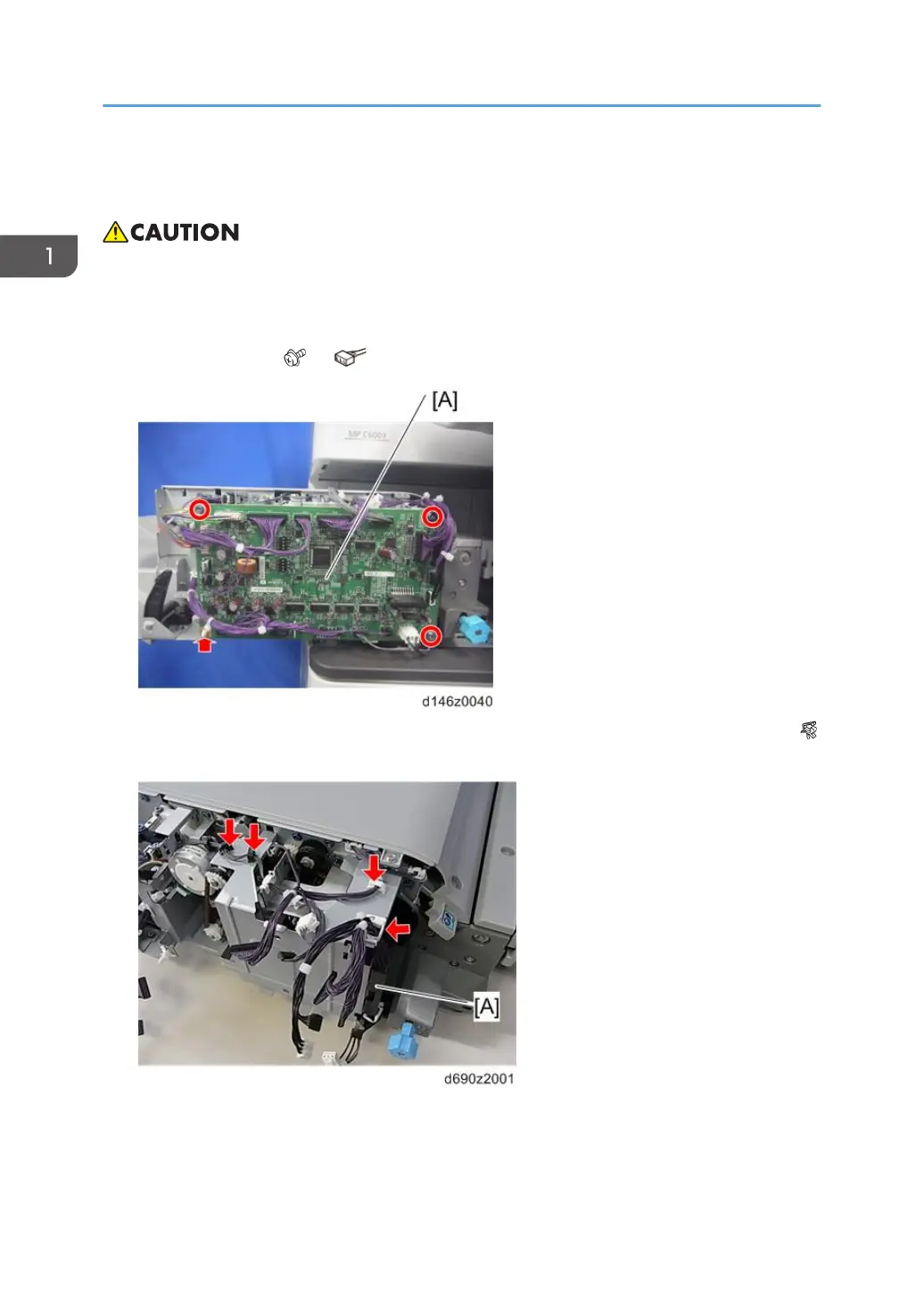
2. Control board [A] ( ×3, ×all, plastic rivet×1).
3. Release four clamps and remove the harness bracket [A] on the control board bracket (
×4).
1. Replacement and Adjustment
16



 To Next Page