UART Interface
➥Communication
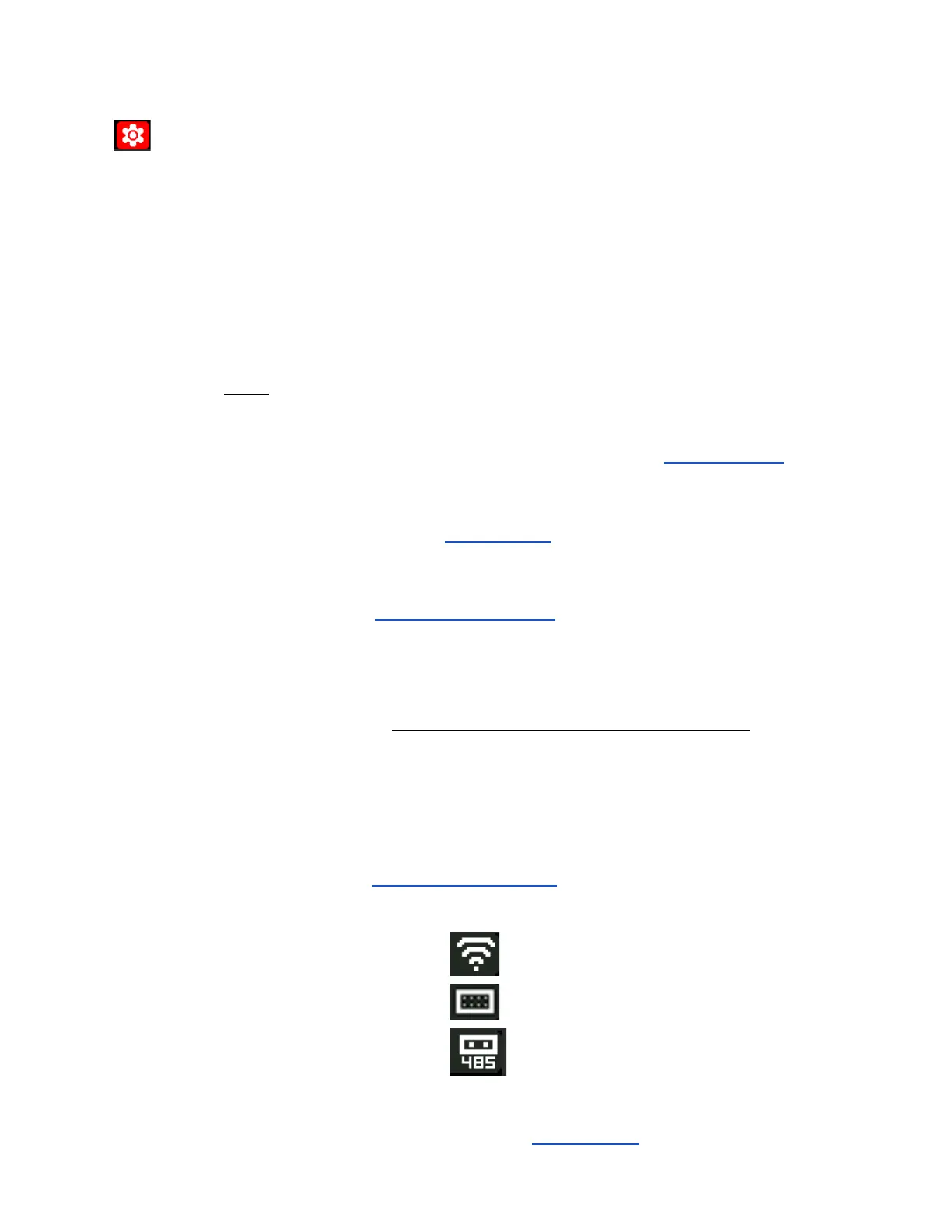
Each Interface Option has a unique indicator at top of screen when in use.
OFF Disable the UART (internal) communication interface
WIFI Wi-Fi module (if installed)
TTL Simple UART, 3.3V
RS485 RS485 Module (if installed)
When ‘UART Interface’ changed:
The RD60xx MUST be rebooted to apply the modification.
Notes:
● ‘Simple UART’ refers to a Full-Duplex, 3-wire, connection (Rx, Tx, and Gnd),
without hardware flow control.
○ The communication speed is set using the ‘UART Baudrate’ setting.
● Front Panel Micro-USB interface can be used concurrently with any of these
options.
Setup via the ‘USB Interface’ setting
● ‘WIFI’ configures the optional WiFi module using AT+ commands.
See ‘How to Connect to WiFi’ section for details.
● RS485 uses a simple UART + Enable (En) pin Set while communicating.
○ For interface with the optional, proprietary, RS485 module designed for
the RD60xx series.
RS485 Interface Mode has NOT Been Tested
(UniSoft kept the original Riden firmware code)
● TTL option can be used for any user-defined connection using a Simple UART
(No hardware flow control) configuration with 3.3V logic levels.
(ie, an additional USB interface, Bluetooth Wireless, Etc)
See 'Using the TTL Interface' for more details.
● When enabled an associated Icon is displayed at the top of the screen:
WIFI:
TTL:
RS485:
The Icon Colour with change to yellow when actively communicating.
(See the USB Icon in the ‘USB Interface’ setting for example.)



 To Next Page