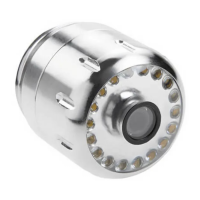
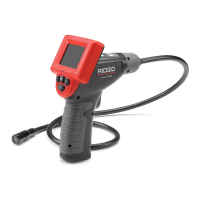
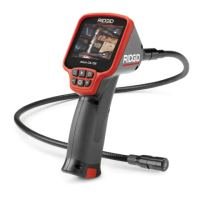
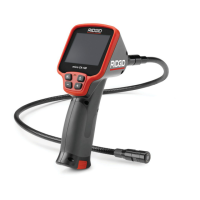
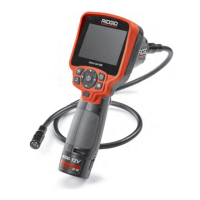
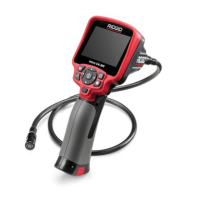
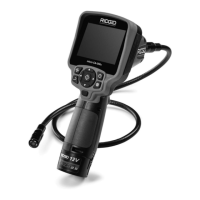
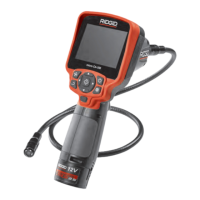
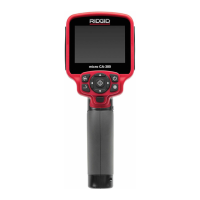
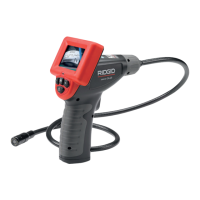
SeeSnake
®
micro
™
Inspection Camera
properly working. Any tool that cannot
be controlled with the switch is danger-
ous and must be repaired.
• Store idle equipment out of the reach of
children and other untrained persons.
Equipment is dangerous in the hands of
untrained users.
• Maintain the visual inspection tool with
care. Properly maintained tools are less
likely to cause injury.
• If unit is dropped check for breakage
of parts, and any other conditions that
may affect the tool’s operation. If dam-
aged, have the tool serviced before using.
Many accidents are caused by poorly main-
tained tools.
• Use only accessories that are recom-
mended by the manufacturer for your
tool. Accessories that may be suitable for
one tool may become hazardous when
used on another tool.
• Dry your hands before turning the unit
ON or OFF and before replacing bat-
teries.
• Protect against excessive heat. The
product should be situated away from heat
sources such as radiators, heat registers,
stoves or other products (including ampli-
fiers) that produce heat. Do not use the
unit near moving machinery or areas where
the temperature will exceed 113°F.
Service
• Tool service must be performed only
by qualified repair personnel. Service
or maintenance performed by unqualified
repair personnel could result in injury.
• When servicing a tool, use only identical
replacement parts. Follow instructions
in the Maintenance Section of this man-
ual. Use of unauthorized parts or failure to
follow maintenance instructions may create
a risk of electrical shock or injury.
• Do not attempt to take any pieces of
this unit apart unless directed to by
this manual.
• Follow instructions for changing ac-
cessories. Accidents are caused by poorly
maintained equipment.
• Provide proper cleaning. Do not use ace-
tone to clean the unit. Instead, use alcohol.
Gently clean the LCD with a dry cloth.
Remove batteries before cleaning.
• Conduct a safety check. Upon comple-
tion of any service or repair of this product,
ask the service technician to perform safety
checks to determine that the product is in
proper operating condition.
• Stop using the unit if it starts smoking
or emitting noxious fumes.
• Remove the batteries and refer servic-
ing to qualified service personnel under
any of the following conditions:
• If liquid has been spilled or objects have
fallen into product;
• If product does not operate normally by
following the operating instructions;
• If the product has been dropped or dam-
aged in any way;
• When the product exhibits a distinct
change in performance.
Specific Safety
Information
WARNING
Read this operator’s manual carefully be-
fore using the SeeSnake micro Inspection
Camera. Failure to understand and follow
the contents of this manual may result in
electrical shock, fire and/or severe per-
sonal injury.
FCC Statement
This device complies with Part 15 of the
FCC Rules. Operation is subject to the fol-
lowing two conditions:
1. This device may not cause harmful inter-
ference.



 To Next Page