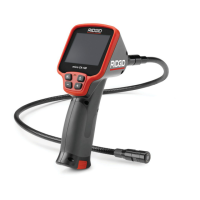
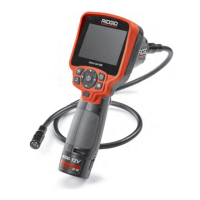
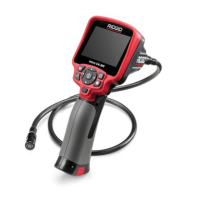
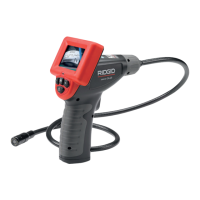
SeeSnake
®
micro
™
Inspection Camera
Ridge Tool Company
7
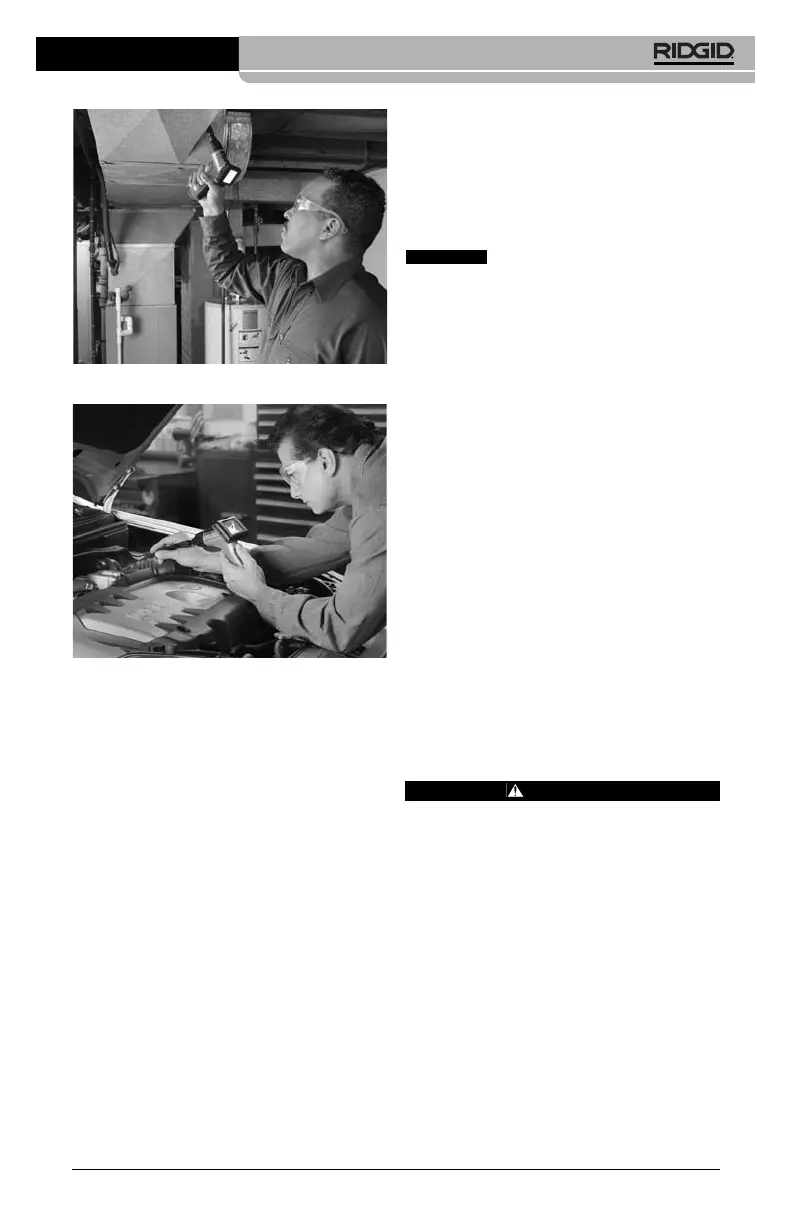
Figure 9
Figure 10
When in use, the snake should easily ma-
neuver itself into position going forward.
TIP! The cable can be bent into a certain
shape. This may help you maneuver the
cable into tight areas.
NOTE! The SeeSnake micro Inspection Cam-
era was not designed to take the place
of a drain cleaner or electrical/plumbing
fish sticks or tapes. In limited instances,
the SeeSnake micro Inspection Cam-
era’s accessories can be used to re-
trieve small items like dropped rings
or screws.
Transportation &
Storage
1. Avoid exposing the unit to continuous vi-
bration or extreme hot and cold temper-
atures.
2. Always store the SeeSnake micro Inspec-
tion Camera indoors in the case it came
with.
3. Always remove the batteries if the unit will
not be used for an extended period of
time.
Maintenance
Instructions
Make sure the batteries have
been removed from the unit before performing
maintenance.
The SeeSnake micro Inspection Camera has
been designed to require little maintenance.
However, in order to maintain its perform-
ance, you must always follow these guide-
lines:
1. Always handle the device with care. It is
not shock-resistant and should not be
banged or dropped. Treat it as you would
any other sensitive optical device.
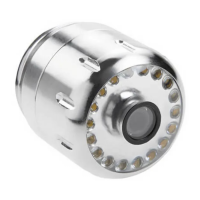
2. Always clean the imager head after use
with soap and mild detergent.
3. Use only alcohol swabs to clean the con-
nections.
4. Avoid rubbing too hard on the LCD. After
use, wipe the display clean gently with a
dry cloth.
5. Do not disassemble this device beyond
what is shown in the manual. Doing so
will void your warranty.
Service and Repair
CAUTION
Tool should be taken to a RIDGID Independent
Authorized Service Center or returned to the
factory. All repairs made by Ridge service facil-
ities are warranted against defects in material
and workmanship.
CAUTION



 To Next Page