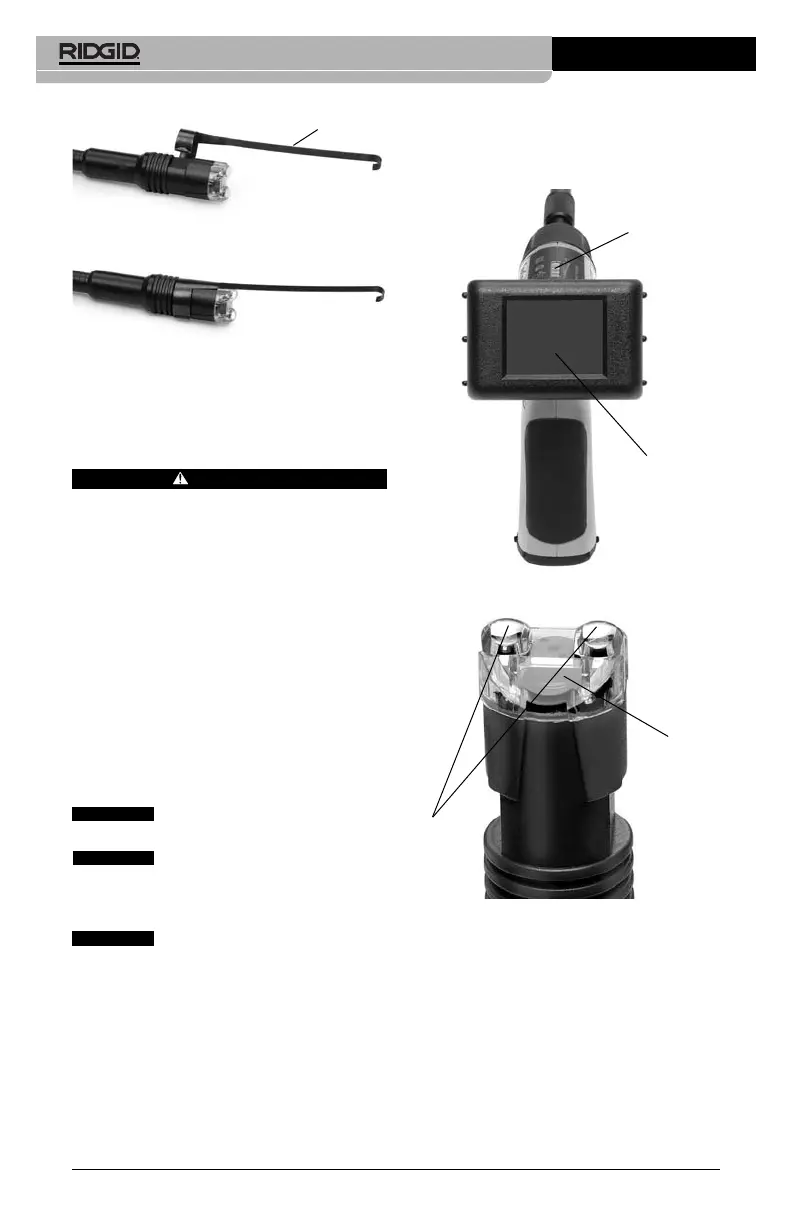
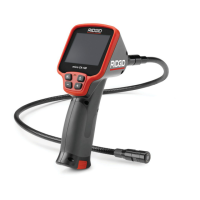
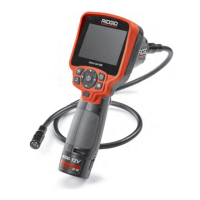
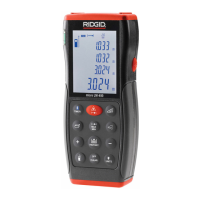
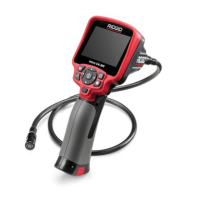
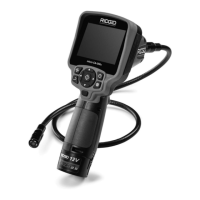
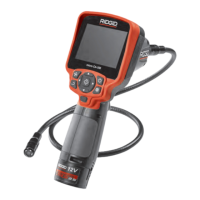
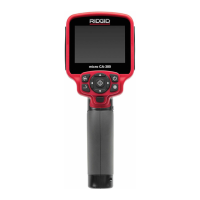
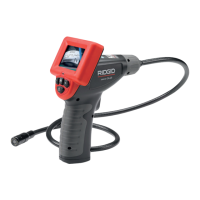
Figure 5
Figure 6
Tool and Work Area
Set-Up
WARNING
To prevent serious injury, proper set-up of
the tool and work area is required. The
following procedures should be followed:
1. Review General Safety Information sec-
tion of this manual
(Page 2)
.
2. Check work area for:
• Adequate lighting
• Flammable liquids, vapors or dust that
may ignite.
3. Follow tool set-up according to specific
tool operator's manual.
Operating Instructions
Do not use excessive force to in-
sert or bend the cable.
Do not use the cable or imager
head to modify surroundings, clear pathways or
clogged areas, or as anything other than an in-
spection device.
The hand-held display unit is not
water resistant. The imager head and its cover-
ing are water resistant, but are not acid-proof or
fireproof. Petroleum-based products will ruin
the imager head's protective plastic covering
over time. Avoid submersing the imager head
into corrosive, oily places.
Using The Imager
To turn the unit on, hold the viewer with the
LCD screen facing you
(Figure 7)
. Roll the
ON/OFF switch away from you to turn on the
SeeSnake
®
micro
™
Inspection Camera
Ridge Tool Company
6
screen. The switch then acts as a dimmer for
the twin LEDs
(Figure 8)
that surround the
camera on the imager head and provide light-
ing.
Figure 7
Figure 8
Typical Applications
The SeeSnake micro Inspection Camera is
designed as a remote inspection device.
Typical applications might include HVAC in-
spection
(Figure 9)
, automotive inspection
(Figure 10)
, cable routing, automotive/boat/air-
craft inspection, etc.
Accessory
CAUTION
CAUTION
CAUTION
ON/OFF Switch
LCD Screen
Camera
LEDS



 To Next Page