EasyManua.ls Logo

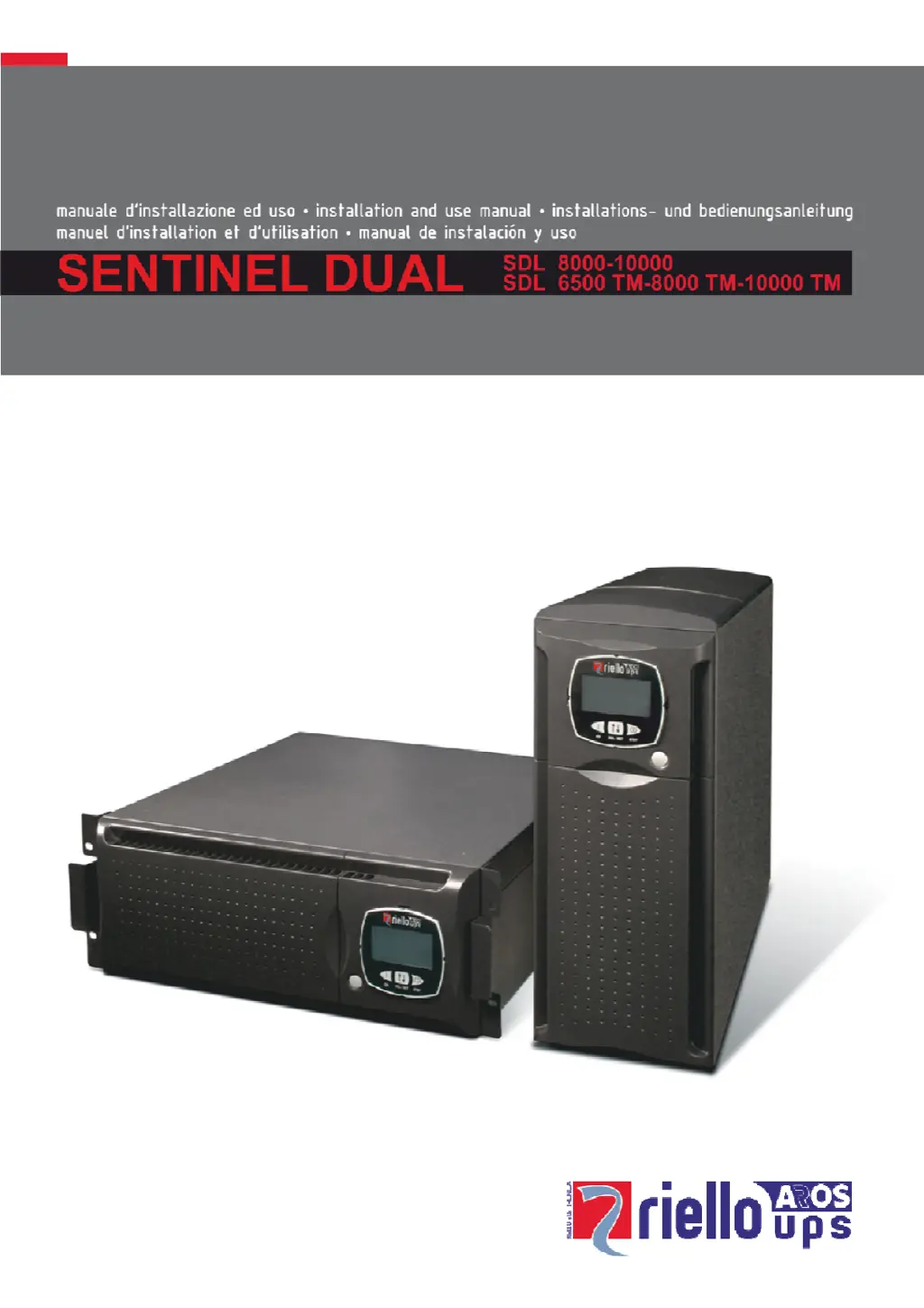
Riello UPS SENTINEL DUAL SDL 6500 TM - User Manual

Riello UPS SENTINEL DUAL SDL 6500 TM
37 pages
Print Icon
To Next Page IconTo Next Page
Loading...

Questions and Answers

  • S
    Stephen ConnerAug 19, 2025
    Why is my Riello UPS beeping continuously and showing codes A54, F50, F51, F52, F55, L50, L51, L52?
    • A
      Amy HoweAug 19, 2025
      This usually means the load on your Riello UPS is too high. Reduce the load to be within 100% of the UPS's capacity, or the user-defined threshold if the code displayed is A54.
  • A
    anna10Aug 21, 2025
    What to do if my Riello UPS is operating from battery even though the mains voltage is present?
    • T
      Tasha WoodAug 21, 2025
      This could be due to a couple of reasons. First, check if the upstream protection has been triggered and reset it, ensuring there's no output overload. Alternatively, the input voltage may be outside the acceptable range. In this case, the issue depends on the mains; wait for the input mains to return within the correct tolerance. The UPS will automatically switch back to mains operation.
  • H
    Holly WilcoxAug 23, 2025
    What to do if the display of my Riello UPS does not switch on?
    • L
      Laura JordanAug 23, 2025
      There are several possible reasons why the display isn't turning on. Check the following: * Ensure the general switch on the front panel is pressed. * Verify the battery box connector is properly connected. * Confirm the connection to the electricity mains is secure. * Check for a mains voltage failure (blackout). * See if the upstream protection has been triggered and reset it, while also checking for any output overload.
  • W
    William StricklandAug 26, 2025
    What to do if my Riello UPS display shows the code A61?
    • A
      Amanda MorseAug 26, 2025
      The code A61 indicates that the batteries of your Riello UPS need to be replaced. Replace the battery box to resolve this issue.
  • C
    cristinacabreraAug 27, 2025
    Why is my Riello UPS beeping continuously and showing codes F03, F05, F07, F10, F13, F21, F40, F41, F42, F43?
    • M
      Michael WilsonAug 27, 2025
      These codes indicate a malfunction of the Riello UPS. If you can remove power from the load, try switching the UPS off and then on again. If the problem persists, it is recommended to contact the support service center.
  • B
    Brian HarrisAug 29, 2025
    Why is my Riello UPS display on but the load is not powered?
    • J
      jennifer79Aug 29, 2025
      There are a few potential causes: the UPS might be in standby mode, so press the 'ON' key on the front panel. Alternatively, the Stand-by Off mode could be selected, which only powers loads during a blackout. Finally, check the connection to the load to ensure it's properly connected.
  • R
    Rebecca WebbAug 31, 2025
    What does it mean when my Riello UPS display shows the code A62?
    • Z
      Zachary HuangAug 31, 2025
      The code A62 on your Riello UPS means that the battery box is either not present or not correctly connected. Check that the battery box is properly inserted and connected.
  • R
    Regina CobbSep 2, 2025
    What should I do if my Riello UPS does not switch on and shows codes A06 or A08?
    • B
      Bethany HayesSep 3, 2025
      These codes indicate that the temperature around the Riello UPS is below 0°C. Make sure the UPS is in an environment where the temperature is above this minimum threshold.
  • A
    Anthony HarrisSep 5, 2025
    Why is my Riello UPS beeping continuously and showing codes F60, L03, L05, L07, L10, L13, L20, L21, L40, L41, L42, L43?
    • C
      Colin LopezSep 5, 2025
      These codes indicate a verified malfunction of the Riello UPS. If you can safely remove power from the load, switch the UPS off and then on again. If the problem continues, contact the support service center.
  • C
    christophermontoyaSep 7, 2025
    What does it mean when my Riello UPS display shows the code A63?
    • A
      Antonio WagnerSep 7, 2025
      The code A63 indicates that the batteries in your Riello UPS are discharged. The UPS is waiting for the battery voltage to exceed the set threshold. Allow the batteries to recharge, or manually force a start-up by pressing and holding the “ON” key for at least 2 seconds.

Summary

Safety Precautions

Earth Connection Requirement

UPS must have an earth connection for safe operation.

Dangerous Voltages Warning

High internal voltages require authorized personnel for installation/maintenance.

Battery Power Hazard

Batteries pose shock risk, are toxic, and can explode if mishandled.

Leakage and Ingress Prevention

Avoid liquid leaks, powder, and foreign bodies entering the UPS.

Emergency Shutdown Procedure

Switch off and isolate battery in dangerous conditions.

LCD Display and Interface

Connecting UPS to Battery Box

UPS-Battery Box Cable Connection

How to connect the UPS to the battery box using the provided cable.

Battery Box Fuse Installation

Instructions for inserting fuses into the battery box disconnect switches.

UPS Electrical Connections

Qualified Personnel Required

Emphasizes that connections must be done by qualified personnel only.

Earth Connection Mandate

Reiterates the necessity of the earth connection for safe operation.

Mains and Load Wiring

General instructions for connecting mains and load, including switch installation.

Single-Phase Wiring Guide

Three-Phase Wiring Guide

UPS Operation: Startup and Shutdown

Understanding Display Panel Information

UPS Status Indicator Meanings

Explains icons indicating UPS faults, standby, operation modes, and battery status.

Monitoring Measurements - Single Phase

Monitoring Measurements - Three Phase

UPS Configuration Settings

Accessing Configuration Mode

Steps to enter the configuration mode on the display panel.

Configurable UPS Parameters

Details parameters like frequency, voltage, and operating mode that can be configured.

Modifying Configuration Settings

How to navigate and modify settings using the panel buttons.

UPS Operating Modes and Features

Operating Mode Descriptions

Explains ON LINE, ECO, SMART ACTIVE, and STAND-BY OFF modes.

UPS Configuration Options

Basic Configuration Parameters

Table showing frequency, voltage, operating mode, and delays that can be configured.

Advanced UPS Configuration Settings

Advanced Settings Table

Details on alarm thresholds, display brightness, acoustic alarms, and bypass settings.

Communication Ports and Interface

UPS Software and Management

Troubleshooting Common UPS Problems

Display Not Powering On

Solutions for when the UPS display remains blank.

Load Not Powered Issue

Troubleshooting steps when the UPS is on but not powering loads.

Battery Operation with Mains

Diagnosing why the UPS runs on battery when mains power is available.

Advanced Troubleshooting and Fault Codes

Specific UPS Malfunction Codes

Troubleshooting specific error codes indicating UPS malfunctions.

UPS Alarm and Fault Code Reference

Critical Alarm Code Explanations

Details critical alarm codes (F03-F60) and potential UPS stoppage.

UPS Lock Codes and Remote Control Status

Lock Code Explanations

Explains lock codes (L03-L53) and their impact on UPS operation.

Riello UPS SENTINEL DUAL SDL 6500 TM Specifications

General IconGeneral
BrandRiello UPS
ModelSENTINEL DUAL SDL 6500 TM
CategoryUPS
LanguageEnglish

Related product manuals