EasyManua.ls Logo

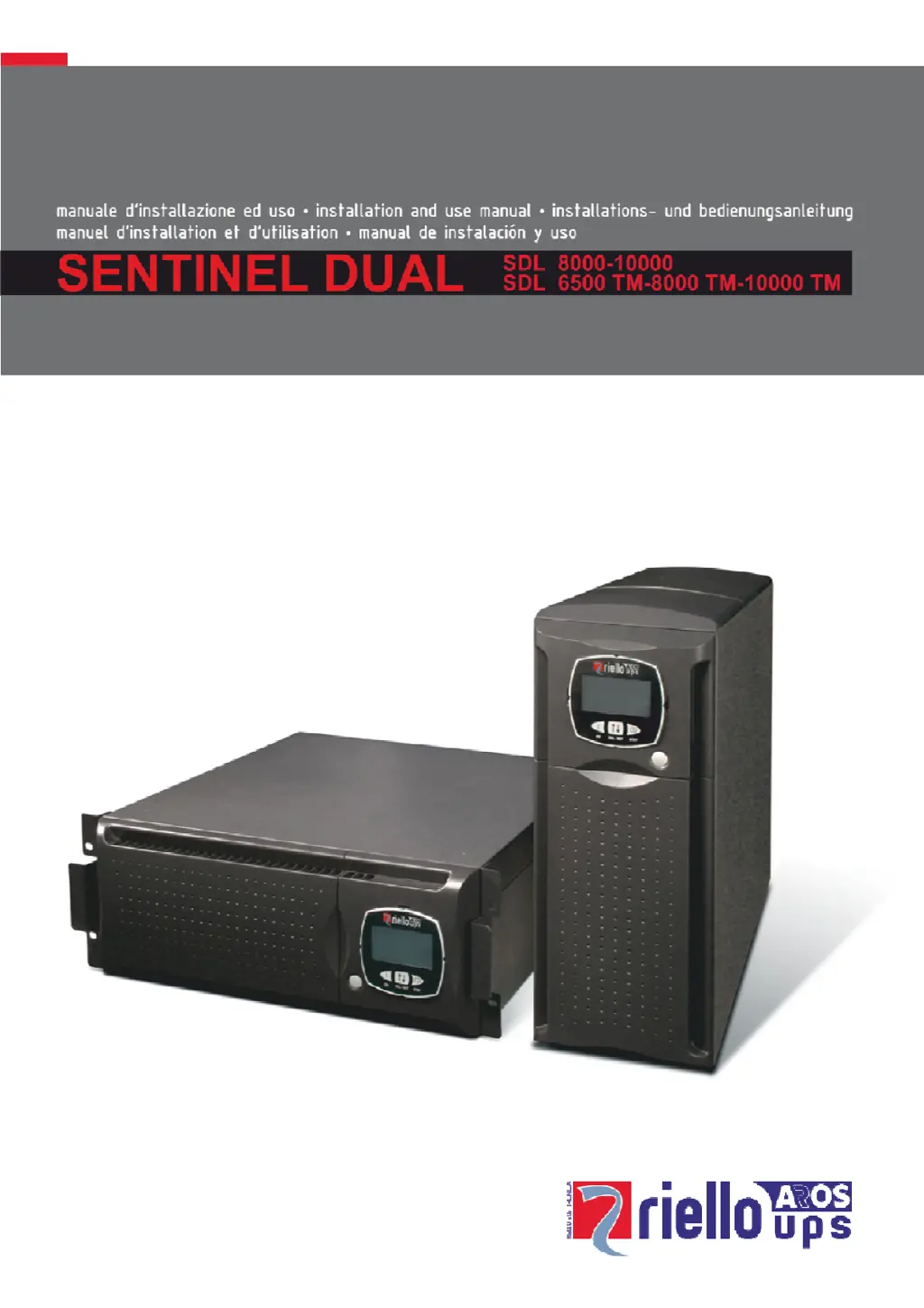
Riello UPS SENTINEL DUAL Series - User Manual

Riello UPS SENTINEL DUAL Series
37 pages
Print Icon
To Next Page IconTo Next Page
Loading...

Questions and Answers

  • A
    ashleyhendersonAug 19, 2025
    Why is my Riello UPS beeping continuously and showing codes A54, F50, F51, F52, F55, L50, L51, L52?
    • H
      Holly LyonsAug 19, 2025
      This usually means the load on your Riello UPS is too high. Reduce the load to be within 100% of the UPS's capacity, or the user-defined threshold if the code displayed is A54.
  • S
    Sally MillerAug 21, 2025
    What to do if my Riello UPS is operating from battery even though the mains voltage is present?
    • S
      Sean HunterAug 21, 2025
      This could be due to a couple of reasons. First, check if the upstream protection has been triggered and reset it, ensuring there's no output overload. Alternatively, the input voltage may be outside the acceptable range. In this case, the issue depends on the mains; wait for the input mains to return within the correct tolerance. The UPS will automatically switch back to mains operation.
  • K
    Kathy BowersAug 23, 2025
    What to do if the display of my Riello UPS does not switch on?
    • Y
      ychangAug 23, 2025
      There are several possible reasons why the display isn't turning on. Check the following: * Ensure the general switch on the front panel is pressed. * Verify the battery box connector is properly connected. * Confirm the connection to the electricity mains is secure. * Check for a mains voltage failure (blackout). * See if the upstream protection has been triggered and reset it, while also checking for any output overload.
  • C
    Carolyn BennettAug 26, 2025
    What to do if my Riello UPS display shows the code A61?
    • A
      Amber GarciaAug 26, 2025
      The code A61 indicates that the batteries of your Riello UPS need to be replaced. Replace the battery box to resolve this issue.
  • B
    Brandon HillAug 28, 2025
    Why is my Riello UPS beeping continuously and showing codes F03, F05, F07, F10, F13, F21, F40, F41, F42, F43?
    • E
      Erin JeffersonAug 28, 2025
      These codes indicate a malfunction of the Riello UPS. If you can remove power from the load, try switching the UPS off and then on again. If the problem persists, it is recommended to contact the support service center.
  • A
    ashley25Aug 30, 2025
    Why is my Riello UPS display on but the load is not powered?
    • D
      Diana McleanAug 30, 2025
      There are a few potential causes: the UPS might be in standby mode, so press the 'ON' key on the front panel. Alternatively, the Stand-by Off mode could be selected, which only powers loads during a blackout. Finally, check the connection to the load to ensure it's properly connected.
  • S
    Sherri SmithSep 1, 2025
    What does it mean when my Riello UPS display shows the code A62?
    • S
      Stanley PonceSep 1, 2025
      The code A62 on your Riello UPS means that the battery box is either not present or not correctly connected. Check that the battery box is properly inserted and connected.
  • L
    Latasha GarciaSep 3, 2025
    What should I do if my Riello UPS does not switch on and shows codes A06 or A08?
    • S
      Sarah RobinsonSep 3, 2025
      These codes indicate that the temperature around the Riello UPS is below 0°C. Make sure the UPS is in an environment where the temperature is above this minimum threshold.
  • O
    owashingtonSep 5, 2025
    Why is my Riello UPS beeping continuously and showing codes F60, L03, L05, L07, L10, L13, L20, L21, L40, L41, L42, L43?
    • T
      Thomas LarsonSep 5, 2025
      These codes indicate a verified malfunction of the Riello UPS. If you can safely remove power from the load, switch the UPS off and then on again. If the problem continues, contact the support service center.
  • H
    Heather HornSep 7, 2025
    What does it mean when my Riello UPS display shows the code A63?
    • T
      Tracey AllisonSep 7, 2025
      The code A63 indicates that the batteries in your Riello UPS are discharged. The UPS is waiting for the battery voltage to exceed the set threshold. Allow the batteries to recharge, or manually force a start-up by pressing and holding the “ON” key for at least 2 seconds.

Summary

Safety Information

Safety Precautions

Essential safety guidelines and warnings for operating and maintaining the UPS.

Installation Guide

Tower Version Installation

Instructions for setting up the UPS and battery box in a vertical tower configuration.

Rack Version Installation

Procedures for converting and installing the UPS and battery box into a standard rack cabinet.

Connecting UPS to Battery Box

Step-by-step guide for connecting the UPS unit to its battery extension box.

Using the UPS

Connections and Wiring

Guidelines for making electrical connections and wiring the UPS for operation.

Single Phase Connection

Specific wiring instructions for 8-10kVA single-phase UPS models.

Three Phase Connection

Detailed wiring procedures for three-phase UPS models.

Initial UPS Start-up

Procedures for the first power-up and configuration of the UPS.

Troubleshooting Guide

Common Problems and Solutions

A guide to identifying and resolving typical UPS operational issues and errors.

Alarm Codes and Faults

Comprehensive list and explanation of UPS fault codes, alarms, and active controls.

Technical Data Tables

Riello UPS SENTINEL DUAL Series Specifications

General IconGeneral
Power Range1-10 kVA
Output Power Factor0.9
Expansion SlotsYes
Rack/Tower ConvertibleYes
TopologyOnline Double Conversion
Output Voltage230 V
Communication PortsUSB, RS232
Battery TypeVRLA
Frequency Range50/60 Hz
Output Frequency50/60 Hz
ProtectionShort circuit

Related product manuals