EasyManua.ls Logo

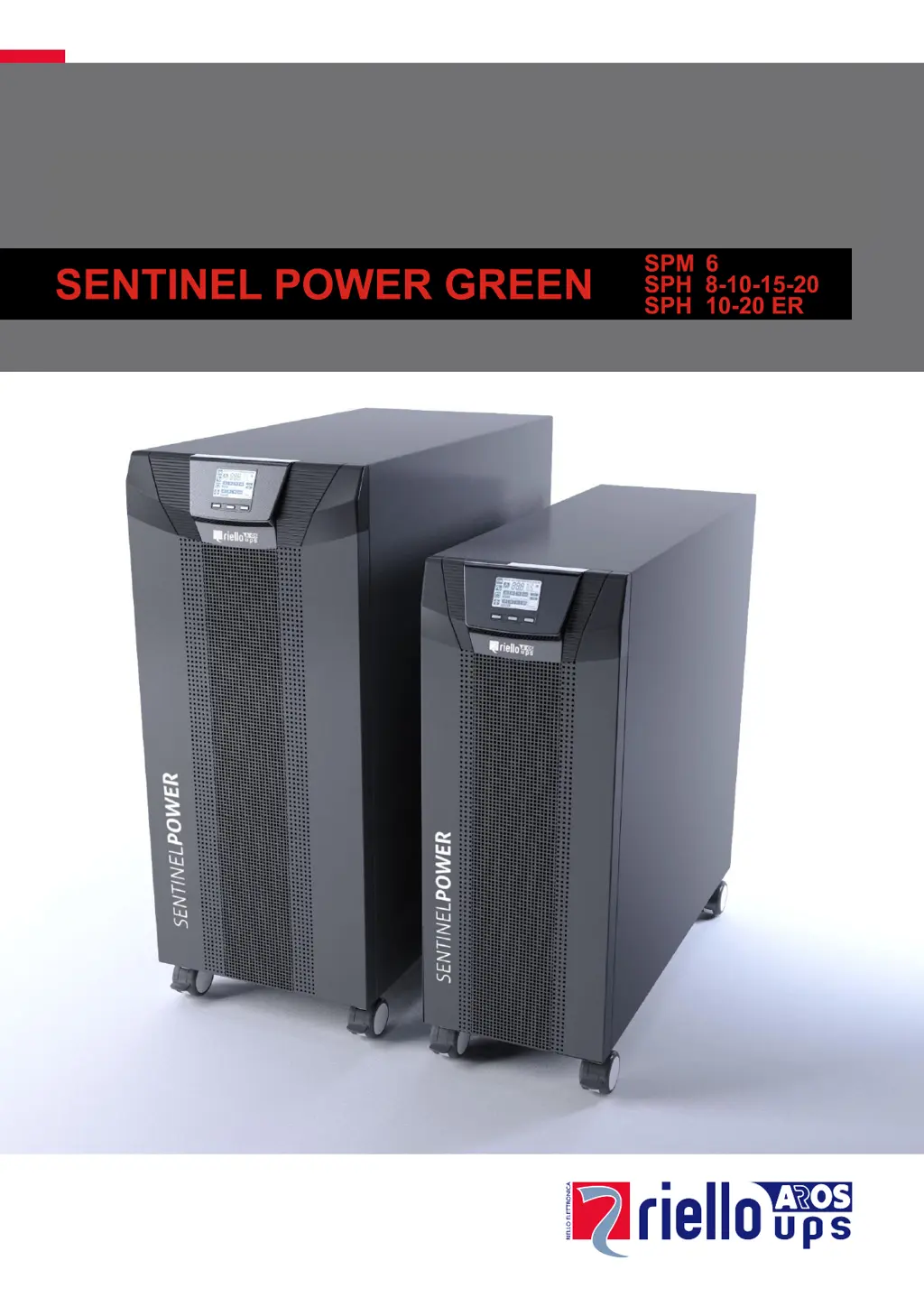
Riello UPS SENTINEL POWER GREEN SPH 8 - User Manual

Riello UPS SENTINEL POWER GREEN SPH 8
41 pages
Print Icon
To Next Page IconTo Next Page
Loading...
1
Call Critical Power Supplies on 0800 978 8988 for the latest information

Questions and Answers

  • R
    Rebecca CostaAug 17, 2025
    What to do if the display on my Riello UPS does not light up?
    • J
      Jennifer AdamsAug 18, 2025
      If the display on your Riello UPS doesn't light up, there could be several reasons: * The input switch might be open. In this case, close the input switch located on the back of the UPS. * The main connection cable might be missing or not properly connected. Ensure the power cable is correctly connected. * There might be no mains voltage (blackout). Check if the power reaches the socket by testing with another device like a table lamp. * The upstream thermal protection might have tripped. Reset the thermal protection, but first, check that there is no output overload to the UPS.
  • T
    Timothy BonillaAug 20, 2025
    Why is my Riello UPS operating from the battery even when there is mains voltage?
    • W
      William WilliamsAug 20, 2025
      Your Riello UPS might be operating from the battery despite mains voltage for these reasons: * The input voltage is outside the permitted tolerance range for mains operation, meaning there's a problem with the mains. Wait until the input mains voltage returns within the tolerance range; the UPS will automatically return to mains operation. * The upstream thermal protection might have tripped. Reset the thermal protection, being cautious to check for any output overload to the UPS.
  • J
    Jacqueline McbrideAug 22, 2025
    What to do if the display is on but the load is not powered by my Riello UPS?
    • J
      James ReeseAug 22, 2025
      If the display is on but your load isn't powered by the Riello UPS, consider the following: * The UPS might be in stand-by mode. Press the “ON” button on the front panel to power the loads. * The stand-by off mode might be selected. This mode only powers the loads during a blackout, so you'll need to change the mode. * There might be no connection to the load. Check the connection to the load.
  • R
    Rachael WilkinsAug 25, 2025
    Why is my Riello UPS buzzer sounding and showing codes A54, F50, F51, F52, F53, L50, L51, L52, or L53?
    • P
      Patrick ClarkAug 26, 2025
      If the buzzer on your Riello UPS is sounding continuously and the display shows one of the codes A54, F50, F51, F52, F53, L50, L51, L52, or L53, it means that the load applied to the UPS is too high. Reduce the load to within the threshold of 100% (or user threshold in the case of code A54). If the display shows a lock: remove the load and switch the UPS off and back on again.
  • A
    Angela CallahanAug 27, 2025
    Why is the buzzer sounding continuously and the display showing F04 or L04 on my Riello UPS?
    • C
      codylawsonAug 27, 2025
      If your Riello UPS buzzer is sounding continuously and the display shows F04 or L04, the temperature of the dissipators inside the UPS is too high. Ensure that the ambient temperature where the UPS is located does not exceed 40°C.
  • J
    James SmithAug 30, 2025
    What does error code A62 mean on my Riello UPS?
    • D
      Daniel GonzalezAug 30, 2025
      If your Riello UPS displays the code A62, it indicates that the batteries are missing, or the battery box is missing or not connected. On the versions with an additional battery charger in place of the batteries, check that the Battery Box is inserted and connected to the UPS correctly.
  • A
    alexandergregorySep 1, 2025
    What does it mean when my Riello UPS buzzer sounds and the display shows F53 or L53?
    • R
      Richard SnowSep 2, 2025
      If the buzzer sounds continuously and the display shows F53 or L53 on your Riello UPS, it indicates a fault on one or more of the utilities powered by the UPS. Disconnect all the utilities, switch the UPS off and back on again, and then reconnect the utilities one at a time to identify which one is faulty.
  • K
    Kenneth RossSep 4, 2025
    What does it mean when my Riello UPS displays error codes C01, C02, C03, C05, or C05?
    • I
      Ian RomanSep 4, 2025
      If your Riello UPS displays error codes C01, C02, C03, C05, or C05, it means a remote command is active. If this is unwanted, check the status of the command inputs on any optional contact card.
  • R
    Richard RodriguezSep 7, 2025
    How do I fix error code C02 on my Riello UPS?
    • B
      Brianna SmithSep 7, 2025
      If your Riello UPS displays C02, the manual bypass function is active. To exit this mode, press and hold the ON and SEL keys simultaneously for at least 4 seconds, or open the manual bypass isolator on the back of the UPS.
  • J
    james12Sep 9, 2025
    What should I do if my Riello UPS buzzer is sounding and showing error codes F20, F21, F22, F40, F43, or F96?
    • J
      Jesse HaysSep 9, 2025
      If the buzzer on your Riello UPS is sounding continuously and the display shows one of the following codes: F20, F21, F22, F40, F43, F96, the UPS is malfunctioning and may lock soon. If possible, disconnect the power to the load, switch the UPS off and back on again; if the problem occurs again, call the support centre.

Summary

Installation

Removing the UPS or Battery Box from the Pallet

Provides step-by-step instructions and diagrams for safely removing the UPS/Battery Box from its packaging.

Battery Box Installation

Details how to install Battery Boxes for SPM 6 and SPH 8-10-10 ER models, including cascading.

Versions SPH 15 - 20 - 20 ER Battery Box

Explains how to connect external batteries for SPH 15-20-20 ER models, including terminal connections.

Setting the Nominal Battery Capacity

Guides users on configuring the UPS with the correct battery capacity using dedicated software.

Connections

Use

Configuring Operating Mode

Software

Monitoring and Control Software

Details the PowerShield³ software for monitoring UPS status, performing operations, and receiving alerts.

Configuration Software

Explains the UPSTools software for configuring UPS settings and viewing its status via USB or RS232.

UPS Configuration

Troubleshooting

Display Not Lighting Up

Provides solutions for scenarios where the UPS display remains blank.

Display On, Load Not Powered

Offers troubleshooting steps when the UPS is on but not supplying power to connected loads.

Battery Operation Despite Mains Voltage

Addresses issues where the UPS runs on battery power even when mains voltage is present.

Display Code F10

Explains the F10 code and the solution involving checking input fuses and contacting support.

High Load or Malfunction Codes (A54, F50-F53, L50-L53)

Guides users on resolving issues related to high load application or UPS malfunction.

Missing Batteries Code (A62)

Explains the A62 code, typically indicating missing or disconnected batteries or battery boxes.

Malfunction;Temp;Utility Fault Codes (F20-F22, F40, F43, F96)

Addresses issues related to UPS malfunction, temperature, or faults in supplied utilities.

High Temperature Codes (F04, L04)

Explains codes F04/L04 related to high dissipator or ambient temperature.

Utility Fault Codes (F53, L53)

Addresses issues related to faults in the utilities powered by the UPS.

General Malfunction Codes (F31-F33, F60, L20-L24, L40-L43, L96)

Guides users on resolving UPS malfunction issues and potential lock states.

Remote Command;Bypass Codes (C01-C03, C05)

Explains codes related to active remote commands or bypass function.

Manual Bypass Active Code (C02)

Details the C02 code related to the manual bypass function being active.

Alarm Codes

Fault Alerts (Anomalies)

Categorizes 'minor' fault alerts (anomalies) that may reduce performance but don't lock the UPS.

Critical Alarms

Defines 'critical' alarm codes that can lead to UPS lock if they persist.

Lock Alerts

Lock Alert Descriptions

Explains LOCK alerts, usually preceded by alarms, leading to inverter shutdown and bypass line power.

Riello UPS SENTINEL POWER GREEN SPH 8 Specifications

General IconGeneral
PhaseSingle-phase
TechnologyOnline double conversion
Output Power Factor0.9
Protection DegreeIP20
Power Rating8000 VA
Input Voltage230 V (200 V - 276 V)
Output Voltage230 V
Output Frequency50/60 Hz
EfficiencyUp to 98% (ECO Mode)
Battery TypeSealed lead-acid
Runtime at Full LoadDepends on battery configuration
CommunicationRS232, USB
Operating Temperature0°C to 40°C
Output Power Capacity7200 W

Related product manuals