S
ETTING THE NOMINAL BATTERY CAPACITY
–
SOFTWARE CONFIGURATION
Once the BATTERY BOX has been installed, it is necessary to configure the UPS to update the nominal capacity value (total Ah
of batteries inside the UPS + external batteries).
To perform this operation, use the dedicated configuration software.
E
XTERNAL TEMPERATURE PROBE
This NON-ISOLATED input can be used to measure the temperature inside a remote Battery Box.
It is essential that only the kit provided by the manufacturer is used. Any uses not conforming to the specifications
may cause faults or breakdowns of the equipment.
As for installation, connect the cable included in the special kit (optional) to the "EXT T_BATT" connector (see "Views of the
UPS connections") following the instructions in the manual.
After installation, enable the outdoor temperature measuring function using the configuration software.
R
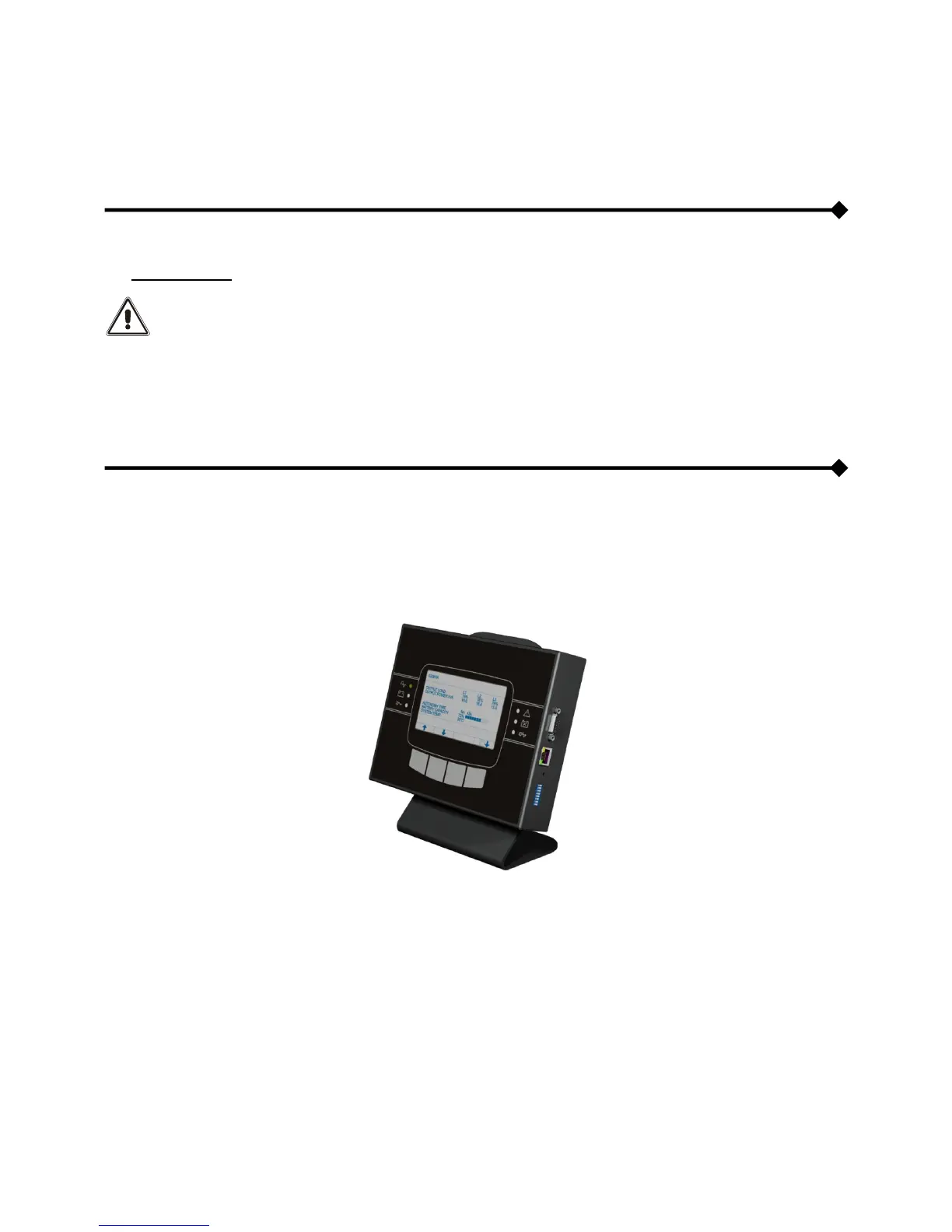
EMOTE SYNOPTIC PANEL
(
OPTIONAL
)
The remote synoptic panel allows remote monitoring of the UPS and therefore, ensures a detailed real-time overview of the
machine status. With this device, it is possible to keep the mains, the output and the battery measurements under control, and
detect any alarm. .
For further information regarding the connection and use of this device, please refer to its apposite manual.








 To Next Page