C
ONFIGURING THE
UPS
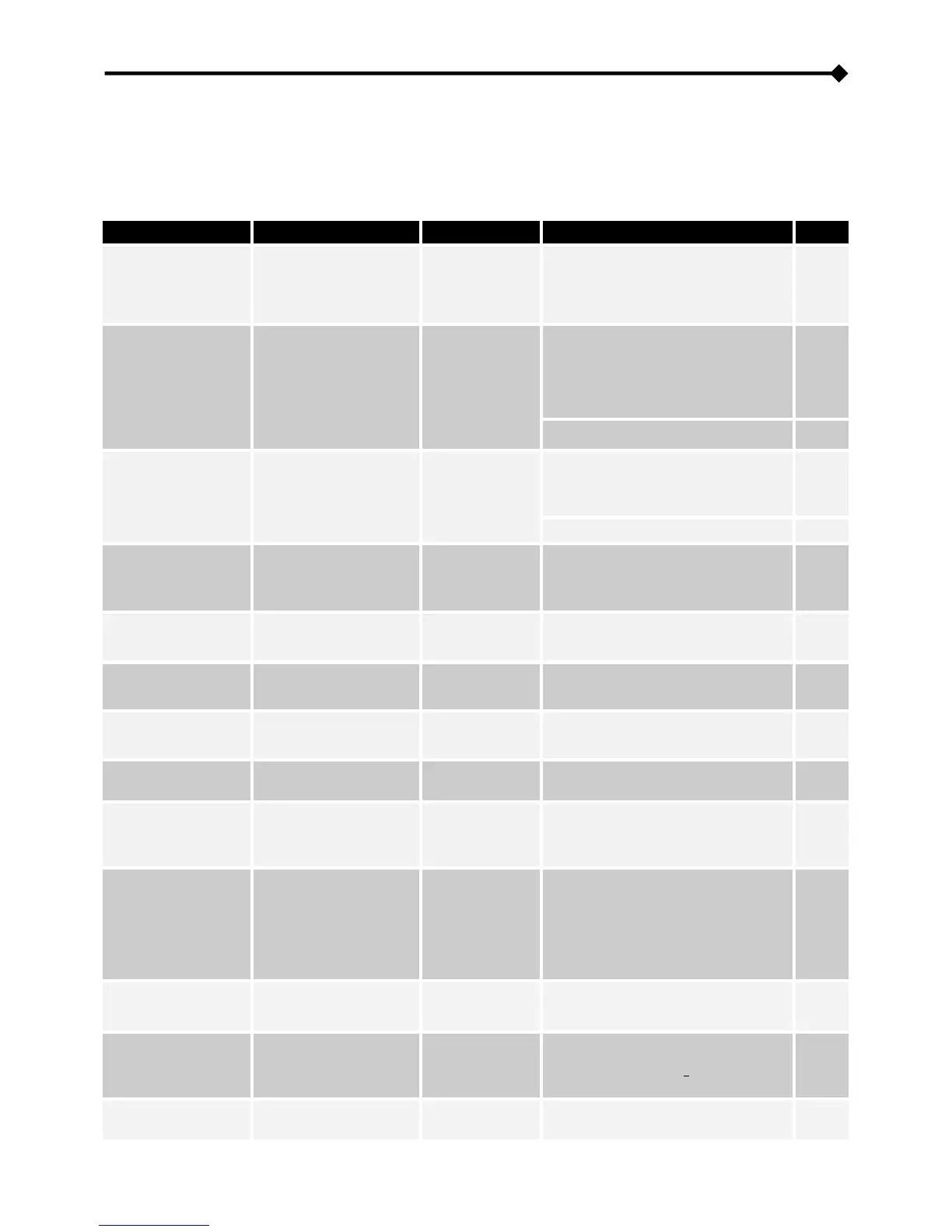
The following table shows all possible configurations available to tailor the UPS to your needs in the best way possible.
CP
(Control Panel) = Indicates that the configuration can be edited not only by the configuration software but also using the
control panel (if function editing is enabled on the panel).
SW
(Software) = Indicates that the configuration can be changed from the configuration software only.
FUNCTION DESCRIPTION DEFAULT POSSIBLE CONFIGURATIONS MOD.
Output frequency
Selecting the rated output
frequency
(for the setting to be
active, turn the UPS off
then back on)
50 Hz
• 50 Hz
• 60 Hz
CP
Output Voltage
Selects nominal
Output voltage
(Phase / Neutral)
230V
• 200V *
• 208V *
• 220V
• 230V
• 240V
CP
• 220 ÷ 240 in steps of 1V
SW
Operating Mode
Selects one of the 5
operating modes
ON LINE
• ON LINE
• ECO
• SMART ACTIVE
• STAND-BY OFF
CP
• FREQUENCY CONVERTER
SW
Power off due to
minimum load
Automatically switches off
the UPS in battery
operation when the load
is less than 5%
Disabled
• Enabled
• Disabled
CP
Autonomy
limitation
Sets the maximum time of
battery operation
Disabled
• Disabled (complete battery
discharge)
• 1 ÷ 65000 in steps of 1 sec.
SW
Low battery
pre-alarm
Sets the estimated
autonomy time left for low
battery warning
3 min.
1 ÷ 255 in steps of 1 min.
(1 to 7 min from the panel)
SW
Battery test
Sets the interval of time
for the automatic
battery test
40 hours
• Disabled/Enabled (from the panel)
• 1 ÷ 1000 in steps of 1 hour
SW
Maximum load
alarm threshold
Selects the user
overload limit
Disabled
• Disabled
• 0 ÷ 103 in steps of 1%
SW
Sound alarm
Selects the operating
mode of the sound
alarm
Reduced
• Normal
• Reduced: does not sound because
of momentary intervention
of the bypass
CP
Auxiliary socket
(power share)
Selects the operating
mode of the auxiliary
socket
Always
connected
• Always connected
• Disconnected after n seconds of
battery operation
• Disconnected after n seconds from
the end-of-discharge alarm signal
• ... (see configuration software
manual)
SW
Battery expansion
Sets the Ah installed
(external battery
extension)
0 Ah
Min.: 0 - Max.: 999
(in steps of 1 Ah)
CP
Language**
Selects the
display language
English
• English
• Italian
• German
• French
• Spanish
• Polish
• Russian
• Chinese
CP
Date and time
Sets the date and time -- --
CP








 To Next Page