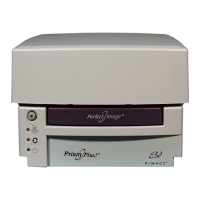
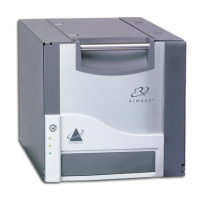
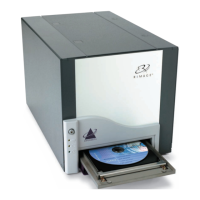
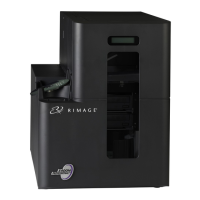
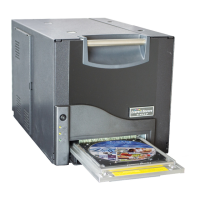
Rimage PrismPlus!
8 110635_I
able advanced printing
unchecked.
e.
operator button
iii. Inse
ab on the Rimage Perfect Image Printer Properties dialog box.
vi. Select Print Test Page. If the USB port selected is correct, a test image prints on the disc.
vii. If necessary, repeat steps i–v, this time changing the USB port selected.
- Important: If you try multiple USB ports before the test successfully prints, be sure to
delete the extra jobs in the print queue.
f. After successfully printing a test image, select OK. The Windows 2000/XP/Server 2003 driver
installation is complete.
ii. If your version of the PSS software is 7.3 or below, make sure the En
features box is
Verify the USB port selection:
i. Select the Ports tab.
Note: The USB port selected is the one that the driver will attempt to use. You will be
testing whether this port is the correct one for the printer.
ii. On the Prism printer, press the to open the tray.
rt a disc.
iv. Press the operator button to close the tray.
v. Select the General t


 To Next Page