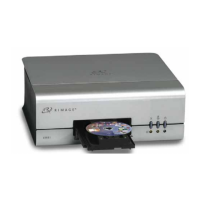
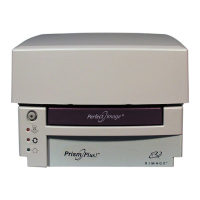
Rimage PrismPlus!
14 110635_I
4. Prepare the Prism for use.
a. Power off the Prism.
b. Reinstall the ribbon.
c. Replace the top cover.
Note: If the printing pad on the tray becomes wet, allow the printing pad to completely dry
before using the Prism.
d. Power on the Prism.
Clean the print head – alternate method
If a cleaning pad is not available, use the following cleaning procedure.
1. Prepare the Prism.
a. Power on the Prism.
b. To open the printer tray, press the operator button.
c. Power down the Prism.
d. Remove the top cover.
e. Remove the ribbon. Refer to
Changing the print ribbon on page 14.
2. Clean the print head.
- Important! Do not remove the print head.
a. Lightly soak a cotton swab in isopropyl alcohol.
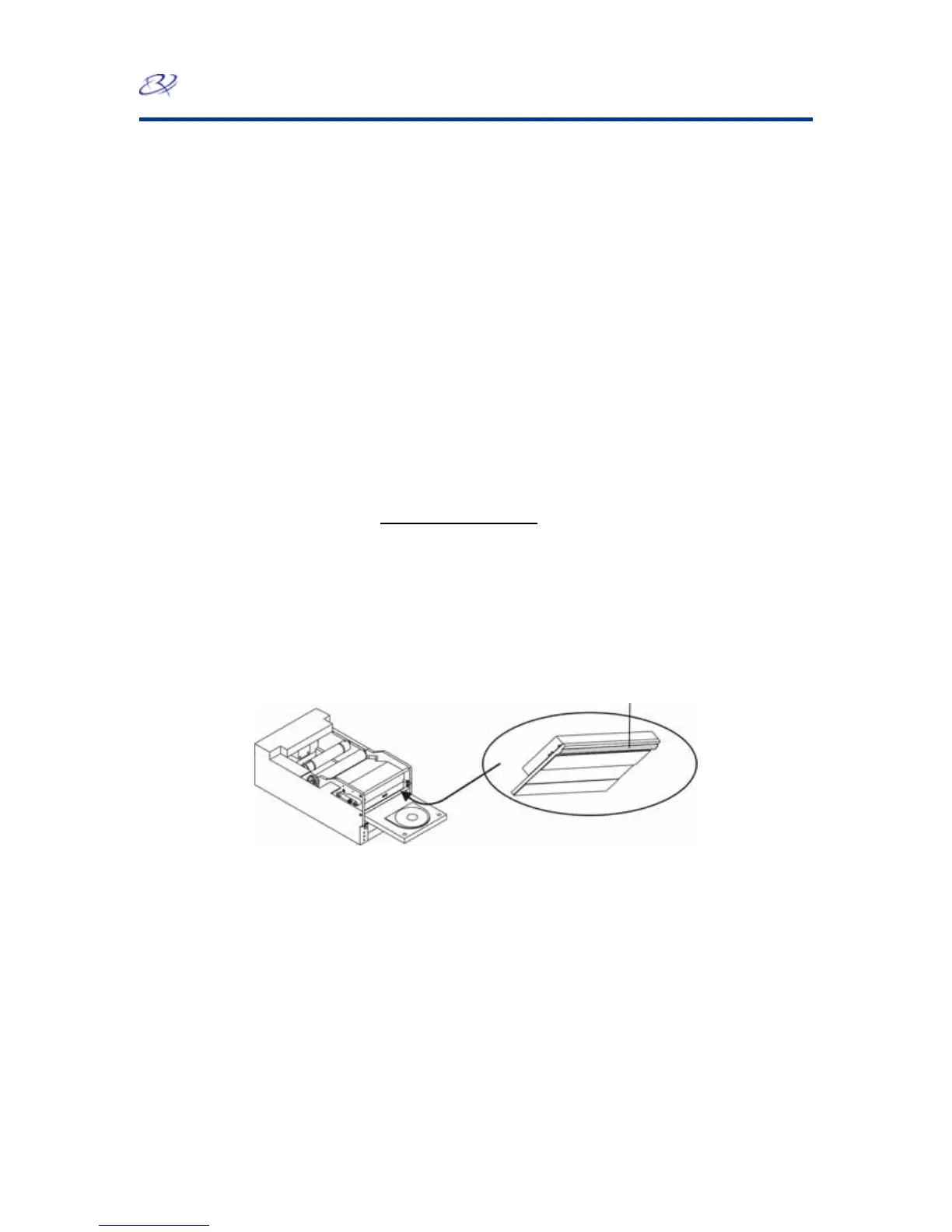
b. Insert the cotton swab in the drawer opening and lift the swab upward as you run the swab against
the print head elements.
3. int head dries, prepare the Prism for use.
After the alcohol on the pr
a. Replace the ribbon.
r. b. Replace the top cove
c. Power on the Prism.
Changing the Print Ribbon
climated to the new environment. Allow more time for greater temperature and/or humidity
s at -5°C (23°F) to 40°C (104°F) and at 30-80% relative humidity, non-condensing. Avoid
direct sunlight.
print head is still installed
Clean convex surface while
Bottom of print head shown
to illustrate elements to clean
Tip: If ribbons are stored in an environment much different from that of the printer, allow time for them
to become ac
differences.
Store the ribbon


 To Next Page