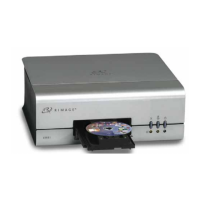
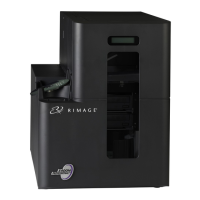
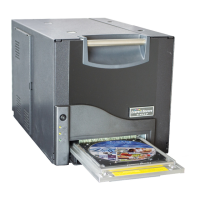
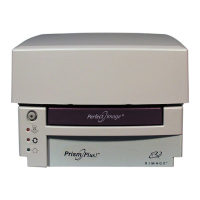
Rimage PrismPlus!
4 110635_I
Operating the Prism Printer
This section provides information about setting up a standalone printer, installing the printer driver, loading
discs, and setting up your printing preferences.
Setting Up a Standalone Printer
Use these procedures to step up a standalone Prism printer.
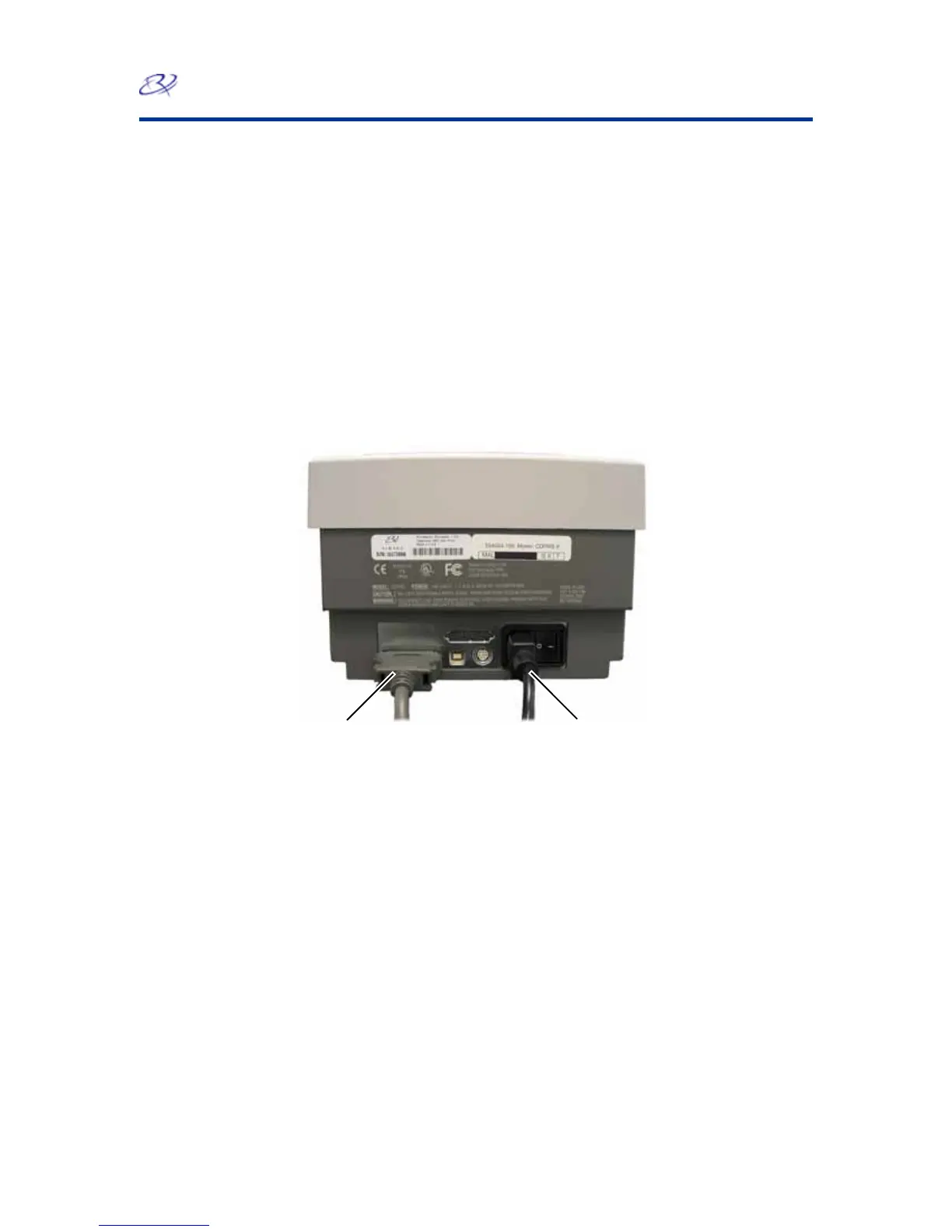
Connect the cables
1. Connect the parallel cable to the parallel cable connection at the back of the printer.
2. Connect the other end of the parallel cable to a parallel port on the back of the PC.
3. Connect the power cord to the printer.
4. Plug the power cord into a suitable electrical outlet.
Parallel Cable
Power Cord


 To Next Page