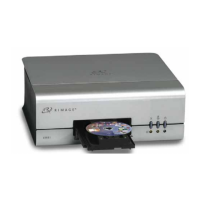
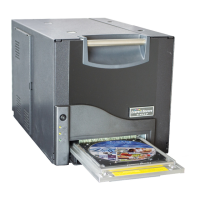
Operating the Prism Printer
Power on the printer
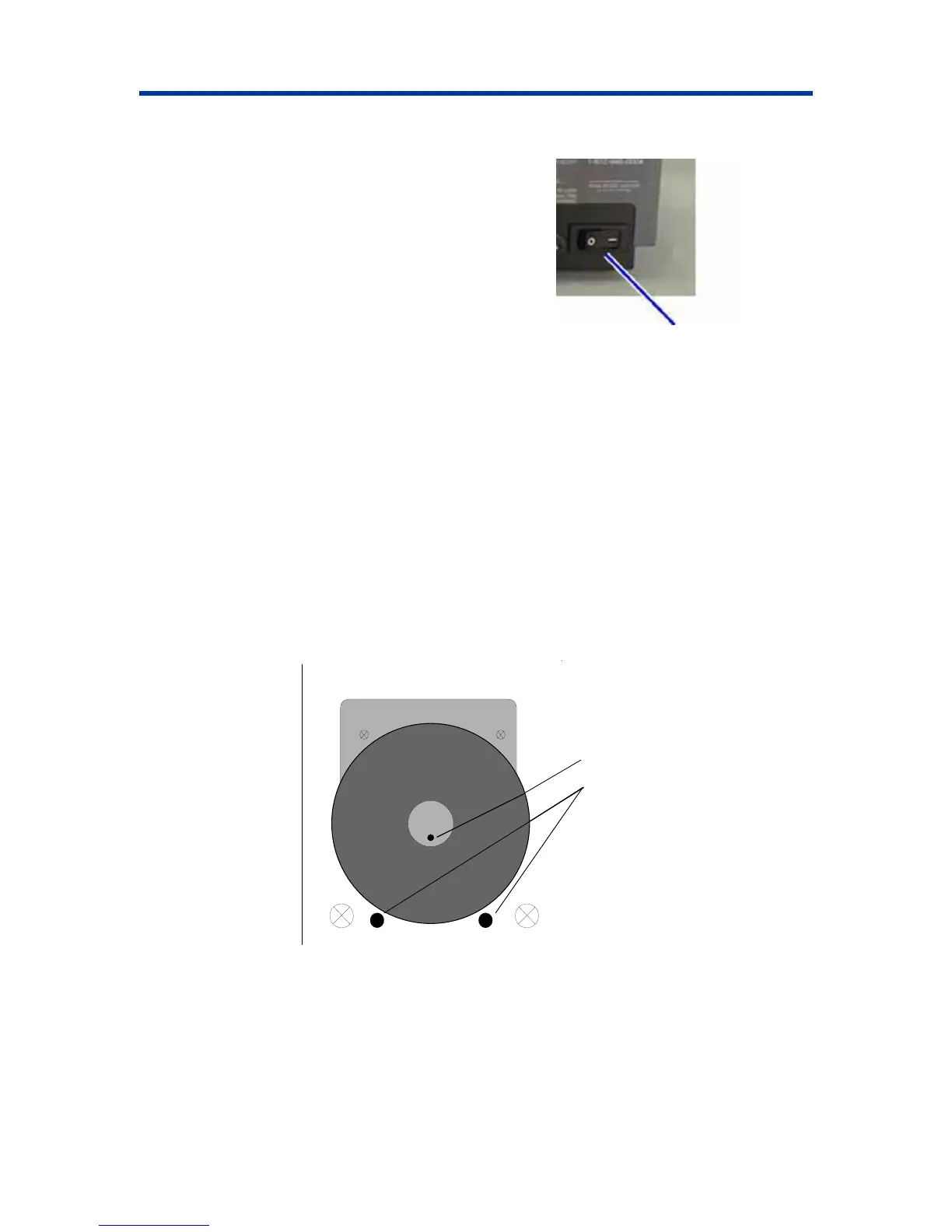
1. To power on the printer press the power switch
on the rear of the printer. The printer initializes.
2. To power off the printer press the power switch
again.
Power
Switch
Loading Discs
1. To open the printer tray, press the operator button.
2. Place one disc on the rubber pad between the two clamping pins and the centering pin.
- Important! Place the disc with the recording side facing down. The recording side has a stacking
ring close to the hub that you can feel with your fingers. If you insert a disc with the stacking ring
, you will damage the print head.
d
3. To close the printer tray, press the .
facing up
Notes:
If the disc is resting on the clamping pins, the printer tray will not close.
The print pad and plate vary between the standalone and the automated models. The automate
models have a hole through the center of the plate; the standalone model does not. All models
have a centering pin.
operator button
Centering Pin
Clamping Pins
110635_I 9


 To Next Page