Why can’t I find the
temporary Ring network
on my phone?
Sometimes your phone fails to pick up the
temporary Ring network. If this happens, go
to your phone settings, turn off your Wi-Fi
connection, wait 30 seconds and turn it
back on.
If the Ring network still fails to appear,
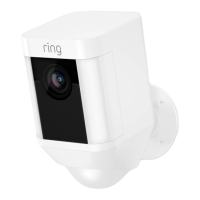
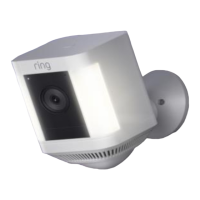
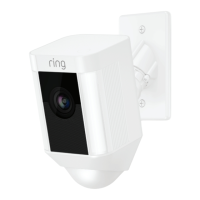
ensure that your Spotlight Cam has at
least one battery inserted, and that it’s fully
charged.
If none of the above helped…
Perform a hard reset on your Spotlight Cam
by holding down the setup button for 15
seconds, waiting 30 seconds and repeating
the setup process.
If that didn’t help…
Turn off cellular data and Bluetooth on your
mobile device and try the setup again. You
can re-enable them once setup is finished.
If that didn’t help…
Try performing the setup on a different
mobile device.
49


 To Next Page
 Loading...