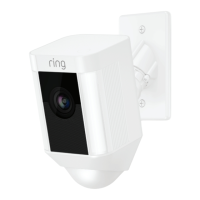
Why can’t visitors hear
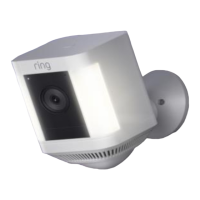
me on my Spotlight Cam
when I talk through the
app?
If you’re on an iPhone or iPad, check the
microphone permissions on your device.
Select Settings, find Ring and select
it. Lastly, make sure the switch next to
Microphone is toggled on.
If you’re on an Android device, go to
Settings > Application/Apps > Application
Manager > Ring > Permissions. Ensure
everything here is on.
Why is my video and/or
audio quality poor?
First, determine the cause. Remove your
Spotlight Cam and bring it inside near your
router. Open the Ring app, and press the
Live View button, or trigger a motion event
to see live video.
If you get good video quality near your
router, you need to extend your Wi-Fi signal.
We recommend Ring Chime Pro to boost
the signal to your Spotlight Cam.
50


 To Next Page
 Loading...