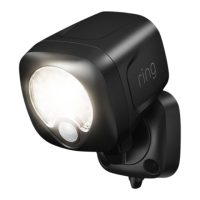
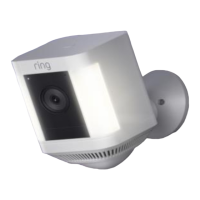
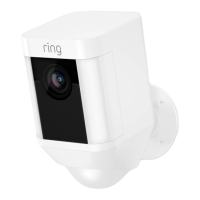
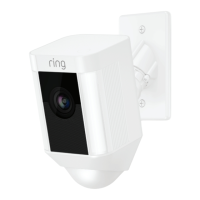
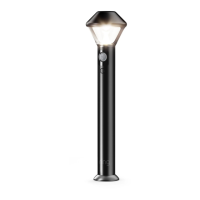
1. Set up your Spotlight.
Download the Ring app.
The app walks you through setting up and managing your
Ring Spotlight.
Search for “Ring” in one of these app stores, or visit:
ring.com/app
Set up your Ring Bridge.
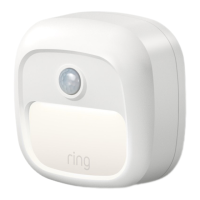
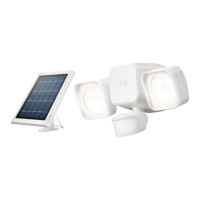
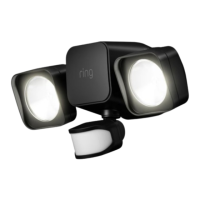
The Bridge connects your Ring Smart Lights to the Ring app
and the rest of your Ring devices.
To set up your Bridge, follow the instructions in the Ring app or
the Bridge user manual.
Download from
Windows Store
32





 To Next Page