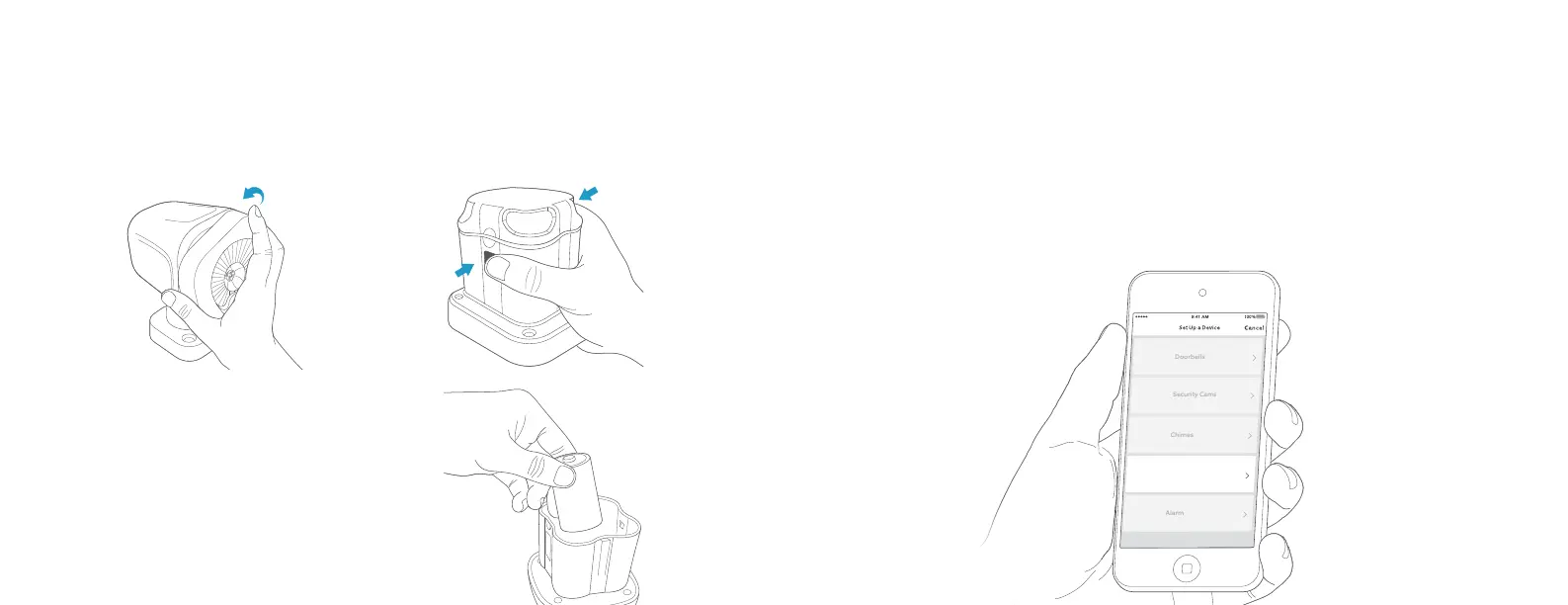
Insert four D Cell batteries
(not included), matching the
flat ends with the springs.
Line up the arrows on the
lid and compartment. Press
down to snap the lid back on.
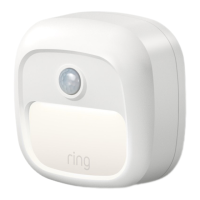
Smart Lights
Alarm
Doorbells
Security Cams
Chimes
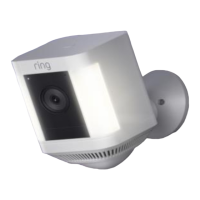
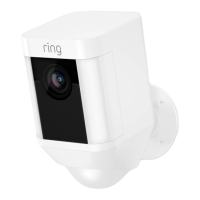
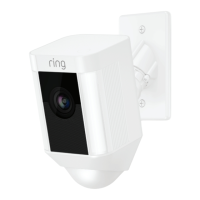
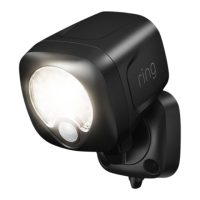
Set up your Spotlight in the Ring app.
In the app, tap Set Up a Device.
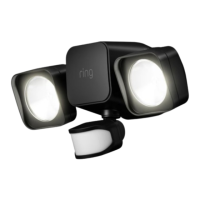
When prompted, select Smart Lights and follow the in-app
instructions.
Once setup is complete, you can replace the front of your
Spotlight.
Insert the batteries.
Twist and pull o the front of the light, then press the buttons
on the top and bottom of the battery compartment to open.
54





 To Next Page