KBP Series Manual 61
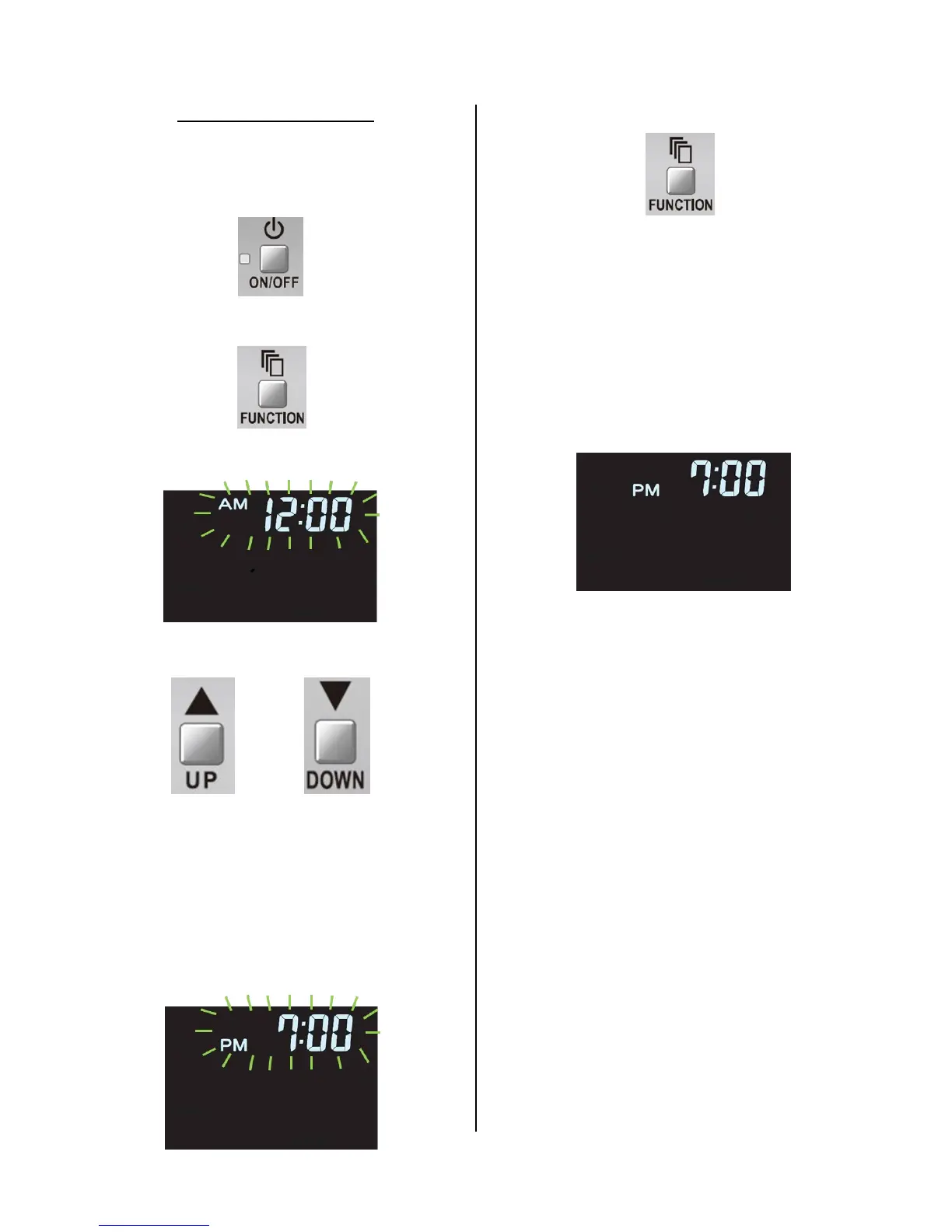
2. Press the “FUNCTION” buon while the controller
is “OFF”.
“AM 12:00” will be displayed ashing.
3. Press “UP” or “DOWN” buons to adjust the
current me.
The “UP” buon will move the minute forward,
while the “DOWN” buon will move the minute
backward.
Connuous pressing of either buon will change
the me by 10 minute intervals.
Pay close aenon to correctly set the AM vs
PM especially when the recirculaon mer
funcon is being ulized.
4. Press “FUNCTION” buon again.
The display will stop ashing and the seng mode
will be exited.
Remember that when the “FUNCTION” buon is
pressed while seng the me, the clock starts at 0
seconds allowing the me to be set as accurately
as possible.
Once the me is set, if the “FUNCTION” buon is
not pressed to exit the seng mode, the control-
ler will exit the mode automacally aer 1 minute.
Seng the Clock Time
The display will default to "AMPM--:--" when
the controller is powered on for the rst me.
1. Press the “ON/OFF” buon to turn the controller
“OFF”



 To Next Page
 Loading...